The Evolution of Cruise Control in Modern EVs and Hybrids
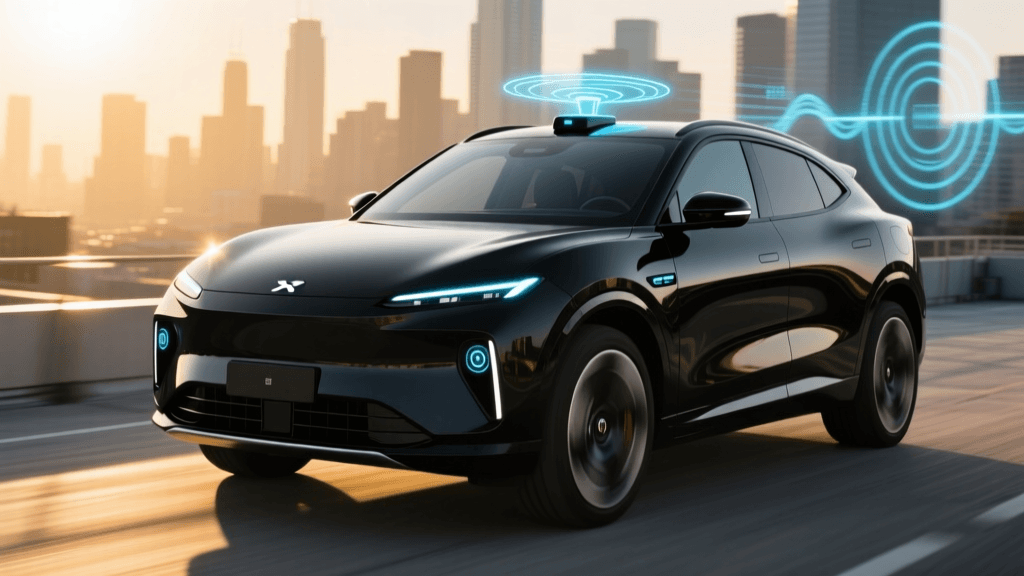
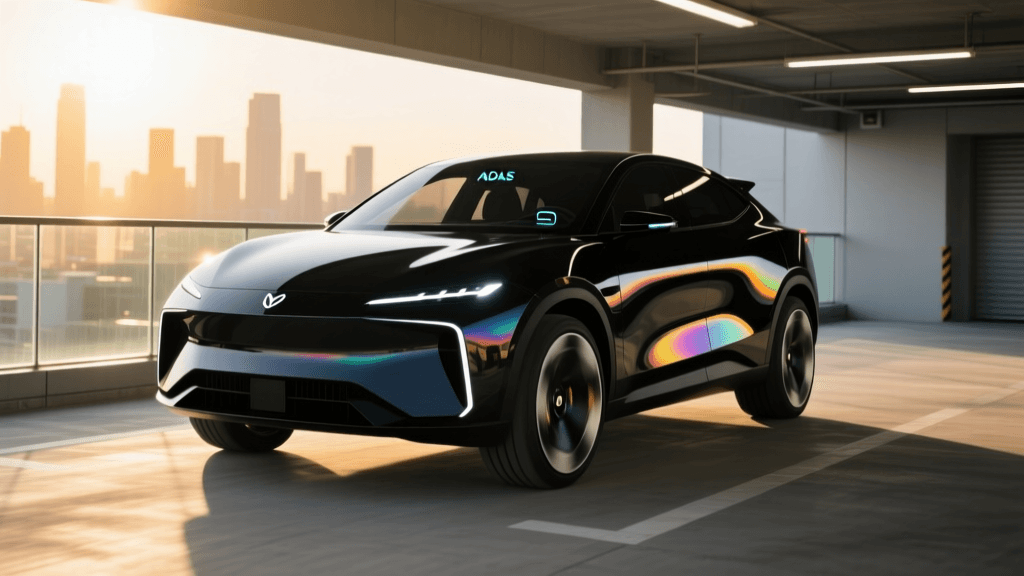
For decades, traditional cruise control was a simple, single-purpose tool: it maintained a set speed on open highways. However, the rise of electric vehicles (EVs), hybrids, and advanced driver assistance systems (ADAS) has transformed this basic feature into a sophisticated co-pilot. At the forefront of this evolution is Adaptive Cruise Control (ACC) with Stop-and-Go functionality, often branded as Low-Speed Follow or Traffic Jam Assist. According to the National Highway Traffic Safety Administration (NHTSA), ACC is designed to automatically adjust your vehicle's speed to maintain a safe following distance from the car ahead, significantly reducing driver fatigue in congested traffic.
For EV and hybrid owners, stop-and-go ACC is particularly valuable. By smoothing out acceleration and deceleration in heavy traffic, the system optimizes regenerative braking and minimizes the energy waste associated with aggressive human driving inputs. But how exactly does the vehicle manage to come to a complete halt and resume motion without driver intervention? This comprehensive how-to guide breaks down the hardware, software, and practical usage of stop-and-go adaptive cruise control.
Under the Hood: Radar, Cameras, and Sensor Fusion
To understand how stop-and-go ACC works, you must first understand the hardware perceiving the road. Modern systems rely on a combination of two primary sensors:
- Millimeter-Wave Radar: Typically mounted behind the front grille or lower bumper, this radar emits electromagnetic waves (usually at 77 GHz) that bounce off objects ahead. Radar is exceptional at measuring the exact distance and relative speed of the vehicle in front of you, and it operates flawlessly in heavy rain, fog, and darkness.
- Optical Cameras: Mounted behind the rearview mirror on the windshield, forward-facing cameras use machine vision algorithms to identify lane markings, vehicle types, and brake lights.
The magic happens through sensor fusion. The vehicle's central ADAS computer merges the raw distance data from the radar with the contextual object-recognition data from the camera. This fusion allows the car to distinguish between a slowing sedan and a harmless overhead bridge, ensuring smooth and accurate speed adjustments down to 0 mph.
Step-by-Step: How to Use Stop-and-Go ACC
While interfaces vary by manufacturer, the fundamental operation of stop-and-go ACC follows a universal sequence. Here is your step-by-step guide to engaging the system for your daily commute:
Step 1: Activation and Speed Setting
Press the 'Cruise' or 'Driver Assist' button on your steering wheel. Once the system is primed (usually indicated by a white or gray icon on your digital instrument cluster), accelerate to your desired speed and press 'Set' or pull the cruise control stalk downward. The icon will turn green or blue, indicating the system is now actively managing your throttle and brakes.
Step 2: Adjusting the Following Distance
Locate the 'Distance' or 'Gap' button on your steering wheel. You will typically have three to four bars of following distance to choose from. In fast-moving highway traffic, select the maximum gap (3 to 4 bars). In slow, congested stop-and-go traffic, reduce the gap to 1 or 2 bars to prevent other drivers from constantly cutting into your lane.
Step 3: The 'Stop' Phase
As traffic halts, the radar detects the deceleration of the lead vehicle. The ADAS computer commands the hydraulic brake pump to apply pressure, smoothly bringing your EV or hybrid to a complete stop. The system will then engage an 'Auto-Hold' function, keeping the brake calipers clamped without requiring you to keep your foot on the brake pedal.
Step 4: The 'Go' Phase (Resuming)
This is where OEM implementations differ. If the lead car moves within a specific time window (usually 3 to 10 seconds), your car will automatically resume following. If the stop lasts longer than this window, the system enters a 'Standby' state for safety reasons. To resume, you must either tap the accelerator pedal, press the 'Resume' button on the steering wheel, or pull the cruise stalk toward you.
The Mechanics of Holding and Resuming
Why do cars require a driver prompt after a long stop? The answer lies in safety protocols and thermal management. When a vehicle comes to a halt using the hydraulic brakes, the brake fluid and calipers can generate heat. To prevent overheating and to conserve battery power in EVs, the system transitions from active hydraulic braking to the electronic parking brake (EPB) or a specialized ABS hold valve after a few seconds of standing still.
Furthermore, the Insurance Institute for Highway Safety (IIHS) notes that prolonged stops increase the risk of driver inattention. By requiring a physical confirmation (a button press or pedal tap) to resume after an extended halt, the system forces the driver to verify that the intersection or highway ahead is clear, mitigating the risk of the car accelerating into a cross-traffic scenario that the forward-facing sensors cannot see.
Critical Limitations: When Stop-and-Go Fails
Despite rapid advancements, stop-and-go ACC is a Level 2 ADAS feature, meaning the driver must remain fully engaged. Understanding its limitations is crucial for safe operation:
- Aggressive Cut-Ins: If a vehicle merges sharply into your lane at a close distance, the radar may take 0.5 to 1.0 seconds to acquire the new target. In stop-and-go traffic, this delay can result in a harsh braking event or require manual intervention.
- Stationary Target Filtering: To prevent 'phantom braking' (slamming on the brakes for shadows or overhead signs), radar algorithms are programmed to ignore stationary objects when the vehicle is traveling above certain speeds. However, if traffic suddenly stops behind a blind curve, the system might fail to recognize the stationary lead car in time.
- Weather Interference: While radar penetrates fog, heavy snow or thick mud splashed onto the front grille sensor will blind the system. Similarly, cameras can be blinded by direct sun glare or heavy rain, causing the stop-and-go feature to disengage with a warning chime.
- Intersection Blind Spots: Stop-and-go ACC is designed for linear traffic flow. It will not detect cross-traffic, pedestrians stepping off curbs, or vehicles running red lights at intersections.
Brand Comparison: Who Executes Stop-and-Go Best?
Not all stop-and-go systems are created equal. The smoothness of the brake modulation, the maximum hold time before requiring a driver prompt, and the integration with Driver Monitoring Systems (DMS) vary wildly. Below is a comparison of leading industry implementations:
| Brand / System | Primary Sensor Suite | Max Stop Hold Time | Resume Method | Driver Monitoring |
|---|---|---|---|---|
| Tesla Autopilot | 8-Camera Vision (No Radar) | Indefinite | Auto / Tap Stalk | Steering Wheel Torque |
| Ford BlueCruise | Radar + Forward Camera | 30 Seconds | Button / Pedal Tap | Infrared Eye Tracking |
| GM Super Cruise | LiDAR Maps + Radar + Cam | Indefinite (on mapped roads) | Auto / Button | Infrared Eye Tracking |
| Toyota TSS 3.0 | Millimeter Radar + Camera | 3 to 5 Seconds | Button / Pedal Tap | Steering Wheel Torque |
| Hyundai HDA2 | Radar + Camera + LiDAR | 15 Seconds | Button / Pedal Tap | Capacitive Steering |
Systems utilizing infrared eye-tracking (like Ford and GM) generally allow for longer stop-hold times and more aggressive auto-resume features because the car is absolutely certain the driver is looking at the road. Systems relying on steering wheel torque sensors often require more frequent driver prompts to ensure the driver hasn't fallen asleep or used a steering wheel weight to cheat the system.
Expert Tips for Seamless Commuting
To get the most out of your vehicle's stop-and-go ACC, apply these practical techniques:
- Manage the Gap Dynamically: When approaching a known bottleneck or red light, manually increase your following distance gap. This gives the radar more time to calculate the deceleration curve, resulting in a much smoother, more comfortable stop that maximizes your EV's regenerative braking efficiency.
- Keep Sensors Clean: Make it a habit to wipe the front emblem/grille and the windshield camera housing every time you wash your car or clear off snow. A layer of road grime is the number one cause of unexpected ACC disengagements.
- Anticipate the Cut-Off: In heavy traffic, if you see a car in the adjacent lane inching forward with its turn signal on, be prepared to hover your foot over the brake pedal. The ADAS system will eventually react, but human anticipation can prevent the jarring 'panic brake' response.
- Use One-Pedal Driving Cautiously: In some EVs, enabling maximum one-pedal driving (regenerative braking) can interfere with the smoothness of ACC. If your stop-and-go system feels jerky, try switching the regenerative braking setting to 'Low' or 'Standard' and let the ADAS computer manage the friction brakes and regen blending.
Conclusion
Adaptive cruise control with stop-and-go is a transformative technology that turns the most tedious part of driving—traffic jams—into a relaxed, hands-on-the-wheel observation experience. By understanding the synergy between radar and cameras, respecting the system's physical limitations, and mastering the resume protocols, you can safely leverage this technology to reduce commute stress and optimize your vehicle's energy consumption. Always remember that while the car can manage the pedals, you remain the ultimate captain of the vessel.