Introduction: The New Era of Digital Wrenching
Owning an electric vehicle means trading oil changes and spark plugs for software updates, thermal management, and digital connectivity. When comparing two of the most popular electric crossovers on the market—the Chevy Blazer EV and the Ford Mustang Mach-E—prospective buyers often focus on range and horsepower. However, the true test of ownership lies in troubleshooting and problem-solving when things go wrong. Both vehicles are essentially rolling data centers, and diagnosing a 'fault' requires a completely different toolkit than a traditional internal combustion engine.
In this comprehensive troubleshooting guide, we break down the most common issues reported by owners of the Ultium-based Chevy Blazer EV and the GE1-platform Ford Mustang Mach-E. From infotainment blackouts and charging handshake failures to Bluetooth key latency and high-voltage battery diagnostics, here is your actionable problem-solving manual for these two EV heavyweights.
Infotainment and Software Glitches: Diagnosing the Digital Drivetrain
The most frequent troubleshooting scenarios for modern EVs rarely involve the drivetrain; they involve the screens. Both Chevy and Ford have faced software hurdles, but their architectures and reset procedures differ significantly.
Chevy Blazer EV: Ultium Software Growing Pains
The Blazer EV launched with a highly publicized software halt in early 2024 due to widespread infotainment and charging communication bugs. While over-the-air (OTA) updates have largely addressed the core stability issues, owners may still experience occasional screen freezes, radio dropouts, or blank instrument clusters.
- The Hard Reset: If your 11.3-inch central touchscreen becomes unresponsive, do not panic. Press and hold the power button on the volume knob (or the designated steering wheel mute/end-call button combination depending on your trim level) for 10 to 15 seconds until the screen goes black and the Chevrolet bowtie logo reappears.
- OTA Scheduling: Many Blazer EV software bugs are patched via OTA updates. If your system is acting erratically, navigate to Settings > Software Update and ensure your vehicle is set to download updates via Wi-Fi when parked at home. A pending update can sometimes cause background process conflicts.
Ford Mustang Mach-E: SYNC 4A Quirks
The Mach-E utilizes Ford's SYNC 4A system, displayed on a massive 15.5-inch portrait screen. While generally more mature than Chevy's initial Ultium software, Mach-E owners occasionally report GPS drift, phantom battery drains linked to the telematics control unit (TCU), and Apple CarPlay/Android Auto projection failures.
- The Master Reset: If your phone projection repeatedly drops or the screen lags, perform a Master Reset. Go to Settings > General > Master Reset. Note that this will wipe your saved driver profiles and paired devices, so have your Bluetooth credentials ready.
- TCU Phantom Drain: If you notice your 12V battery dying or excessive range loss while parked, the TCU may be failing to enter 'sleep mode.' Disconnecting the 12V battery for 5 minutes can force a TCU reboot, but a dealer-level firmware flash is often the permanent fix.
DC Fast Charging Handshake Failures
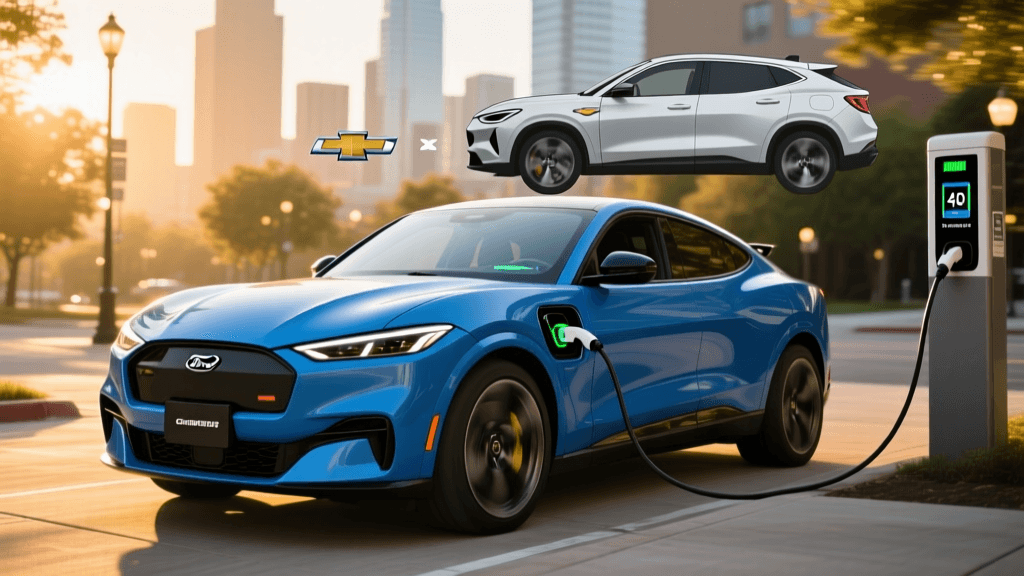
Nothing induces range anxiety quite like plugging into a DC Fast Charger and receiving a 'Charging Fault' error. Both crossovers utilize the CCS standard (with NACS transitions underway), but their physical connectors and software handshakes require specific troubleshooting techniques.
According to market data and owner feedback compiled by the Chevy Blazer EV resource center and Edmunds' Mustang Mach-E hub, charging network compatibility varies wildly based on stall age and software versions.
Blazer EV Charging Troubleshooting
The Blazer EV's charge port door is motorized and features a manual override release inside the trunk area if the motor fails. If a DCFC handshake fails:
- Check the Proximity Pilot Pin: The CCS plug must be seated perfectly straight. The Blazer's sensors are highly sensitive to ground-pin resistance. Lift the heavy charging cable slightly to relieve downward strain on the connector while the digital handshake occurs.
- Thermal Preconditioning: If charging speeds are throttled to under 50kW, ensure you routed to the charger via the native infotainment navigation. This triggers the Ultium battery's thermal management system to pre-warm the cells, a critical step often missed by new owners.
Mach-E Charging Troubleshooting
The Mach-E is known to be slightly pickier with older Electrify America stalls. If the screen displays 'Check Charge Port':
- The Latch Trick: Push the CCS connector in firmly until you hear the vehicle's internal contactor 'click.' If the click doesn't happen, pull the plug out slightly and re-seat it. The Mach-E requires a firm lock on the DC pins before closing the high-voltage circuit.
- Adapter Issues: If you are using a third-party NACS-to-CCS adapter, ensure it has an active thermal sensor. The Mach-E will abort a charging session immediately if the adapter's thermistor reports anomalous heat.
Phone-as-a-Key (PaaK) and Connectivity Latency
Both vehicles heavily promote the ability to leave your key fob at home and use your smartphone via Bluetooth Low Energy (BLE). However, PaaK is a frequent source of owner frustration.
- Ford Mach-E PaaK: If the Mach-E fails to unlock as you approach, the issue is often tied to the phone's background app restrictions. On iOS, ensure FordPass has 'Precise Location' enabled and Background App Refresh is active. On Android, disable battery optimization for the FordPass app. If all else fails, delete the digital key from the FordPass app, reset your phone's network settings, and re-pair from scratch.
- Chevy Blazer EV PaaK: The Blazer relies on the myChevrolet app. A common troubleshooting step for latency (standing at the door for 5+ seconds before it unlocks) is to recalibrate the phone's Bluetooth module. Toggle Bluetooth off and on, and ensure no other BLE devices (like smartwatches or wireless earbuds) are interfering with the vehicle's polling signal.
High-Voltage Battery and Recall Diagnostics
When it comes to the high-voltage (HV) battery and powertrain, troubleshooting shifts from DIY fixes to warranty claims and safety recalls. Safety data tracked by the National Highway Traffic Safety Administration (NHTSA) is essential for monitoring open recalls that affect vehicle operation.
The Mach-E Contactor Recall
The most significant HV issue for the Mach-E involved the high-voltage contactor—a heavy-duty relay that connects the battery to the motors. Under sustained wide-open throttle or repeated DC fast charging, early contactors could overheat and melt, leaving the vehicle stranded. Troubleshooting step: Enter your VIN on the NHTSA website or Ford's recall portal. If your vehicle is affected, Ford has issued an OTA software update that monitors contactor temperatures and preemptively limits power output to prevent melting, alongside a physical replacement of the contactor if damage has already occurred.
The Blazer EV Wireless BMS
The Blazer EV utilizes GM's innovative wireless Battery Management System (wBMS), which eliminates hundreds of wires inside the battery pack. While this reduces the chance of physical wiring harness chafing or corrosion, it means that if a battery module drops offline due to a localized RF interference or module failure, it cannot be diagnosed with a standard OBD2 scanner. Troubleshooting HV faults on the Blazer EV strictly requires a dealership equipped with GM's Tech 2 diagnostic suite to read the wireless mesh network logs.
Troubleshooting Quick Reference Table
| Issue | Chevy Blazer EV Solution | Ford Mustang Mach-E Solution |
|---|---|---|
| Infotainment Black Screen | Hold volume/power button for 15 seconds to force reboot. | Settings > General > Master Reset. |
| DCFC Handshake Failure | Lift cable to relieve ground-pin strain; check manual port override. | Reseat plug firmly to trigger contactor click; check adapter thermistor. |
| Phone-as-a-Key Latency | Disable conflicting BLE devices; toggle Bluetooth. | Enable Precise Location; disable OS battery optimization for FordPass. |
| Cold Weather Range Loss | Use 'Departure Time' in app to precondition via grid power. | Turn on 'Climate Preconditioning' in vehicle settings while plugged in. |
| High-Voltage Fault Code | Requires dealer Tech 2 tool to read wBMS wireless mesh logs. | Check NHTSA for contactor recall; apply OTA thermal protection patch. |
Range Degradation and Thermal Management
As the U.S. Department of Energy's Fuel Economy guide notes, lithium-ion batteries are highly sensitive to extreme temperatures, which can temporarily mimic severe battery degradation. If your Blazer EV or Mach-E is showing a massive drop in estimated range during winter, the battery is likely not permanently degraded; it is simply cold-soaked.
The Fix: Both vehicles require active preconditioning. Do not rely on simply turning on the cabin heater. You must use the respective mobile apps (myChevrolet or FordPass) to set a 'Scheduled Departure' while the vehicle is still plugged into your Level 2 home charger. This forces the high-voltage battery's liquid thermal loops to warm the cells using grid electricity rather than battery power, restoring normal regenerative braking capabilities and accurate range estimation.
Final Verdict: Which is Easier to Troubleshoot?
When comparing the Chevy Blazer EV and the Ford Mustang Mach-E from a troubleshooting perspective, the Ford Mustang Mach-E currently holds a slight edge for the DIY-minded owner. Ford's SYNC 4A system, while not perfect, offers more accessible master reset options, and the Mach-E's traditional wired BMS allows independent EV shops with advanced scanners to pull battery health logs more easily than GM's closed wireless ecosystem.
However, the Chevy Blazer EV benefits from the Ultium platform's robust physical engineering, such as the motorized charge port with a manual override and a highly resilient 12V battery management system that rarely suffers the phantom drains seen in early Mach-E models. Ultimately, successful troubleshooting in either vehicle relies less on mechanical skill and more on a willingness to master app settings, OTA update schedules, and the nuances of digital connectivity.