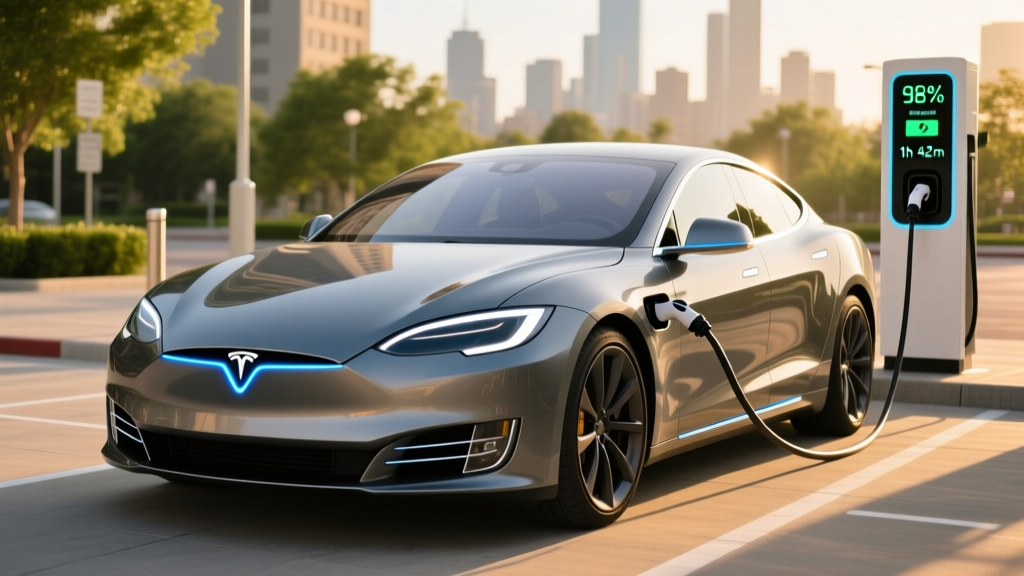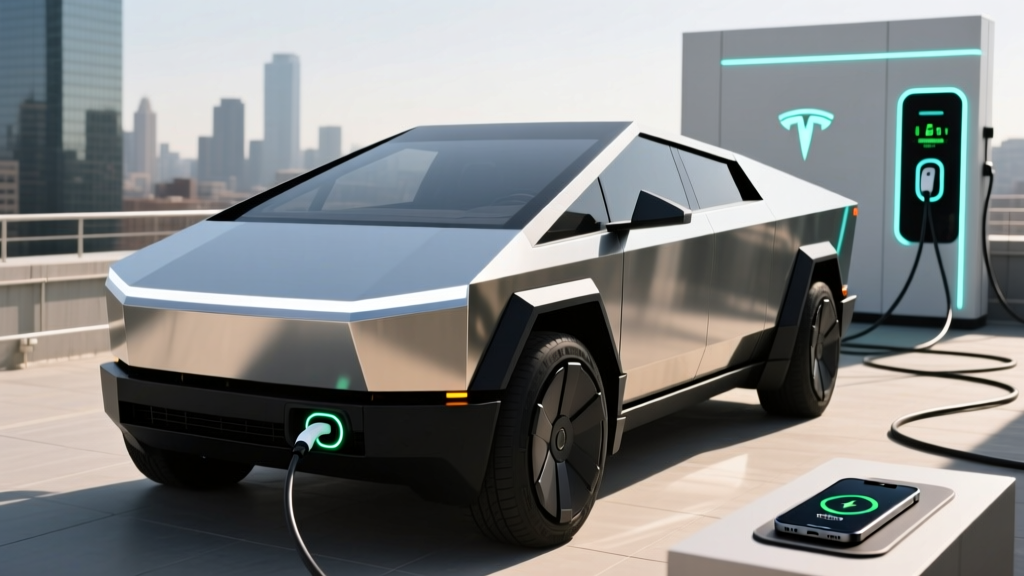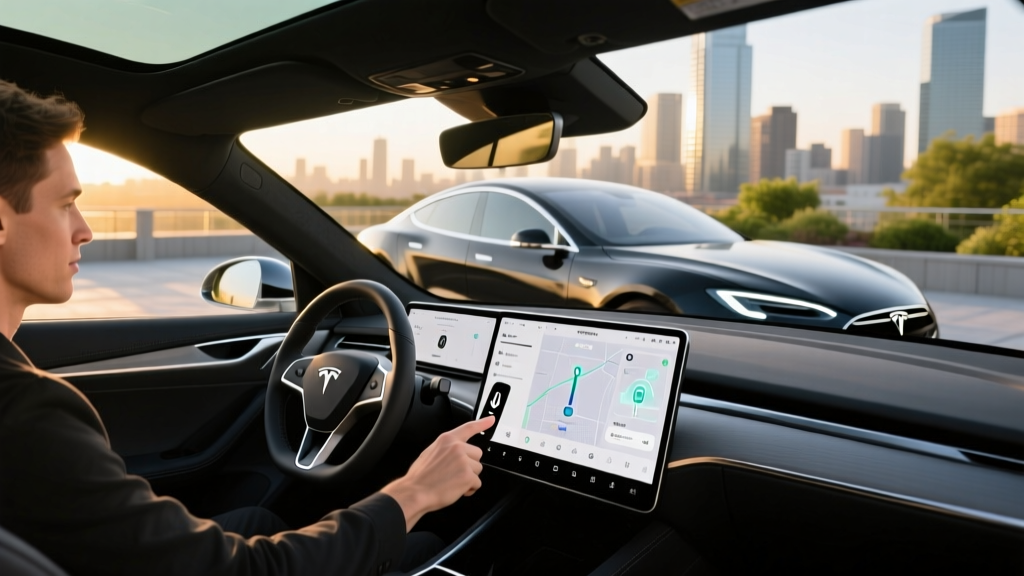
If you've browsed the Tesla app or configurator, you've likely seen the "Premium Connectivity" add-on and wondered whether it's a must-have or a nice-to-have. The short answer: Premium Connectivity unlocks data-heavy infotainment features that run over Tesla's built-in cellular connection — things like live traffic visualization, satellite maps, music streaming, and Sentry Mode live camera access. Without it, your Tesla still drives, navigates, and charges exactly the same way, but the screen experience gets noticeably leaner.
Below, we'll walk through every feature Premium Connectivity enables, what you lose without it, how much it costs, and whether it's worth the subscription across the current 2026 Tesla lineup. We'll also touch on the vehicles themselves — range, charging, pricing, and tax credit eligibility — so you have the full ownership picture.
Every Feature Premium Connectivity Unlocks
Tesla splits its connectivity into two tiers: Standard Connectivity (included with every vehicle at no extra cost) and Premium Connectivity (a paid subscription). Here's exactly what each tier provides:
| Feature | Standard (Free) | Premium ($9.99/mo or $99/yr) |
|---|---|---|
| Basic navigation & maps | ✓ | ✓ |
| Satellite-view maps | ✗ | ✓ |
| Live traffic visualization on map | ✗ | ✓ |
| Traffic-based routing (reroutes around congestion) | ✗ (reroutes silently) | ✓ (shows congestion on map) |
| Video streaming (Netflix, YouTube, Twitch, Disney+) | ✗ (Wi-Fi only) | ✓ (cellular + Wi-Fi) |
| Music streaming (Spotify, Tidal, etc. via car's connection) | ✗ (Wi-Fi or phone Bluetooth only) | ✓ |
| Caraoke (lyrics display over cellular) | ✗ (Wi-Fi only) | ✓ |
| Internet browser (full cellular data) | ✗ (Wi-Fi only) | ✓ |
| Sentry Mode live camera access via app | ✗ | ✓ |
| Dashcam live view via app | ✗ | ✓ |
| Over-the-air (OTA) software updates | ✓ (Wi-Fi required for most) | ✓ (cellular download available for some) |
What Standard Connectivity Still Gives You (For Free)
It's worth emphasizing what you don't lose by skipping Premium. Standard Connectivity includes:
- Full navigation — turn-by-turn directions, Supercharger routing, and ETA calculations all work without Premium.
- OTA updates — your Tesla still receives software updates; most large updates simply require a Wi-Fi connection to download.
- Mobile app remote features — climate control, lock/unlock, location tracking, and Summon all work over the car's basic cellular link.
- Phone-as-key and Bluetooth — unaffected entirely.
- Autopilot and FSD (Supervised) — these driver-assistance features do not require Premium Connectivity. They operate independently of the infotainment data plan.
For many owners, Standard Connectivity covers 90% of daily needs. The gap shows up most during charging stops (when you might want to stream video) and on unfamiliar routes (where seeing live traffic is genuinely useful).
Is Premium Connectivity Worth $9.99 a Month?
At $9.99/month or $99/year (saving roughly $20 annually), the value calculation depends on your usage patterns:
Worth it if…
- You frequently charge at public DC fast chargers and want in-car entertainment (Netflix, YouTube) during 20-30 minute stops
- You commute in heavy traffic and value seeing congestion visually on the map
- You use Sentry Mode regularly and want live camera access from your phone
- You don't always have reliable phone data for Bluetooth tethering
- You want Spotify or Tidal streaming without using your phone's data plan
Skip it if…
- You primarily charge at home and rarely sit in the car while plugged in
- You're fine tethering your phone's hotspot for occasional streaming
- You use Apple Music or Android Auto-style phone mirroring for audio
- You mostly drive familiar routes where traffic visualization adds little
- You're budget-conscious and want to minimize recurring EV ownership costs
Tesla Premium Connectivity Across the 2026 Lineup
Premium Connectivity works identically across all current Tesla models. The feature set doesn't change whether you drive a Model 3 or a Model X. What does change is the vehicle itself. Here's a quick-reference spec table for the 2026 lineup so you can contextualize the subscription cost against the vehicle price:
| Spec | Model 3 Long Range AWD | Model Y Long Range AWD | Model S Long Range | Model X Long Range |
|---|---|---|---|---|
| EPA Range | 363 mi | 320 mi | 402 mi | 335 mi |
| Battery (usable, est.) | ~75 kWh (LFP option) / ~82 kWh (NMC) | ~75 kWh (LFP) / ~82 kWh (NMC) | ~100 kWh (NMC) | ~100 kWh (NMC) |
| Peak DC Fast Charge | 250 kW | 250 kW | 250 kW | 250 kW |
| 10–80% DC Time | ~25 min | ~27 min | ~30 min | ~31 min |
| Level 2 Home Rate | 11.5 kW (~44 mi/hr) | 11.5 kW (~44 mi/hr) | 11.5 kW (~34 mi/hr) | 11.5 kW (~30 mi/hr) |
| 0–60 mph | 4.2 sec | 4.8 sec | 3.1 sec | 3.8 sec |
| Horsepower | 346 hp | 384 hp | 670 hp | 670 hp |
| Drivetrain | Dual-Motor AWD | Dual-Motor AWD | Dual-Motor AWD | Dual-Motor AWD |
| MPGe (combined) | 134 MPGe | 122 MPGe | 120 MPGe | 109 MPGe |
| Efficiency | 25 kWh/100mi | 28 kWh/100mi | 28 kWh/100mi | 32 kWh/100mi |
| Cargo (rear seats up) | 23 cu ft | 30 cu ft | 28 cu ft | 88 cu ft (seats folded) |
| Base MSRP | $47,740 | $48,990 | $84,990 | $89,990 |
| Battery Warranty | 8 yr / 120,000 mi | 8 yr / 120,000 mi | 8 yr / 150,000 mi | 8 yr / 150,000 mi |
Sources: fueleconomy.gov, Tesla Owner's Manual
Federal Tax Credit Eligibility (§30D) for 2026 Tesla Models
The IRS §30D federal EV tax credit offers up to $7,500 for qualifying new EVs, but eligibility depends on multiple factors that shift periodically. Here's how the current Tesla lineup stands:
| Requirement | Model 3 | Model Y | Model S | Model X |
|---|---|---|---|---|
| MSRP Cap (SUVs/vans: $80K; sedans: $55K) | ✓ (under $55K cap) | ✓ (under $80K SUV cap) | ✗ (exceeds $55K sedan cap) | ✗ (exceeds $80K SUV cap) |
| Buyer Income Cap (joint: $300K; individual: $150K) | Varies by buyer | Varies by buyer | Varies by buyer | Varies by buyer |
| Battery Component Sourcing (§30D half-credit) | Varies by build date — confirm at purchase | Varies by build date — confirm at purchase | N/A (MSRP disqualified) | N/A (MSRP disqualified) |
| Critical Minerals Sourcing (§30D half-credit) | Varies — confirm at purchase | Varies — confirm at purchase | N/A | N/A |
| Point-of-Sale Transfer Available | ✓ (if eligible) | ✓ (if eligible) | N/A | N/A |
| Max Potential Credit | Up to $7,500 | Up to $7,500 | $0 | $0 |
Charging Speed Deep Dive: What to Actually Expect
Charging speed is one of the most misunderstood specs in EV ownership. The "250 kW peak" figure Tesla advertises is exactly that — a peak, not a sustained rate. Here's what a real DC fast-charging session looks like:
| State of Charge (SoC) | Approx. Charge Rate | Cumulative Time from 10% |
|---|---|---|
| 10–30% | 200–250 kW (peak) | ~7 minutes |
| 30–50% | 150–200 kW | ~13 minutes |
| 50–70% | 100–150 kW | ~19 minutes |
| 70–80% | 60–100 kW (tapering) | ~25 minutes |
| 80–90% | 30–50 kW (significant taper) | ~35 minutes |
| 90–100% | 10–20 kW (trickle) | ~50+ minutes |
The 10–80% time of roughly 25 minutes is the practical "road trip refill" benchmark. Charging beyond 80% slows dramatically — a physics constraint of lithium-ion cells, not a Tesla-specific limitation. On road trips, the optimal strategy is to charge to 80% and drive on, rather than waiting for a full battery.
Home Level 2 charging at 11.5 kW (48-amp circuit, requiring a 60-amp breaker) adds approximately 44 miles of range per hour in the Model 3 — enough to fully replenish overnight for virtually any daily commute. Installation costs for a Level 2 home charger typically range from $500 to $2,000 depending on electrical panel proximity and local permit requirements.
Pros, Cons, and the Bottom Line
Tesla Premium Connectivity Pros
- Satellite maps make unfamiliar routes far easier to read
- Live traffic overlay gives visual context for routing decisions
- Video streaming fills 20–30 min DC fast-charge stops productively
- Sentry Mode live view adds genuine security value when parked remotely
- No-contract monthly option — cancel anytime
- Annual plan saves ~$20 vs. monthly
Tesla Premium Connectivity Cons
- $120/year is a recurring cost on top of insurance, registration, and electricity
- Most music streaming can be replicated via Bluetooth from your phone for free
- OTA updates still require Wi-Fi for large downloads in most cases
- Standard Connectivity already handles navigation and traffic rerouting silently
- Some features (browser, Caraoke) are novelty items that see infrequent use
- No family-sharing or multi-vehicle discount available
Who Should Subscribe — and Who Shouldn't
Subscribe if: You road-trip frequently and spend time at Superchargers, you park in areas where Sentry Mode live monitoring provides peace of mind, or you simply prefer the richer map experience with satellite imagery and visible traffic.
Skip it if: You charge at home overnight 95% of the time, your commute is predictable, and you're comfortable using your phone's hotspot for the rare occasion you want to stream video in the car. Standard Connectivity handles everything safety- and navigation-critical without the subscription.
Frequently Asked Questions
Does Premium Connectivity affect Autopilot or FSD (Supervised)?
No. Autopilot and FSD (Supervised) are SAE Level 2 driver-assistance systems that operate independently of the connectivity tier. They use onboard cameras and neural networks, not cloud data, for real-time driving decisions. Premium Connectivity is purely an infotainment and remote-access feature.
Can I use my phone's hotspot instead of Premium Connectivity?
Yes. You can tether your phone's Wi-Fi hotspot to your Tesla and access video streaming, the browser, and music streaming without a Premium subscription. The tradeoff is the inconvenience of enabling the hotspot each time and consuming your phone's cellular data plan. If your phone plan includes generous hotspot data, this is a viable free alternative.
Does Premium Connectivity work in areas with poor cell coverage?
>Premium Connectivity relies on the same cellular networks as your phone. In rural areas or dead zones, features like satellite maps, live traffic, and streaming will not function regardless of subscription status. Tesla uses LTE/5G modems that roam across major carriers, but coverage is ultimately limited by local infrastructure.How do I subscribe or cancel?
Open the Tesla app, tap your vehicle, select "Upgrades," and choose Premium Connectivity. You can subscribe monthly ($9.99) or annually ($99). Cancellation takes effect at the end of your current billing period — there are no cancellation fees or contracts.
Is Premium Connectivity included with FSD purchase?
No. FSD (Supervised) and Premium Connectivity are separate products with separate subscriptions. Purchasing or subscribing to FSD does not include Premium Connectivity, and vice versa.
Do used Teslas come with Premium Connectivity?
Not automatically. Tesla previously included multi-year Premium Connectivity with certain vehicle purchases (e.g., Model S and Model X ordered before a certain date received "lifetime" Premium). For used vehicles, check the Tesla app or the vehicle's Software menu to see if a Premium Connectivity transfer or trial is included. Otherwise, you'll need to subscribe separately.