The Appeal and Reality of Free Retail EV Charging
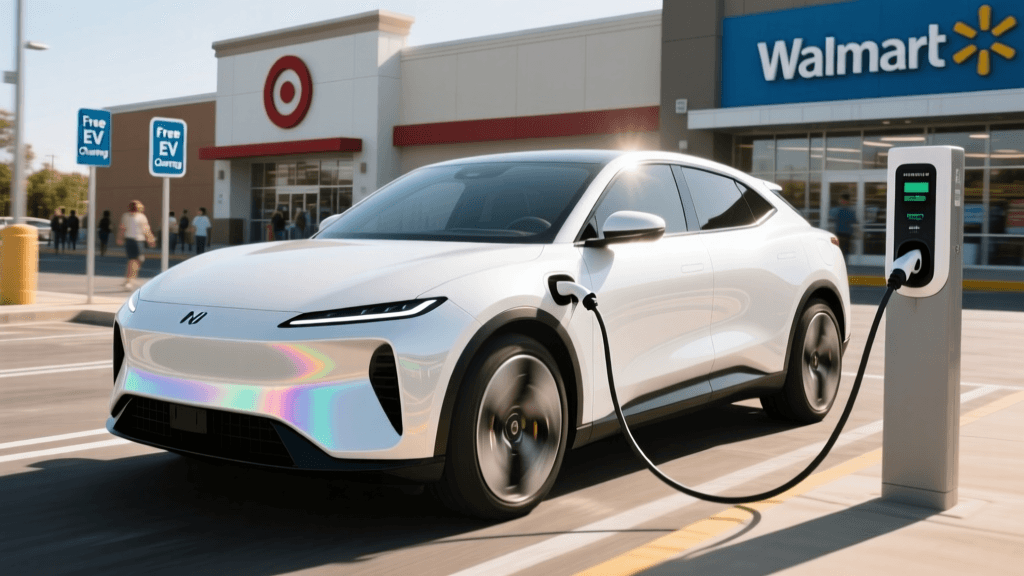
For electric vehicle owners, the promise of free EV charging at retail locations sounds like the ultimate win-win. You pull into a Target, Walmart, Whole Foods, or Simon Mall, plug in your vehicle, and head inside to run errands or grab a coffee while your battery replenishes at zero cost. Retailers benefit from increased foot traffic and longer dwell times, while EV drivers save money on their daily commutes. However, the reality of relying on free retail charging stations nationwide is often fraught with friction.
Unlike dedicated, paid charging hubs maintained by specialized networks, retail chargers are frequently subjected to high turnover, shopping cart collisions, vandalism, and a lack of dedicated on-site technical support. When you arrive at a grocery store parking lot only to find a black screen, a broken connector, or a gas-powered vehicle blocking the spot, you need a troubleshooting mindset. This comprehensive guide will walk you through the most common problems associated with free retail EV chargers and provide actionable, step-by-step solutions to get you back on the road.
Hardware Troubleshooting: Physical Failures at High-Traffic Sites
Retail parking lots are chaotic environments. Charging cables are dragged across asphalt, connectors are dropped in puddles, and screens are exposed to extreme weather and errant shopping carts. When you arrive at a free Level 2 or DC Fast Charger at a retail site and the hardware seems dead, follow these troubleshooting steps:
1. Inspect the Connector and Pins
The CCS (Combined Charging System) and NACS (North American Charging Standard) connectors are精密 pieces of engineering, but they are not immune to debris. If the plug refuses to latch into your vehicle's charge port, do not force it. Use your phone's flashlight to inspect both the charger's connector and your car's port. Look for compacted dirt, crushed leaves, or even melted plastic from previous users forcing damaged plugs. Solution: Keep a dry microfiber cloth and a wooden toothpick in your glovebox. Gently clear debris from the communication pins. Never use liquid cleaners or compressed air, as moisture can trigger the charger's internal ground-fault interrupters, permanently disabling the unit until a technician resets it.
2. The 'Dead Screen' Dilemma
Many free retail chargers, particularly older ad-supported Volta stations (now part of Shell Recharge Solutions) or Blink networks, rely on large digital screens. If the screen is completely black, the station may have tripped a breaker or suffered a power surge. Solution: Look for a physical RFID reader or a QR code on the side or back of the unit. Many modern networks allow you to bypass the main screen entirely by tapping your registered RFID card or scanning the QR code with your smartphone to initiate the session. If the unit is completely unresponsive, check the emergency stop button (E-Stop); well-meaning shoppers sometimes press these red buttons thinking they are for turning the machine on.
Software Glitches: When the 'Free' App Fails
Even when a charger is advertised as free, you often need to authenticate via a network app (like ChargePoint, EVgo, or Shell Recharge) to start the session. Retail locations, especially those with underground parking garages or massive concrete superstructures, are notorious for cellular dead zones. This affects both your phone's ability to load the app and the charger's internal cellular modem, which must perform a 'handshake' with the network server to authorize the free session.
- Toggle Airplane Mode: If the app is stuck on 'Connecting to Station,' force-close the app, toggle your phone's Airplane Mode on for 10 seconds, and turn it off. This forces your phone to reconnect to the nearest cell tower, potentially bypassing a congested local node.
- Use Native Vehicle Integration: If you drive a Tesla, Rivian, GM, or Ford with native network integrations, attempt to initiate the session directly from your vehicle's infotainment screen. The car's external antennas are often much stronger than a smartphone's internal antenna and can push the authorization signal through concrete interference.
- The RFID Backup: Always carry physical RFID cards for the major networks in your center console. An RFID tap communicates locally with the charger via near-field communication (NFC), bypassing the need for an immediate cellular handshake to start the flow of electricity.
The 'ICEing' Problem and Space Management
'ICEing' occurs when an Internal Combustion Engine (ICE) vehicle parks in a designated EV charging spot. At busy retail locations like Walmart or Trader Joe's, parking enforcement is rarely a priority for store management, making ICEing a massive headache for EV drivers.
Troubleshooting the Situation: Never engage in confrontations or leave aggressive notes, as this can escalate to property damage or unsafe situations. Instead, take a photo of the vehicle and the license plate. Open your charging network app (or PlugShare) and leave a recent 'Check-In' noting that the spot is blocked. This provides real-time data to other EV drivers who might be routing to that location. Next, take the photo to the store's customer service desk. Politely inform the manager that a customer is blocking an accessibility or designated service amenity, and ask if they can make a PA announcement. While not guaranteed to work, it is the safest and most effective escalation method.
Troubleshooting Quick-Reference Chart
| Issue Encountered | Probable Root Cause | Immediate Action / Fix | Escalation Step |
|---|---|---|---|
| Plug won't latch into vehicle port | Debris in CCS/NACS pins or bent latch | Inspect with flashlight; clear debris with wooden pick | Report broken connector via network app |
| App stuck on 'Initializing Session' | Cellular dead zone in concrete garage | Toggle Airplane mode; use physical RFID card | Move vehicle to an outer-lot charger |
| Charger screen is completely black | Tripped breaker or pressed E-Stop | Check for pushed-in red E-Stop button; pull to release | Notify store management to check electrical panel |
| Session ends abruptly at 30 minutes | Retailer enforced time-limit to increase turnover | Check charger wrap decals for posted time limits | Unplug and move car to avoid idle fees |
| Gas vehicle blocking the EV spot | ICEing (lack of parking enforcement) | Leave PlugShare check-in warning others | Ask store customer service for a PA announcement |
Navigating Hidden Time Limits and Idle Fees
One of the most common troubleshooting scenarios at retail locations is the shock of an unexpected fee. While the electrons might be free, the time is not. Retailers subsidize these chargers to encourage shopping, not to provide free all-day parking for commuters. Many free Level 2 chargers enforce strict 30, 60, or 120-minute limits. Furthermore, networks like Electrify America and EVgo may waive the per-kWh fee for specific retail partners but will still aggressively enforce per-minute idle fees if your car remains plugged in after reaching a full charge or a time limit.
The Fix: Before you walk into the store, read the fine print on the charger's vinyl wrap. Look for terms like 'Max 60 Min Session' or 'Idle Fee: $0.40/min after 5 mins.' Set a timer on your smartphone or smartwatch for 5 minutes before the posted limit. This gives you a buffer to finish your checkout and return to the vehicle, ensuring you avoid punitive idle fees and maintain good EV etiquette for the next shopper waiting for a spot.
Proactive Planning: Verifying Retail Chargers Before You Drive
The best way to troubleshoot a broken retail charger is to avoid driving to one in the first place. According to the U.S. Department of Energy's Alternative Fuels Data Center (AFDC), the public charging infrastructure is growing rapidly, but uptime and maintenance remain inconsistent across different retail partnerships. Relying solely on your vehicle's native navigation system can sometimes lead you to a charger that has been offline for weeks.
To solve this, adopt a multi-app verification strategy:
- PlugShare: Filter for 'Free' and 'Level 2' or 'DC Fast'. Crucially, sort by 'Recent Check-Ins'. If the last successful check-in was more than a month ago, or if recent users have uploaded photos of a damaged screen, reroute to a paid hub.
- Network Apps: Open the specific network app (e.g., ChargePoint or Shell Recharge) and check the real-time status indicator. A green dot means online; a red dot or 'Offline' tag saves you a wasted trip.
The Department of Energy's Electric Vehicle Infrastructure Hub emphasizes that proactive route planning and utilizing community-sourced data are essential best practices for seamless EV ownership, especially when relying on decentralized retail charging.
When to Abandon the Session and Escalate
Part of troubleshooting is knowing when to cut your losses. If you have spent more than 10 minutes inspecting pins, rebooting apps, and searching for a manager to reset a breaker, it is time to abandon the retail charger. Unplug your vehicle (or leave it safely holstered if the port is jammed), take a photo of the station's ID number, and submit a maintenance ticket through the network's app. Then, route to the nearest paid DC Fast Charging hub. Your time and the reduction of your battery-related anxiety are worth far more than the few dollars you would have saved on a free retail charge.
Conclusion
Free EV charging at retail locations is a fantastic perk of electric vehicle ownership, but it requires a proactive, troubleshooting-oriented mindset. By understanding the physical vulnerabilities of high-traffic chargers, preparing for cellular dead zones with RFID backups, respecting hidden time limits, and utilizing community-driven apps to verify station health, you can turn a potentially frustrating errand into a seamless, cost-effective charging experience. Keep your microfiber cloth handy, your apps updated, and always have a paid backup hub mapped out just in case.