The Appeal and Reality of Free Retail EV Charging
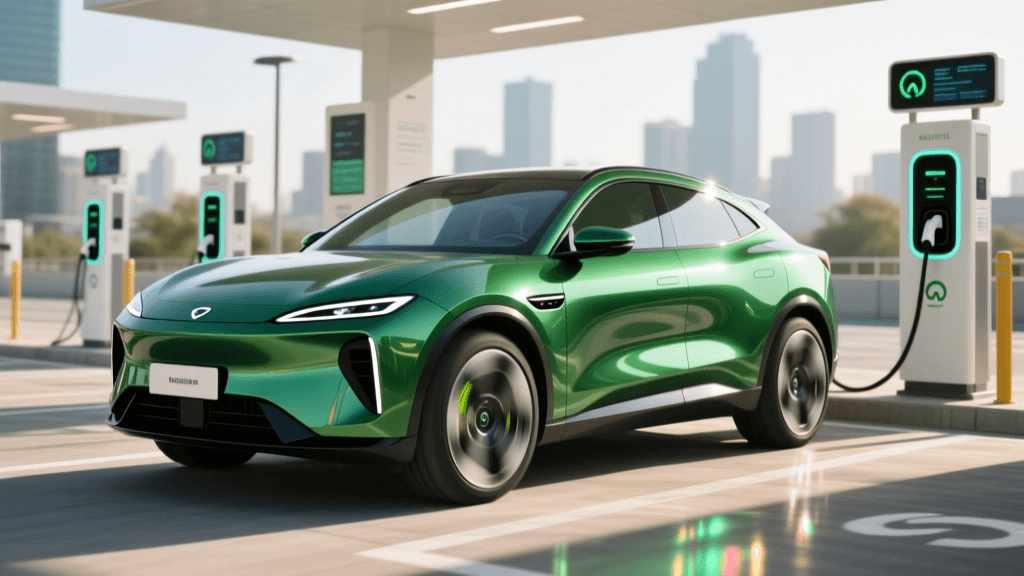
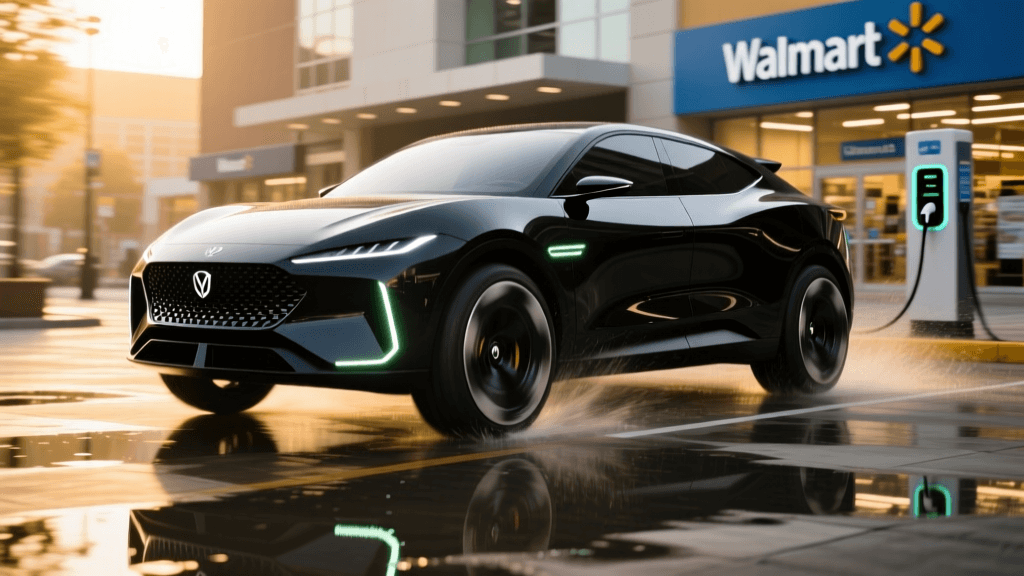
As electric vehicle adoption accelerates across the United States, retailers have recognized the immense value of offering free EV charging to attract high-dwell-time customers. Major chains like Target, Walmart, Kohl's, and Whole Foods have partnered with networks such as Volta (now Shell Recharge), ChargePoint, and Electrify America to install Level 2 and DC Fast Chargers in their parking lots. For EV owners, these stations represent a fantastic opportunity to top off their battery while grocery shopping or running errands, effectively reducing the total cost of ownership.
However, the reality of relying on free retail charging infrastructure is often fraught with friction. Because these chargers are heavily utilized, lightly monitored, and exposed to the elements, they suffer from unique failure points. According to the Alternative Fuels Data Center, the rapid expansion of public charging networks has outpaced routine maintenance in many commercial sectors, leading to frequent downtime. When you arrive at a Target or Walmart expecting a free 30-minute charge and encounter a broken screen or a blocked spot, you need a rapid problem-solving strategy. This guide provides actionable troubleshooting steps to overcome the most common hurdles at free retail EV charging stations.
Common Problems at Free Retail Chargers
Before diving into solutions, it is crucial to understand the specific failure modes inherent to retail charging environments. Unlike dedicated highway charging plazas, retail chargers share space with general consumer traffic, leading to a distinct set of operational challenges.
Issue 1: ICEing and Spot Monopolization
"ICEing" occurs when an Internal Combustion Engine vehicle parks in a designated EV charging spot. At busy retail locations like Walmart or grocery stores, parking real estate is at a premium. Shoppers often ignore green-painted curbs and EV signage, viewing the spots as premium, extra-wide parking spaces near the store entrance. Furthermore, you may encounter "EV Hoarding," where a plugged-in EV remains in the spot long after its free charging session (typically capped at 30 to 60 minutes) has completed, preventing others from accessing the free energy.
Issue 2: Hardware and Touchscreen Failures
Free retail chargers, particularly older Volta kiosks and early-generation ChargePoint units, rely heavily on large, bright LCD touchscreens to display advertising and manage the user interface. These screens are highly susceptible to weather damage, condensation, and physical vandalism. When the screen goes black or becomes unresponsive to touch, the charger appears dead, even if the internal power electronics are fully functional and ready to dispense electricity.
Issue 3: Network App and Activation Glitches
Many "free" chargers still require a network handshake to initiate the session. This might involve scanning a QR code, using an RFID card, or clicking "Start" within the Shell Recharge or ChargePoint app. Retail locations with dense concrete construction or metal-roofed canopies often create cellular dead zones. If the charger's internal cellular modem loses connection to the network backend, or if your phone cannot load the activation page, the charging session will fail to initialize.
Issue 4: Cable Reach and Parking Angles
Retail charging stalls are frequently retrofitted into existing parking lots where the charger is placed on a sidewalk curb or a concrete island. The provided CCS or CHAdeMO cables are sometimes too short to reach the charge port of certain EV models, especially if the lot is crowded and you cannot pull in at an optimal angle. Forcing the cable can trigger the vehicle's safety interlocks, halting the charge immediately.
Retailer Charging Network Comparison Chart
Understanding the specific network governing your retail destination is the first step in troubleshooting. Below is a breakdown of the primary networks powering free retail charging and their common quirks.
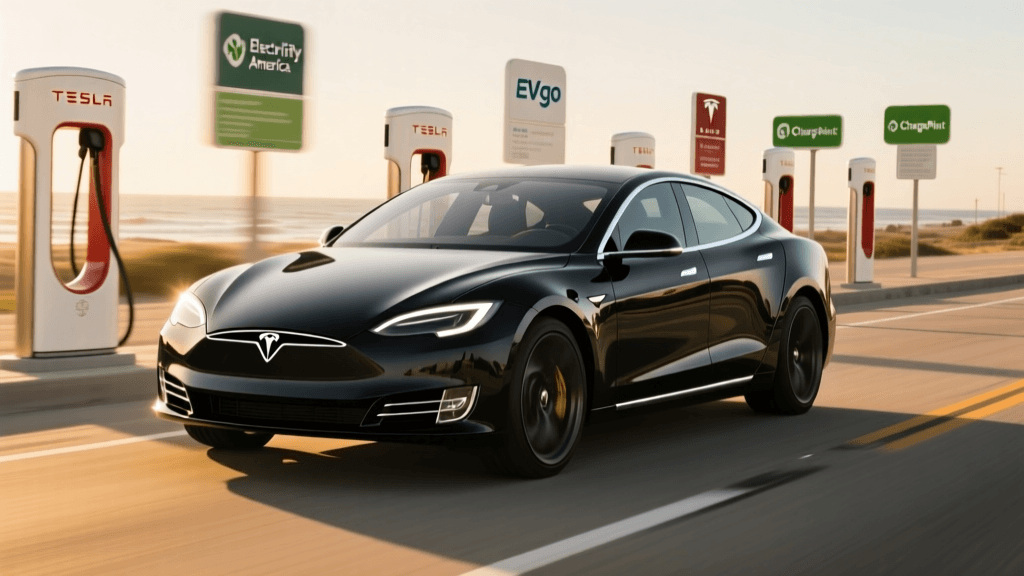
| Network / Provider | Common Retail Partners | Typical Free Limit | Most Frequent Fault | Best Troubleshooting Workaround |
|---|---|---|---|---|
| Shell Recharge (Volta) | Target, Kohl's, Kroger | 30 mins (DCFC) / 60 mins (L2) | Unresponsive ad screens; cellular dropouts | Use the app's manual start feature or wait for the screen to reboot. |
| ChargePoint | Whole Foods, Walmart, malls | Varies by store (often 1-2 hours) | App handshake timeouts; RFID reader failures | Use a physical ChargePoint RFID card instead of the app. |
| Electrify America | Walmart Supercenters | Varies (some stores offer free kWh caps) | Connector pin errors; liquid cooling faults | Inspect CCS pins for debris; call the 1-800 support line for remote resets. |
Step-by-Step Troubleshooting Guide
When you pull into a retail parking lot and your planned free charging session hits a snag, follow this systematic problem-solving matrix to get the electrons flowing or pivot to an alternative plan.
Step 1: Pre-Arrival Digital Reconnaissance
Never blindly navigate to a free retail charger without checking its live status. Open PlugShare or the network's native app and filter by the specific store. Read the most recent user check-ins. If the last three users report "Screen Dead" or "ICE'd," save yourself the frustration and reroute to a backup paid DC Fast Charger. The National Renewable Energy Laboratory (NREL) emphasizes that leveraging real-time crowdsourced data is the most effective method for mitigating public charging infrastructure downtime.
Step 2: Resolving ICEing and Blocked Spots
If an internal combustion vehicle is blocking the free charger, do not waste time waiting for the owner to return.
- Action A: Enter the store and speak directly to the Customer Service desk or Store Manager. Politely inform them that their designated EV infrastructure is blocked, and ask if they can make a PA announcement using the vehicle's license plate number.
- Action B: If management is unhelpful, use the PlugShare app to leave a detailed check-in noting the blockage, including a photo. This warns incoming EV drivers and creates a historical record that can prompt the retailer to install physical barriers or towing signage.
Step 3: Bypassing Dead Touchscreens
If you arrive at a Volta/Shell Recharge kiosk and the advertising screen is black or frozen:
- The Hard Reset: Locate the main breaker switch or emergency stop (E-Stop) button on the side or back of the pedestal. If it is a button, press it in or twist it to release. Wait 30 seconds, then pull it out or reset it. This forces the kiosk's internal computer to reboot, which often restores the screen and cellular connection.
- The App Override: If the screen remains dead but the charger has power, open the Shell Recharge app. Many modern kiosks allow you to select the specific station on the map and initiate the session remotely via Bluetooth or cellular handshake, completely bypassing the physical screen.
Step 4: Fixing App and Network Handshake Failures
When the QR code won't scan or the app spins endlessly due to poor cellular reception at the retail canopy:
- Use an RFID Card: Always carry a physical RFID card for major networks (ChargePoint, EVgo, Shell Recharge). Tapping the card directly on the reader bypasses the need for a cellular data connection on your smartphone.
- Toggle Airplane Mode: Force your phone to disconnect from weak local cell towers and reconnect to the strongest available signal. Alternatively, move away from the metal canopy structure to load the activation page, then walk back to the charger to plug in.
Step 5: Addressing Connector and Cable Issues
If the charger activates but the vehicle refuses to accept the charge, the issue is often physical.
- Inspect the Pins: Look inside the CCS connector. Retail chargers are frequently dropped on the ground by previous users, leading to bent pins, dirt, or moisture ingress. If you see debris, use a dry cloth or compressed air to clean it. Do not insert a wet or muddy connector into your vehicle's charge port.
- Support the Cable Weight: Heavy liquid-cooled DCFC cables can pull downward, causing the connector to sit at an angle inside your car's port. This misalignment prevents the proximity pilot pin from engaging. Lift the cable handle slightly to ensure a flush, straight connection with your vehicle's port until you hear the contactors click.
Managing Time Limits and Avoiding Idle Fees
A hidden trap of "free" retail charging is the transition to idle fees or paid tiers once the complimentary time limit expires. Networks like Volta typically offer 30 free minutes of DC Fast Charging. If your vehicle's battery management system (BMS) tapers the charging speed as it approaches 80% state of charge, you might only receive 15 kWh in that 30-minute window. If you remain plugged in past the 30-minute mark, the station may automatically transition to a paid session or assess severe idle fees. The Solution: Set a manual timer on your phone for 25 minutes when you plug in. Use the time to grab a coffee or pick up a prescription, but return to the vehicle before the free window closes. If you need more energy, unplug, move your car to a standard parking spot, and either return to the charger later (if network rules permit a second free session) or relocate to a dedicated paid fast-charging hub to avoid the stress of retail time limits.
Conclusion
Free EV charging stations at retail locations are a valuable perk that can significantly reduce your fueling costs, but they require a proactive, problem-solving mindset. By understanding the common failure points—from ICEing and dead screens to cellular dropouts and cable misalignment—you can troubleshoot issues rapidly and efficiently. Always carry your RFID cards, perform digital reconnaissance before arriving, and maintain open communication with store management when infrastructure is misused. With these strategies in your toolkit, you can confidently navigate the retail charging landscape and keep your EV powered up for the road ahead.