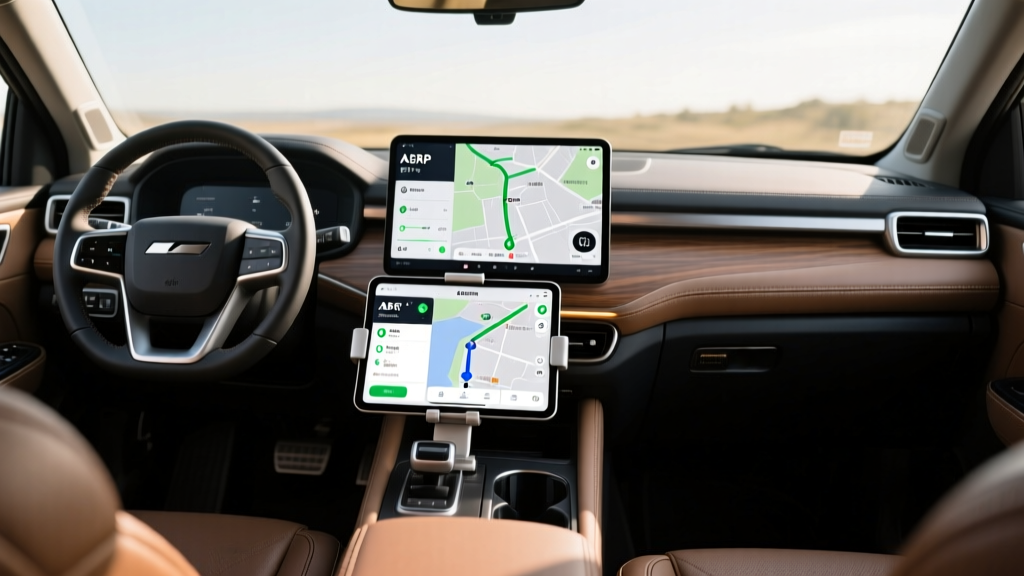
Planning a multi-state road trip in an electric vehicle requires more than just following a dotted line on a map. For years, the ABRP EV application has been the gold standard for cross-country routing, but as OEM infotainment systems have evolved, the gap has narrowed. If you are wondering whether to trust your car's native software or mount your phone for a third-party solution, this deep-dive comparison breaks down the exact telemetry, routing logic, and hardware integrations that separate the best EV route planners in 2026.
What Makes the ABRP EV App the Industry Benchmark?
Unlike proprietary automotive software, ABRP EV operates as an agnostic, crowd-sourced routing engine. It calculates energy consumption by factoring in over 30 distinct variables, including real-time wind speed and direction, ambient temperature, road elevation changes, and specific vehicle payload weight. While OEM systems rely on generalized consumption models, ABRP EV utilizes a highly granular physics-based model that adapts to your specific driving style and hardware configuration.
In 2026, the app has fully integrated the North American Charging Standard (NACS) transition, accurately mapping adapter requirements for legacy CCS vehicles accessing Tesla Supercharger V4 stalls. Furthermore, its integration with PlugShare provides live, user-reported uptime data, allowing the algorithm to automatically route you around known dead chargers or congested plazas—a critical feature that most factory navigation systems still lack.
Head-to-Head: ABRP EV vs OEM Navigation Systems
To understand where each system excels, we must look at the raw feature sets. Below is a functional comparison of the ABRP EV platform against the top three OEM routing ecosystems currently on the market.
| Feature | ABRP EV (Premium) | Tesla Navigation | Rivian Adventure Network | Hyundai Bluelink |
|---|---|---|---|---|
| Multi-Network Routing | Yes (All Networks) | No (Superchargers Only) | Limited | Limited |
| Live Charger Uptime Data | Yes (PlugShare API) | Yes (Proprietary) | Yes (Proprietary) | No |
| Battery Preconditioning | Via API/OBD2 Workarounds | Native & Automatic | Native & Automatic | Native & Automatic |
| Elevation & Wind Factoring | Highly Granular | Basic Elevation Only | Basic Elevation Only | None |
| 800V Architecture Support | Customizable Curves | N/A (400V system) | Native | Native |
The Preconditioning Dilemma: Where OEM Wins
The single largest advantage of OEM route planners is native battery thermal management. Modern 800-volt architectures, such as those found in the Porsche Macan EV, Audi Q6 e-tron, and Hyundai Ioniq 5, require the battery pack to be heated to roughly 35°C (95°F) to accept peak charging speeds of 250kW to 350kW.
Native Thermal Integration
When you route to a fast charger using the car's built-in navigation, the vehicle's thermal management system automatically begins preconditioning the battery 15 to 30 miles before arrival. If you use a third-party app on your phone without a direct telematics link, the car does not know you are approaching a charger. You will arrive at the plug with a cold battery, resulting in severely throttled charging speeds and an extra 20 minutes spent at the plaza.
The ABRP EV Workaround
While ABRP EV cannot natively trigger preconditioning in a vacuum, it has developed API integrations with brands like Rivian, Polestar, and Ford. For other vehicles, users must rely on the 'dummy destination' workaround or use OBD2 hardware to bridge the telemetry gap, which adds friction to the departure process.
Why ABRP EV Dominates Multi-Network Cross-Country Trips
OEM navigation systems are inherently walled gardens. Tesla's navigation prioritizes Superchargers, often ignoring faster or closer third-party options. Ford and GM's native systems heavily weight their respective preferred networks. When crossing rural stretches of the Midwest or navigating the fragmented charging landscape of the Pacific Northwest, relying on a single OEM network is a recipe for range anxiety.
Agnostic Charger Selection
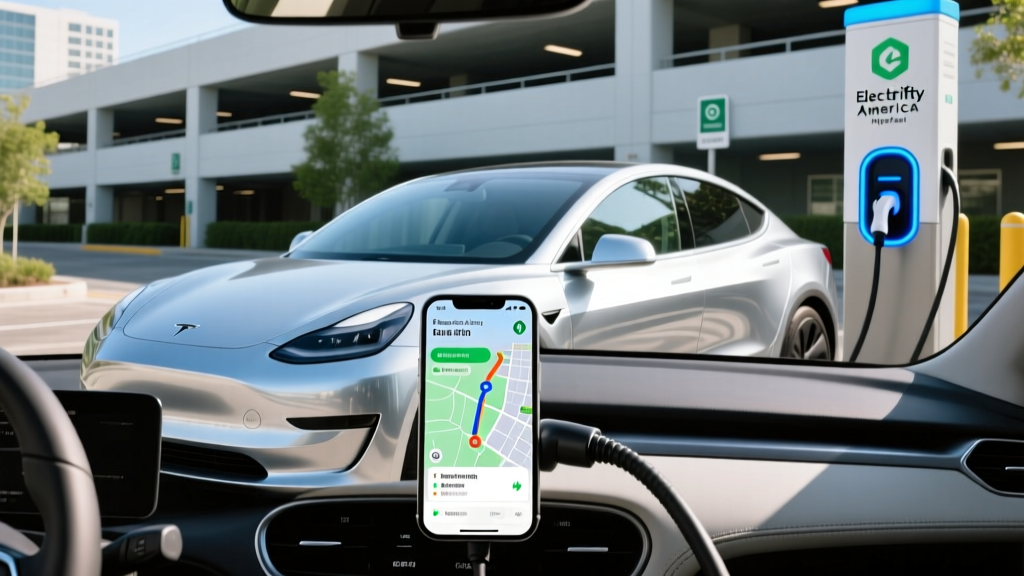
The ABRP EV algorithm treats every electron equally. It will seamlessly route you to a Tesla Supercharger (if your vehicle has native NACS or an approved adapter), followed by an Electrify America Hyperfast stall, and finish with a local Level 2 destination charger. It calculates the exact state of charge (SoC) required to leave each stop, optimizing for total trip time rather than network loyalty.
Advanced Variable Inputs
Cross-country trips rarely happen in a vacuum. You are towing a trailer, driving into a 20mph headwind, or climbing the Rockies. ABRP EV allows you to input exact payload weights, trailer drag coefficients, and tire pressure adjustments. By adjusting the reference consumption model based on these physical realities, the app prevents the dreaded 'stranded with 2% battery' scenario that occurs when OEM systems assume a baseline, unladen vehicle weight.
Step-by-Step: Calibrating ABRP EV for Maximum Accuracy
To unlock the true potential of the ABRP EV platform, you must feed it live vehicle telemetry. Relying on manual SoC inputs is outdated and prone to human error. Here is how to establish a live data connection in 2026.
1. Native API Telematics (The Cleanest Method)
If you drive a Rivian, Polestar, Volvo, or select Ford models, navigate to the ABRP EV settings menu and select 'Live Data.' Log in with your OEM credentials. The app will now pull real-time SoC, battery health, and GPS location directly from the cloud, requiring zero extra hardware.
2. OBD2 Dongle Integration (For Legacy CCS Vehicles)
For vehicles lacking open APIs (such as older Hyundai, Kia, or Volkswagen models), you will need a high-speed OBD2 Bluetooth adapter. The OBDLink MX+ or the Vgate iCar Pro 4.0 are the most reliable units for sustained data streaming.
- Plug the OBD2 adapter into your vehicle's diagnostic port (usually located under the steering column).
- Pair the adapter to your smartphone or tablet via Bluetooth LE.
- Open ABRP EV, go to Settings > Car Settings > Live Data, and select your specific OBD2 protocol.
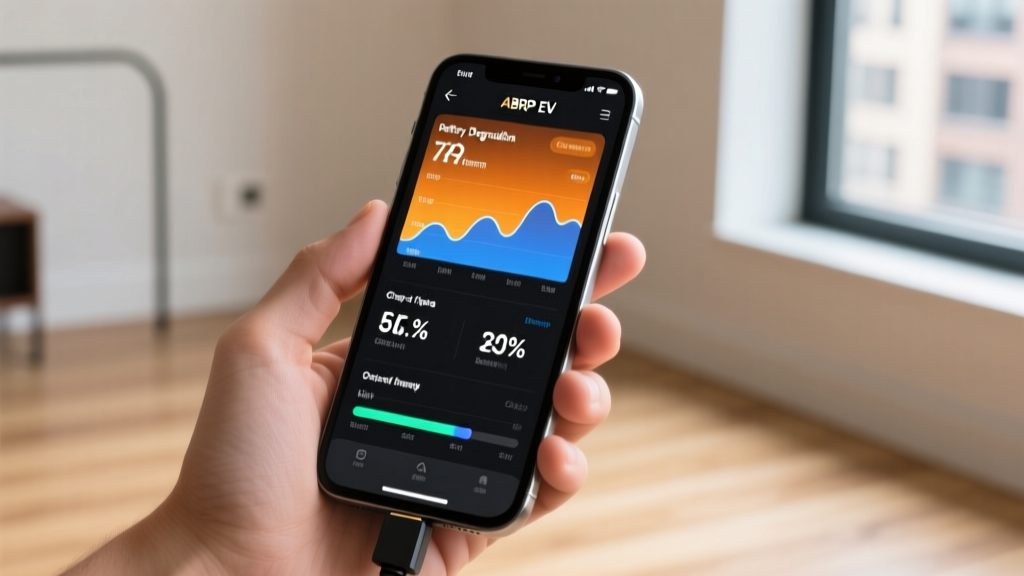
- Calibrate the reference consumption by driving a known 50-mile route at highway speeds, allowing the app to map the CAN-bus voltage readings to your actual battery degradation.
Frequently Asked Questions (FAQ)
Can ABRP EV precondition my battery like OEM navigation?
Not natively on its own. ABRP EV can trigger battery preconditioning only if the vehicle manufacturer has granted API access to third-party developers (like Rivian and Polestar). For vehicles without API access, the app cannot send thermal management commands to the car's ECU, meaning you must use the OEM navigation or manually precondition the car before departure.
Is ABRP EV free to use for cross-country trips?
The base version of ABRP EV is free and allows for basic route planning and manual SoC inputs. However, for cross-country road trips, the Premium subscription (roughly $4.99/month or $49.99/year) is highly recommended. Premium unlocks live data integration, real-time traffic routing, live charger status updates, and advanced weather factoring, all of which are critical for long-distance reliability.
How does ABRP EV handle NACS adapters in 2026?
The app has been updated to include a specific 'NACS Adapter' toggle in the vehicle settings. When enabled, ABRP EV will route you to Tesla Supercharger V3 and V4 stalls, automatically factoring in the slight efficiency loss and physical friction of using a CCS-to-NACS adapter. It also filters out older V2 stalls that are physically incompatible with adapter geometry.
Why does my OEM navigation show a different arrival SoC than ABRP EV?
OEM systems typically use a rolling average of your recent driving efficiency to predict range, which can be overly optimistic if you just finished city driving but are about to enter a 75mph highway zone. ABRP EV uses a predictive physics model that calculates the exact energy required for the upcoming elevation changes, speed limits, and weather conditions, resulting in a much more conservative and accurate arrival State of Charge.