Introduction to Multi-EV Home Charging
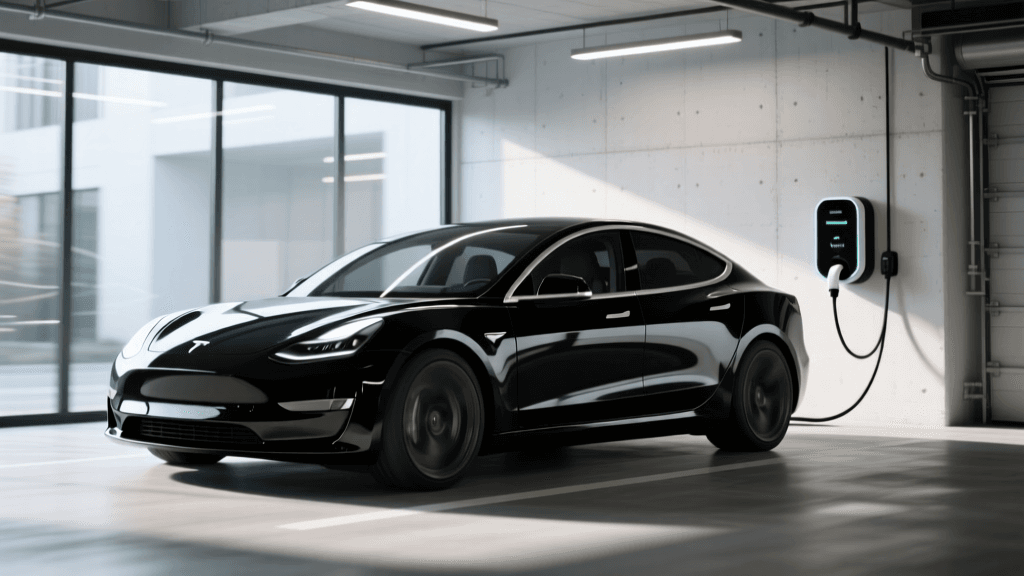
As electric vehicle adoption accelerates, a growing number of households are transitioning from a single EV to a multi-vehicle electric garage. Whether you are managing a pair of daily commuters or a mix of a long-range BEV and a weekend PHEV, charging two or more vehicles simultaneously presents a unique electrical challenge. The Wallbox Commander 2 has emerged as a premier solution for these scenarios, largely due to its native Power Sharing capabilities and robust smart-home integration.
Unlike older Level 2 chargers that operate as isolated, power-hungry appliances, the Commander 2 is designed to communicate with other units on the same electrical circuit. This comprehensive how-to guide will walk you through assessing your electrical capacity, physically installing a daisy-chained Wallbox setup, and configuring the myWallbox app to ensure both vehicles are charged efficiently without tripping your main breaker.
Step 1: Assess Your Electrical Capacity and Load Balancing
Before purchasing a second charger, you must understand your home's electrical limitations. According to the U.S. Department of Energy, most modern homes are equipped with a 200-amp main electrical panel. Under the National Electrical Code (NEC) continuous load rule, you can only safely draw 80% of a breaker's rated capacity. Therefore, a 200-amp panel has a maximum continuous load limit of 160 amps.
If you install two separate 48-amp EV chargers on independent 60-amp breakers, your EVs will pull a combined 96 amps of continuous current. Add in your home's baseline load (HVAC, oven, water heater), and you risk overloading the main panel, especially during peak summer or winter months.
The Power Sharing Solution
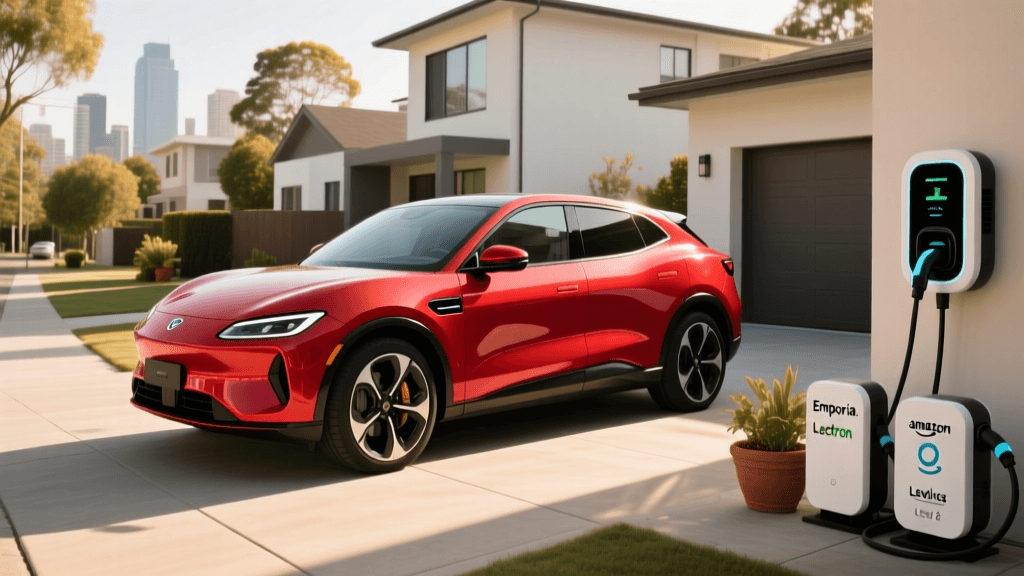
Wallbox solves this with a feature called Power Sharing. Instead of running two independent heavy-gauge lines back to the panel, both Commander 2 units are wired to a single 60-amp breaker (or up to an 80-amp breaker for higher speeds, depending on local codes). The chargers communicate via a low-voltage data cable to dynamically distribute the available amperage between the two vehicles.
- One car plugged in: Receives the full 48 amps (11.5 kW), adding roughly 35-44 miles of range per hour depending on the vehicle's onboard charger.
- Two cars plugged in: The available amperage is split evenly (e.g., 24 amps each) or prioritized based on your app settings, ensuring the total draw never exceeds the breaker's safe limit.
Step 2: Wiring and Physical Installation Requirements
Installing a multi-charger Wallbox system requires a licensed electrician familiar with NEC Article 625 (Electric Vehicle Charging System Equipment). While the Commander 2 can be fitted with a NEMA 14-50 plug for 40-amp operation, a hardwired connection is mandatory to unlock the full 48-amp output and to ensure the safest possible setup for Power Sharing.
Daisy-Chaining the Units
To enable Power Sharing, the chargers must be daisy-chained. Your electrician will run a single 6 AWG copper wire (for a 60A circuit) from the electrical panel to the first Commander 2 unit. From the first unit, another set of 6 AWG wires is routed to the second unit. Crucially, an RS-485 communication cable (often a standard Cat5e or Cat6 ethernet cable) must be run between the two chargers to facilitate real-time load-balancing data transfer.
Pro Tip: If your chargers are installed on opposite sides of a wide driveway, running a single heavy-gauge power line and a communication cable underground in a PVC conduit is significantly cheaper than upgrading your entire electrical panel to support two independent 60-amp circuits.
Step 3: Configuring the myWallbox App for Multiple Vehicles
Once the hardware is installed and powered on, the magic happens in the myWallbox software ecosystem. Proper configuration is essential for multi-vehicle households where drivers have different schedules and range requirements.
- Group the Chargers: In the myWallbox app, navigate to the 'Chargers' tab and group the two Commander 2 units into a single Power Sharing cluster. Designate one as the 'Master' (the unit directly connected to the grid data) and the other as the 'Slave'.
- Set the Maximum Grid Limit: Input the exact amperage of your dedicated breaker (e.g., 60A). The software will automatically apply the 80% safety buffer, capping the combined output at 48A.
- Create User Profiles: Assign specific RFID cards or app profiles to each driver. This allows the system to track energy usage per vehicle, which is invaluable if one vehicle is used for business and requires tax-deductible mileage and energy tracking.
- Establish Priority Schedules: If one driver leaves for work at 6:00 AM and the other at 9:00 AM, use the app's scheduling tool to prioritize the early commuter's vehicle between midnight and 5:30 AM, ensuring it gets the lion's share of the bandwidth.
Step 4: Optimizing Solar Integration with Eco-Smart
For households with rooftop solar arrays, the Commander 2's Eco-Smart feature is a game-changer. According to data from FuelEconomy.gov, charging an EV with grid electricity produces varying emissions depending on your local energy mix, but charging with home solar drastically reduces your carbon footprint and operational costs.
By installing a compatible energy meter in your main electrical panel, the Wallbox system can detect when your solar panels are producing excess energy that would otherwise be exported to the grid for minimal credit. Eco-Smart dynamically adjusts the charging amperage of both vehicles to match your real-time solar production. If a cloud passes over and solar production drops, the chargers instantly throttle down to prevent pulling expensive grid power, then ramp back up when the sun returns.
Wallbox Commander 2 vs. Competitors for Multi-EV Homes
How does the Wallbox ecosystem compare to other leading Level 2 chargers when managing a two-car garage? Below is a structured comparison of the top contenders.
| Feature | Wallbox Commander 2 | ChargePoint Home Flex | Emporia Level 2 Charger |
|---|---|---|---|
| Max Amperage (Hardwired) | 48 Amps (11.5 kW) | 50 Amps (12 kW) | 48 Amps (11.5 kW) |
| Native Power Sharing | Yes (Up to 3 units) | No (Requires complex hub setup) | No (Independent circuits required) |
| Solar Integration |
As the table illustrates, while the ChargePoint Home Flex offers slightly higher peak amperage, it lacks a straightforward, native multi-charger load-sharing protocol for residential setups. The Emporia charger is highly affordable and features excellent energy monitoring, but it requires two independent breakers, making it less viable for homes with constrained electrical panels. The Wallbox Commander 2 strikes the optimal balance of high power, native daisy-chaining, and advanced solar routing.
Cost Breakdown and ROI Analysis
Setting up a dual-charger system is an investment. Here is a realistic cost breakdown for a standard 2024 installation in the United States:
- Hardware: Two Wallbox Commander 2 units at approximately $699 each = $1,398.
- Standard Installation (Hardwired, under 50ft run): $800 to $1,500, depending on local labor rates and drywall repair.
- Electrical Panel Upgrade (If required): If your home has an outdated 100-amp panel or lacks physical breaker slots, upgrading to a 200-amp or 400-amp service can cost between $2,000 and $4,000. Note: Utilizing Power Sharing often eliminates the need for this expensive upgrade.
- Federal Tax Credit: The Alternative Fuel Vehicle Refueling Property Credit (30C) can offset up to 30% of the hardware and installation costs (up to $1,000), provided you live in an eligible non-urban census tract.
By avoiding a main panel upgrade through the use of Power Sharing, the Wallbox system frequently pays for its premium hardware cost during the installation phase alone.
Maintenance and Long-Term Reliability
The Commander 2 features an IK10 impact-resistant casing and an IP55 weather-resistance rating, making it highly durable for both indoor and outdoor multi-vehicle driveways. To maintain optimal performance, ensure the touchscreen is cleaned with a microfiber cloth rather than harsh chemicals, and inspect the tethered 25-foot cables annually for any signs of UV degradation or physical fraying. Wallbox routinely pushes Over-The-Air (OTA) firmware updates via Wi-Fi, which frequently improve load-balancing algorithms and add new smart-home integrations like IFTTT or advanced API support for platforms like Home Assistant.
Conclusion
Equipping a multi-vehicle household with Level 2 charging no longer requires a complete overhaul of your home's electrical infrastructure. The Wallbox Commander 2, leveraging its intelligent Power Sharing and Eco-Smart solar capabilities, provides a seamless, future-proof solution for families transitioning to an all-electric driveway. By carefully planning your circuit capacity, insisting on a hardwired daisy-chain installation, and utilizing the granular controls within the myWallbox app, you can ensure both vehicles are always ready to roll—efficiently, safely, and cost-effectively.