The Dawn of Commercial Wireless EV Charging
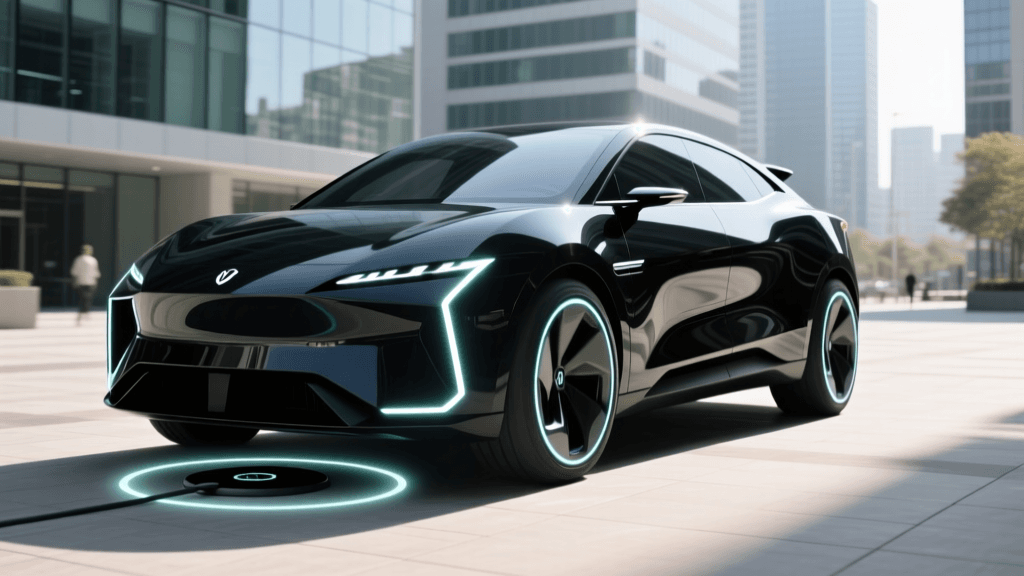
The electric vehicle industry has officially crossed a major technological threshold with the commercial launch of high-power wireless EV charging systems. Leading the charge is the WiTricity HALO system, an 11kW magnetic resonance charging pad that eliminates the need for physical cables and heavy connectors. As early adopters, luxury fleet managers, and residential installers begin deploying these SAE J2954-compliant systems, the convenience of drive-up-and-park charging is becoming a reality. However, as with any groundbreaking infrastructure rollout, early commercial deployments are encountering real-world friction.
While magnetic resonance technology is highly efficient and robust, the transition from wired to wireless charging introduces a new paradigm of troubleshooting. Fleet operators and home installers are no longer dealing with frayed cables or broken connector pins; instead, they are navigating ground clearance mismatches, foreign object debris (FOD) false positives, and complex network handshakes. This guide provides a comprehensive, actionable troubleshooting framework for the newly launched commercial wireless EV charging pads, ensuring maximum uptime and charging efficiency.
Understanding the SAE J2954 Standard and Magnetic Resonance
To effectively troubleshoot wireless charging pads, one must first understand the underlying standard governing them. The SAE International J2954 standard establishes the criteria for wireless power transfer (WPT) for light-duty plug-in electric vehicles. Unlike basic inductive charging (which requires near-perfect physical contact and alignment), magnetic resonance allows for greater spatial freedom and higher efficiency over larger air gaps. The WiTricity HALO system utilizes this resonance to transfer power at up to 93% grid-to-battery efficiency.
However, this technology relies on precise electromagnetic tuning. If the magnetic fields between the ground-based base pad (GA) and the vehicle-mounted receiver pad (VA) are disrupted, the system's internal diagnostics will immediately halt the power transfer to prevent hardware damage or safety hazards. Understanding these diagnostic triggers is the first step in effective problem solving.
Core Troubleshooting: Alignment and Z-Class Ground Clearance
The most common reason for a failed or highly inefficient wireless charging session is improper Z-axis alignment, commonly referred to as Z-class mismatch. The SAE J2954 standard categorizes ground clearances into distinct Z-classes to accommodate different vehicle types:
- Z1 (100mm - 150mm): Designed for low-slung sports cars and sedans.
- Z2 (140mm - 200mm): Designed for standard crossovers and mid-size SUVs.
- Z3 (170mm - 250mm): Designed for full-size SUVs and light trucks.
The Problem: If a fleet operator installs a Z1 base pad but attempts to charge a Z3 vehicle, the air gap will be too large. The magnetic coupling coefficient drops drastically, leading to severe efficiency losses, excessive heat generation in the base pad coils, and an eventual system abort.
The Solution: Always verify the Z-class rating on the base pad's specification plate against the vehicle's receiver pad rating. If a multi-vehicle fleet requires charging, install Z2 or Z3 base pads, as higher-class pads are generally designed to negotiate downward to lower-clearance vehicles (though with a slight efficiency penalty). Furthermore, ensure the vehicle is parked centered over the pad. Most commercial systems utilize a dashboard camera or ultrasonic guide to help the driver center the vehicle laterally (X and Y axis). If the vehicle is offset by more than 75mm laterally, the system may refuse to initiate the charge. Instruct drivers to use the vehicle's 360-degree camera system to align the dashboard crosshairs with the base pad marker.
Foreign Object Debris (FOD) and Living Object Protection (LOP)
Safety is paramount in commercial wireless charging. Because the base pad generates a powerful electromagnetic field, any metallic object left on the pad will absorb energy, heat up rapidly, and pose a fire hazard. To combat this, commercial pads are equipped with FOD and LOP sensor arrays.
Troubleshooting FOD Errors
The Problem: The charging session aborts immediately, and the network dashboard flags an 'FOD Detected' error. This occurs when the pad's inductive sensor grid detects anomalous eddy currents caused by metal.
The Solution: Visually inspect the base pad for discarded metallic items such as soda cans, coins, keys, or metallic gum wrappers. In winter climates, FOD false positives can be triggered by heavily salted slush or ice buildup containing metallic debris. Use a non-metallic brush to clear the pad surface. If the error persists after cleaning, perform a hard reset on the base pad's local controller to recalibrate the baseline inductive signature of the pad surface.
Troubleshooting LOP Errors
The Problem: The system shuts down mid-charge with an 'LOP Triggered' alert. Living Object Protection uses radar or ultrasonic sensors to detect movement above the pad, ensuring a pet or child does not wander into the electromagnetic field.
The Solution: LOP false positives are frequently caused by environmental factors. Heavy rain, blowing snow, or even tall grass swaying in the wind near the pad's perimeter can trigger the motion sensors. Trim back any landscaping within a 2-foot radius of the base pad. If heavy precipitation is causing continuous LOP faults, check the sensor housings for water ingress or mud splatter, and clean the radar domes with a microfiber cloth and isopropyl alcohol.
Thermal Throttling and Environmental Factors
Commercial 11kW wireless pads generate a significant amount of heat during the AC-to-DC and DC-to-AC inversion processes. While premium systems like the HALO utilize liquid cooling or advanced passive thermal management, extreme ambient temperatures can still trigger thermal throttling.
The Problem: The vehicle is receiving power, but the charging rate drops from 11kW to 3kW or lower, and the session takes significantly longer than expected.
The Solution: Check the base pad's thermal exhaust vents. In commercial fleet depots, pads are often installed in high-traffic areas where dirt, gravel, or snow can pack into the cooling fins or block liquid cooling radiator fans. Clear all obstructions. Additionally, if the pad is installed in direct sunlight in a hot climate (e.g., Arizona or Texas), consider installing a UV-resistant, non-metallic carport or shade structure over the charging stall to reduce the baseline ambient temperature of the pad's enclosure.
Network Handshakes and OCPP Connectivity
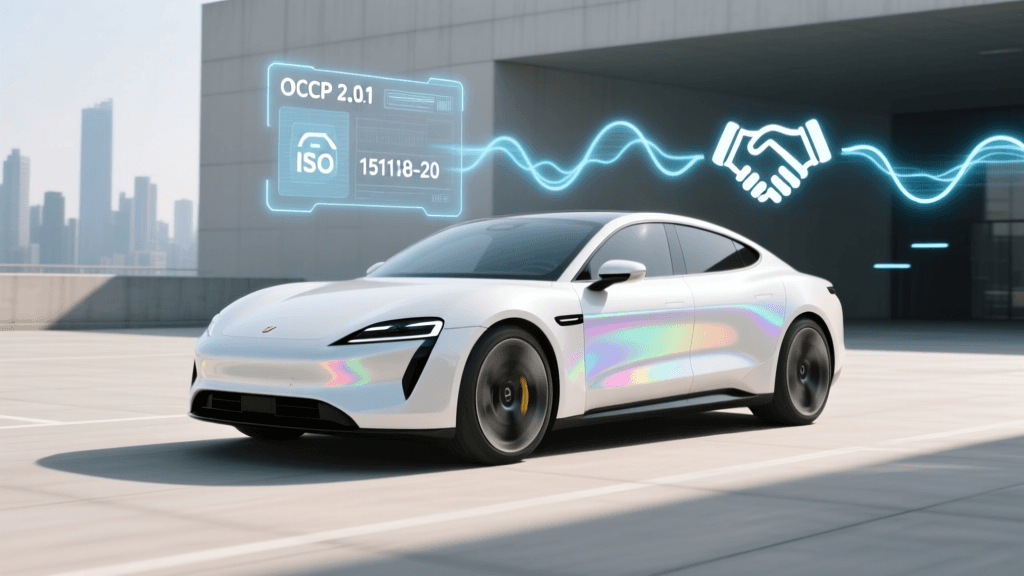
Modern commercial wireless chargers do not operate in a vacuum; they are networked nodes managed via the Open Charge Point Protocol (OCPP). When a vehicle parks over the pad, the vehicle's telematics unit and the base pad must perform a digital handshake, verify payment or fleet credentials, and negotiate the power delivery schedule.
The Problem: The vehicle is perfectly aligned, the pad is clean, but the dashboard displays 'Waiting for Network Authorization' or 'Handshake Failed'.
The Solution: Wireless chargers installed in underground parking garages or dense concrete fleet depots often suffer from poor cellular reception or Wi-Fi dead zones. If the base pad cannot reach the central OCPP server, it will default to a safe, offline state that rejects unauthorized charges. Troubleshoot the local network by installing a dedicated cellular signal booster or hardwiring an Ethernet connection to the base pad's communications hub. Ensure the OCPP 1.6J or 2.0.1 firmware on the base pad is updated to the latest version provided by the network operator to resolve any known TLS certificate expiration issues.
Wireless Charging Troubleshooting Matrix
Use the following matrix to quickly diagnose and resolve common issues encountered during the commercial rollout of wireless EV charging infrastructure:
| Error / Symptom | Probable Root Cause | Actionable Solution |
|---|---|---|
| Charge Aborts Instantly (FOD) | Metallic debris or salted ice on pad surface. | Sweep pad with non-metallic brush; hard reset controller. |
| Low Efficiency / High Heat | Z-class mismatch (e.g., Z3 vehicle on Z1 pad). | Verify SAE J2954 Z-class compatibility; swap base pad if necessary. |
| Intermittent LOP Shutoffs | Snow, rain, or swaying grass triggering radar. | Clear 2-foot perimeter of vegetation; clean radar domes. |
| Throttled Power (Under 5kW) | Blocked thermal vents or extreme ambient heat. | Clear debris from cooling fins; install shade structure. |
| Handshake / Auth Failure | OCPP network timeout due to poor signal. | Install cellular booster or hardwire Ethernet to comms hub. |
| Dashboard Alignment Warning | Lateral (X/Y) offset greater than 75mm. | Use 360-camera to center vehicle over pad marker. |
Best Practices for Fleet and Residential Installations
As wireless charging continues its commercial expansion, proactive installation practices will eliminate the majority of troubleshooting scenarios. According to data and guidelines tracked by the U.S. Department of Energy's Alternative Fuels Data Center, proper site preparation is critical for wireless infrastructure. Always embed the base pad flush with the concrete surface using high-strength, non-metallic epoxy resins to prevent water pooling. Ensure that the concrete mix used around the pad does not contain steel rebar directly beneath the electromagnetic field zone, as this can cause parasitic energy loss and trigger persistent FOD errors.
By understanding the intricacies of magnetic resonance, respecting the SAE J2954 Z-class limitations, and maintaining a clean, well-networked charging environment, early adopters can fully leverage the convenience and futuristic appeal of commercial wireless EV charging. As the technology matures and more vehicle models integrate native receiver pads, these troubleshooting protocols will become standard operating procedure for the next generation of EV infrastructure maintenance.