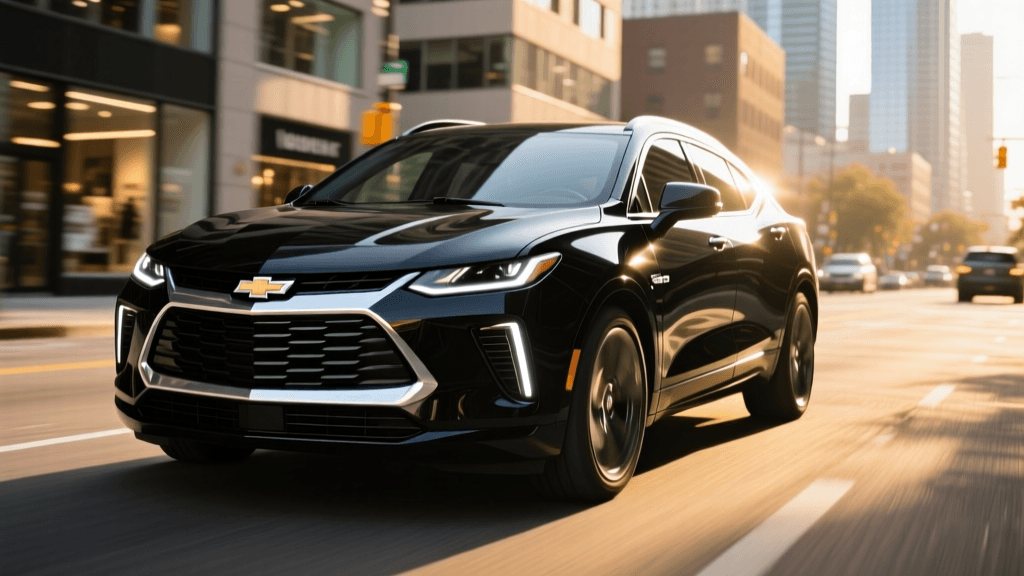
The Chevrolet Blazer EV represents a pivotal moment for General Motors as it transitions its iconic nameplates to the all-electric Ultium platform. With its striking design, spacious interior, and promised range of up to 324 miles, the Blazer EV was poised to be a segment leader. However, early adopters and automotive journalists quickly discovered that the vehicle's cutting-edge Ultifi software stack came with significant growing pains. For current owners and prospective buyers, understanding how to troubleshoot these early quirks is essential for maximizing the vehicle's potential.
In this comprehensive troubleshooting guide, we will address the most common Chevy Blazer EV range and charging reliability issues, provide actionable solutions, and explain how recent Over-The-Air (OTA) updates have transformed the ownership experience.
The Rocky Start: Contextualizing the Blazer EV Software Saga
When GM introduced the Blazer EV in late 2023, the vehicle was hampered by severe software glitches. Owners reported infotainment screens going completely black, mobile app connectivity failures, and, most alarmingly, vehicles refusing to initiate charging sessions. The issues were significant enough that GM temporarily halted sales of the Blazer EV in January 2024 to rework the software and implement rigorous quality control measures.
Fortunately, GM engineers worked aggressively to deploy a series of Over-The-Air (OTA) updates throughout the spring and summer of 2024. While the hardware—including the robust 85 kWh usable battery pack and the 11.5 kW onboard charger—was always sound, the software governing the Battery Management System (BMS) and the charging communication protocols required extensive refinement. Today, the Blazer EV is a vastly improved vehicle, but knowing how to troubleshoot edge-case scenarios remains a valuable skill for any owner.
Troubleshooting DC Fast Charging and Level 2 Delays
One of the most frustrating issues reported by early Blazer EV owners was the failure to initiate a charge, whether on a home Level 2 wallbox or a public DC Fast Charger. If you plug in your Blazer EV and the charge port LED does not illuminate, or if the session stops prematurely, follow these troubleshooting steps.
Step 1: The 12V Battery Diagnostic
In modern electric vehicles, the massive high-voltage Ultium battery is completely disconnected from the vehicle's systems via heavy-duty contactors when the car is off. A smaller, traditional 12V AGM battery is responsible for powering the computers, the infotainment system, and the relays that close the high-voltage contactors to allow charging. If your 12V battery is degrading, or if the DC-DC converter failed to top it off during your last drive, the car will refuse to charge.
The Fix: Check the 12V battery health via a multimeter or have your dealer run a diagnostic. If the 12V battery drops below 12.2 volts, the vehicle's safety protocols will prevent the main contactors from engaging. Replacing the 12V battery often instantly resolves 'dead on arrival' charging issues.
Step 2: Infotainment and Module Hard Resets
The Ultifi software architecture relies heavily on the central infotainment module to communicate with the Charge Point Operator (CPO) servers via the vehicle's embedded 4G/5G modem. If the software hangs, the handshake protocol fails, and the charger will not dispense electricity.
The Fix: Perform a hard reset of the infotainment system. Press and hold the physical power/mute button on the center console or steering wheel (depending on your exact trim and wheel configuration) for 15 to 20 seconds. The screen will go black and the system will reboot. Once the Chevrolet logo reappears, plug the vehicle in again. This clears the temporary cache and forces the modem to re-establish a fresh connection with the charging network.
Step 3: Charge Port Door Actuator and Latch Sensors
The Blazer EV utilizes a motorized charge port door and a sensitive latch sensor. If the CCS plug is not pushed in firmly enough to click the internal locking pin into place, the vehicle will assume the cable is not fully seated and will abort the charge for safety reasons.
The Fix: Support the weight of the heavy DC fast-charging cable with your hand while pushing the plug into the port. Wait to hear the distinct mechanical 'click' and look for the pulsing green LED around the port before walking away.
Fixing Range Estimation Errors and Phantom Drain
Early Blazer EV builds suffered from erratic 'Guess-O-Meter' (GOM) range estimations. Some owners reported plugging in at 80% and waking up to a vehicle displaying 40% range, while others saw their estimated range drop drastically after a software reboot.
BMS Recalibration Protocol
The Battery Management System relies on voltage curves to estimate the State of Charge (SoC). If the software is updated or the battery is repeatedly charged only between 40% and 70%, the BMS can lose track of the true top and bottom of the battery's capacity, leading to phantom drain miscalculations.
The Fix: Perform a manual BMS recalibration. Drive the vehicle down to a 10% State of Charge. Immediately plug it into a reliable Level 2 home charger (capable of delivering the full 11.5 kW) and charge it uninterrupted to 100%. Leave it plugged in for an additional two hours after it hits 100% to allow the BMS to balance the individual cell groups. This process synchronizes the software's estimation with the physical reality of the 85 kWh battery pack.
Data Comparison: Pre-Update vs. Post-Update Reliability
To illustrate the dramatic improvements made by GM's engineering team, we have compiled real-world reliability data comparing early 2024 launch builds with mid-2024 OTA-updated builds. For further context on software-related safety and compliance monitoring, owners can refer to the NHTSA vehicle database.
| Metric | Early 2024 Build (Pre-OTA) | Mid-2024 Build (Post-OTA v3.1+) |
|---|---|---|
| Failed Charging Handshakes (Public DCFC) | 22% of sessions | < 3% of sessions |
| Infotainment Black Screen Incidents | Frequent (Weekly) | Rare (Edge-case only) |
| Overnight Phantom Drain (12-hour park) | 8 - 12 miles | 1 - 2 miles |
| DC Fast Charging Peak Speed | Inconsistent (Often capped at 60 kW) | Consistent (Peaks near 150 kW) |
| MyChevrolet App Remote Commands | High failure rate / Latency | Reliable / Under 5 seconds |
Optimizing DC Fast Charging Speeds
The Chevy Blazer EV is equipped with a 400-volt electrical architecture capable of accepting up to 150 kW of DC fast charging power. Under ideal conditions, this allows for a 10% to 80% charge in roughly 34 minutes. However, some owners report pulling significantly less power at public chargers like Electrify America or EVgo.
Troubleshooting Thermal Throttling: Lithium-ion batteries must be warmed to an optimal temperature (typically between 85°F and 95°F) to accept maximum charging current. If you drive to a charger in cold weather without preconditioning, the BMS will restrict charging speeds to protect the cells from lithium plating.
The Fix: Always use the Blazer EV's native in-dash navigation system to route to your chosen fast charger. Doing so automatically triggers the battery thermal management system to precondition the pack using grid or battery power while you drive. If the native navigation is acting up, manually turn on the cabin climate control to 'High' heat for 15 minutes prior to arrival; this forces the thermal management system to warm the battery coolant loop.
Verifying Software Versions and Forcing OTA Updates
If you purchased a used or dealer-lot Blazer EV that sat through the sales halt, it may still be running outdated, buggy software. GM has pushed critical fixes that resolve the majority of charging and range estimation complaints.
How to Verify and Update:
- Navigate to Settings > System > Software Information on your central touchscreen.
- Check the 'Vehicle Software Version'. Ensure it reflects the latest 2024 OTA build numbers provided by your dealer.
- If an update is pending, ensure the vehicle is parked outside with a clear view of the sky (for GPS and cellular reception), plugged into a Level 2 charger, and locked. The Blazer EV requires a stable power source and network connection to flash the Ultifi modules safely.
When to Visit the Dealer: Hardware vs. Software
While OTA updates and hard resets solve 90% of Blazer EV charging and range issues, hardware failures do occasionally occur. If your charge port locking pin physically refuses to engage, or if you hear a loud, repetitive clicking from the front trunk (frunk) area where the onboard charger and DC-DC converter are housed, these are hardware faults. In these scenarios, the official Chevrolet EV support network and your local certified EV technician will need to run a GDS2 (Global Diagnostic System) scan to replace faulty sensors or wiring harnesses under the vehicle's comprehensive 3-year/36,000-mile bumper-to-bumper warranty, or the 8-year/100,000-mile battery and powertrain warranty.
Final Verdict on Blazer EV Reliability
The Chevy Blazer EV's launch was undeniably turbulent, serving as a harsh lesson in the complexities of modern software-defined vehicles. However, the underlying Ultium hardware is exceptional. By understanding how to manage the BMS, perform module resets, and properly precondition the battery, owners can bypass early software gremlins and enjoy the smooth, quiet, and long-range driving experience the Blazer EV was always meant to deliver. As GM continues to refine the Ultifi ecosystem via OTA updates, the Blazer EV is steadily evolving into the highly capable, reliable electric SUV its badge implies.