The Allure and Agony of Free Retail EV Charging
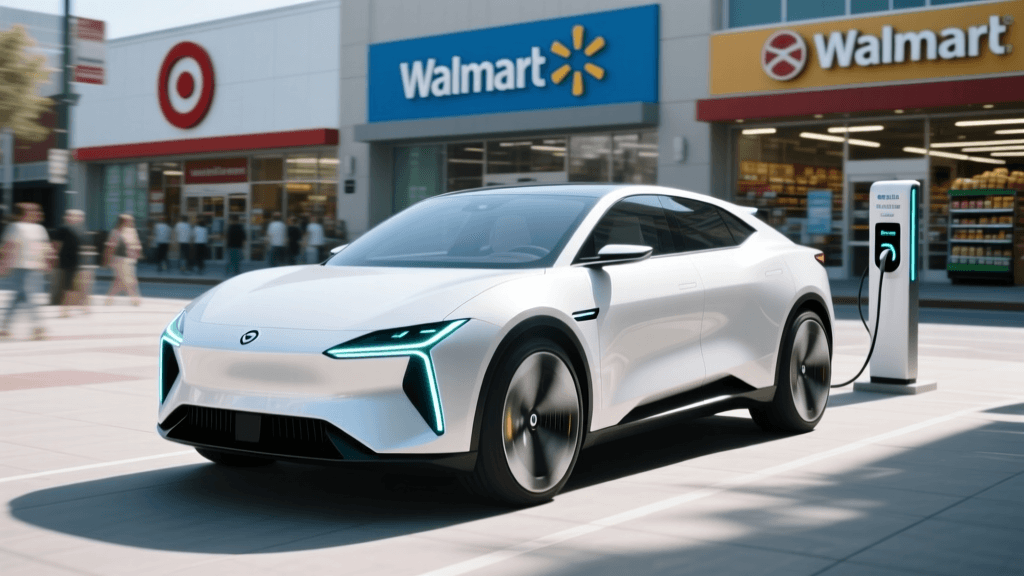
For electric vehicle owners, the phrase "free EV charging" is incredibly enticing. Major retailers across the United States, including Target, Walmart, Kohl's, Whole Foods, and various regional grocery chains, have installed Level 2 and DC Fast Charging stations in their parking lots to attract eco-conscious shoppers and increase dwell time. According to the U.S. Department of Energy, workplace and retail charging are critical pillars of the national EV infrastructure strategy, bridging the gap between home charging and long-distance highway travel.
However, the reality of relying on free retail EV chargers is often fraught with frustration. You arrive at a shopping center with 10% battery remaining, only to find the charger screen dead, the spot blocked by a gas-powered truck, or the network app demanding a credit card for a session that is supposed to be complimentary. Troubleshooting these issues on the fly requires a mix of technical know-how, app mastery, and retail diplomacy. This guide provides actionable, step-by-step solutions to the most common problems you will encounter at free retail charging stations nationwide.
Why "Free" Chargers Often Demand Payment Methods
The most common point of confusion for EV drivers at retail locations is the "Payment Method Required" error on networks like ChargePoint, Blink, or EVgo. Even when a retailer fully subsidizes the cost of electricity, the charging network's backend software often still requires a registered user account with a valid credit card on file to initiate the session. This is done to verify user identity, prevent vandalism, and enforce idle fees if a driver leaves their vehicle plugged in for hours after the session completes.
Step-by-Step Fix for App Authentication Loops
If you are staring at a ChargePoint or Blink screen that refuses to start a "free" session without payment verification, follow these troubleshooting steps:
- Pre-Register and Link a Card: Never wait until you are at the charger to create an account. Download the network's app at home, create a profile, and link a credit card. You will not be charged if the retailer's policy is set to $0.00 per kWh, but the system needs the token to authorize the handshake.
- Check for Geofencing Restrictions: Some retail sponsors restrict free charging to specific hours (e.g., 8 AM to 6 PM) or require a minimum store purchase validated via a receipt barcode. Check the station's details in the app to ensure you are within the sponsored window.
- Use an RFID Fob: If the cellular network at the retail location is weak and the app is spinning endlessly, use a physical RFID network card. Tapping the fob bypasses the app's GPS and cellular handshake, directly signaling the charger's internal reader to start the session.
- Set Spend Alerts: To protect yourself against misconfigured retail stations that accidentally revert to standard paid rates, set a $1.00 hard stop limit in your app settings before plugging in.
Bypassing Dead Touchscreens and Sun Glare
Outdoor retail chargers are subjected to extreme weather, vandalism, and direct sunlight. A completely black or unresponsive touchscreen does not necessarily mean the charger is offline. Often, the internal computer is functioning, but the display LCD has failed or is washed out by sun glare.
Troubleshooting Hardware Interface Failures
Before abandoning a station with a dead screen, attempt these workarounds:
- Locate the Station ID: Every networked charger has a unique Station ID or MAC address printed on a sticker or metal plaque on the side or back of the pedestal. Open the network's app, manually type in this ID, and initiate the session directly from your smartphone.
- The QR Code Bypass: Look for a faded QR code sticker near the base of the unit. Scanning this with your phone's camera will often open a direct web-based portal to start the charge without needing the native app.
- Plug and Charge (PnC): If you drive a newer vehicle that supports Plug and Charge (such as recent Ford, GM, or Rivian models on compatible networks), simply plug the connector into your car. The vehicle's VIN is automatically transmitted to the network for authentication, completely bypassing the need to interact with the broken screen.
Solving the "ICEing" Crisis at Shopping Centers
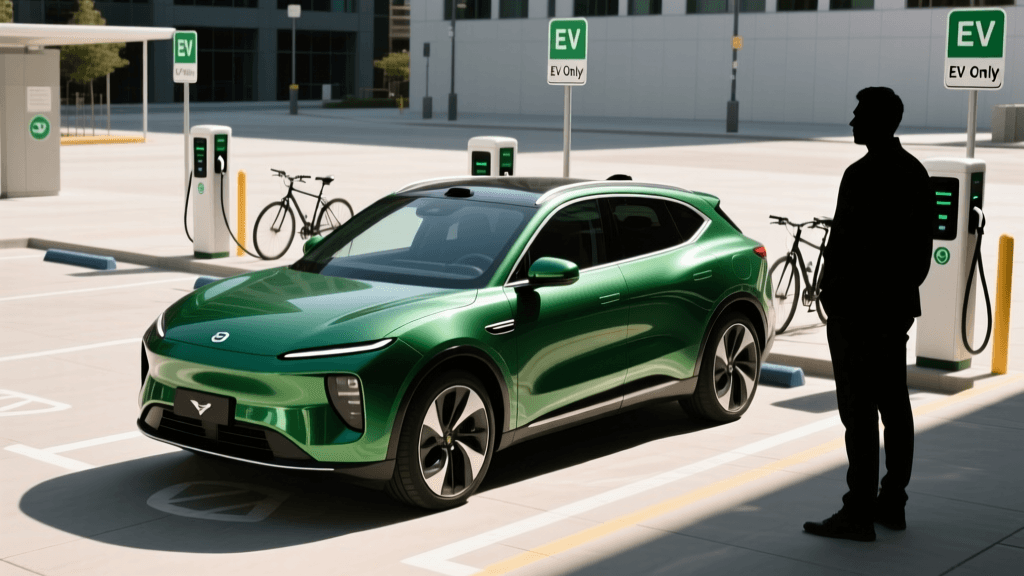
"ICEing" occurs when an Internal Combustion Engine (ICE) vehicle parks in a designated EV charging spot, blocking access. At busy retail locations like Walmart or grocery stores during peak hours, this is a rampant issue. Because retail charging spots are often located near store entrances or cart corrals, non-EV drivers frequently view them as premium parking spaces rather than critical fueling infrastructure.
Actionable Steps for Blocked Chargers
Confronting the driver of the blocking vehicle is rarely productive and can escalate into unsafe situations. Instead, use these proven troubleshooting and escalation tactics:
- Document the Violation: Take a clear photo of the vehicle's license plate and the surrounding signage indicating "EV Charging Only."
- Escalate to Store Management: Walk into the retail store and approach the customer service desk. Calmly inform the manager that a vehicle is blocking the EV charging station, which may be violating local municipal parking ordinances. Ask them to make a PA announcement using the license plate number or to dispatch store security to issue a warning.
- Check Local Towing Ordinances: In states like California, Colorado, and Florida, blocking an EV charger is a tow-able offense if proper signage (including specific fine amounts and towing company info) is posted. If the signage is compliant, call the listed towing company directly.
- Update Crowd-Sourced Apps: Open PlugShare or the Alternative Fuels Data Center (AFDC) station locator and leave a recent check-in or comment warning other EV drivers that the spot is currently ICE'd, saving them a wasted trip.
Hardware Glitches: Cable Snags and Connector Locks
Level 2 cables at retail locations are often heavy, stiff, and dragged across dirty, wet asphalt. DC Fast Charging cables are even bulkier due to liquid cooling lines. A common issue is the connector failing to lock into your vehicle's charge port, or the release mechanism jamming when you try to unplug.
Physical Troubleshooting Techniques
- The "Lift and Push" Method: If the charger refuses to initiate because the vehicle reports "Connector Not Fully Seated," do not just push harder. The weight of the heavy retail cable is often pulling the connector downward, misaligning the pins. Lift the cable handle upward to align it perfectly with your car's port, then push firmly until you hear the mechanical click.
- Clearing Debris: Retail parking lots are full of pebbles, dirt, and shopping cart debris. Use a flashlight to inspect the CCS or NACS connector pins. If you see compacted dirt or a small pebble lodged in the communication pin housing, use a wooden toothpick or compressed air to clear it. Never use a metal tool, which can short the pins.
- Stuck Release Latches: If you cannot remove the plug after your session, ensure your vehicle is fully unlocked. Many EVs lock the charge port when the car doors are locked. If the car is unlocked and the plug is still stuck, locate the manual emergency release cord inside your vehicle's trunk or frunk (consult your owner's manual for the exact location) to mechanically disengage the locking pin.
Retail EV Charger Troubleshooting Cheat Sheet
Keep this quick-reference table in mind when you pull into a retail parking lot and encounter a less-than-perfect charging scenario.
| Problem Encountered | Most Likely Cause | Quick Troubleshooting Fix |
|---|---|---|
| App demands credit card for "Free" session | Network identity verification protocol | Link a card to your profile; set a $0 spend alert; use RFID fob. |
| Touchscreen is black or unresponsive | LCD failure, extreme cold, or sun glare | Find the Station ID on the pedestal; initiate via app or QR code. |
| Session starts but immediately stops | Loose connection or vehicle-side rejection | Support the heavy cable weight; lift handle to align pins; reseat plug. |
| Gas vehicle blocking the EV spot (ICEing) | Lack of enforcement or premium parking theft | Avoid confrontation; notify store customer service for PA announcement. |
| Plug is locked in the vehicle's port | Vehicle security system engaged or pin jam | Unlock all car doors; use the manual emergency release cord in the trunk. |
Planning Ahead: Tools for Retail Charging Success
The ultimate troubleshooting technique is proactive planning. Before heading to a retail destination, use the AFDC EV Charging Basics resources and crowd-sourced apps to verify the status of the chargers. Look for recent user check-ins on PlugShare that confirm the chargers are online and free of ICEing. Furthermore, always have a backup Plan B. If the free chargers at your target grocery store are out of order, identify the nearest paid Level 2 or DC Fast Charging hub within a two-mile radius. By understanding the technical quirks of sponsored retail charging networks and knowing how to bypass hardware and software glitches, you can reliably utilize these free amenities while running errands, turning a potential headache into a seamless part of your EV ownership experience.