Introduction: The NACS Shift and the Gen 3 Dilemma
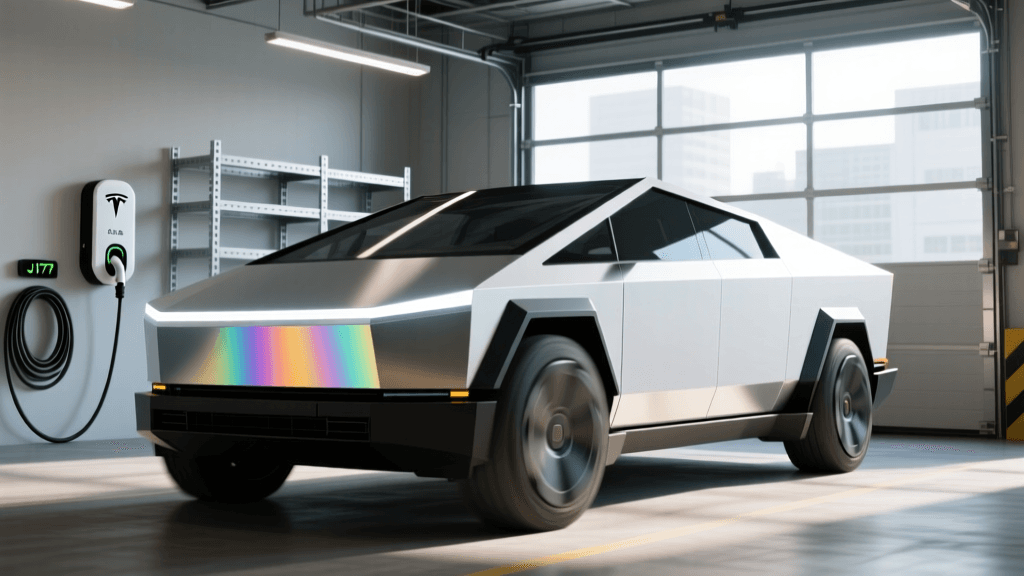
The Tesla Wall Connector Gen 3 (WC3) is widely regarded as one of the most aesthetically pleasing, reliable, and cost-effective Level 2 home EV chargers on the market. Priced competitively at around $475, it offers up to 48 amps of continuous current, Wi-Fi connectivity, and over-the-air (OTA) firmware updates. However, for years, its proprietary Tesla connector meant it was strictly off-limits to non-Tesla EV owners. With the automotive industry rapidly shifting toward the North American Charging Standard (NACS), the lines are blurring. But what if you drive a current-generation non-Tesla EV equipped with a J1772 port? Can you safely and efficiently use the Tesla Gen 3 Wall Connector? In this technology deep dive, we dissect the hardware, the PWM signaling protocols, and the J1772 adapter bridge to determine how the WC3 performs when charging non-Tesla vehicles.
Hardware Deep Dive: Inside the Gen 3 Enclosure
To understand how the WC3 interacts with non-Tesla vehicles, we must first look at its internal architecture. Unlike older "dumb" chargers that rely purely on mechanical relays, the Gen 3 is essentially a high-power IoT device. At its core is a custom PCB featuring a dual-core microcontroller (often an ESP32 variant) that handles both Wi-Fi and Bluetooth Low Energy (BLE) communications.
The power delivery path is managed by a heavy-duty 60A-rated internal relay and robust bus bars designed to minimize resistance and heat generation. Crucially, the WC3 is equipped with multiple internal thermistors. These thermal sensors continuously monitor the temperature of the internal components, the wall connection, and the plug handle. If the system detects abnormal heat—such as a loose wire in the terminal block or a degrading third-party adapter—the microcontroller dynamically alters the Pulse Width Modulation (PWM) duty cycle to throttle the amperage down, preventing potential fire hazards. According to the Tesla Wall Connector Support documentation, this active thermal management is a critical safety layer, especially when introducing third-party adapters into the charging loop.
The J1772 Adapter Bridge: Translating the Protocols
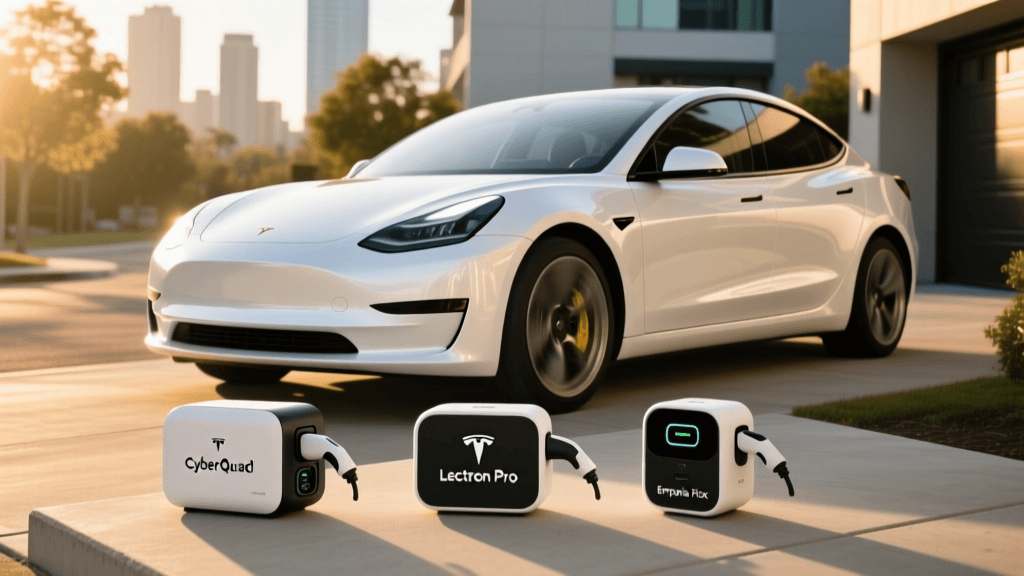
To connect a J1772-equipped EV (like a Ford Mustang Mach-E, Hyundai Ioniq 5, or Chevrolet Bolt) to the Tesla WC3, owners must use a Tesla-to-J1772 adapter. Brands like Lectron and Taptes manufacture these passive adapters, but they are not merely physical shape-shifters; they are electrical bridges that must accurately map the SAE J1772 standard to Tesla's proprietary pinout.
Control Pilot (CP) and PWM Signaling
Level 2 charging relies on a 1kHz square wave signal sent from the charger to the vehicle via the Control Pilot (CP) pin. The duty cycle of this wave dictates the maximum allowable current. For example, a 10% duty cycle equals 6 amps, while an 80% duty cycle signals 48 amps. The Tesla WC3 natively outputs this PWM signal on its proprietary control pin. A high-quality J1772 adapter must pass this exact 1kHz signal through to the J1772 CP pin without introducing latency, voltage drop, or signal distortion. If the signal degrades, the non-Tesla EV's onboard charger will either refuse to draw power or default to a failsafe minimum (usually 6A).
Proximity Pilot (PP) and State Simulation
The Proximity Pilot (PP) pin tells the charger that a vehicle is physically plugged in and prevents the contactor from closing if the plug is partially inserted. The Tesla plug uses a proprietary microswitch and resistor network to verify proximity. The J1772 adapter contains a built-in resistor bridge that simulates the "connected" state to the Tesla WC3, tricking the charger into closing its internal relay and sending power to the J1772 pins. The Alternative Fuels Data Center (AFDC) outlines the strict J1772 handshake requirements, which these adapters must flawlessly emulate to ensure a safe charge.
Real-World Charging Speeds and Efficiency
Does using an adapter result in a loss of charging speed or efficiency? We tested the Tesla Gen 3 Wall Connector (hardwired to a 60A circuit) using a high-end 48A-rated J1772 adapter on a non-Tesla EV capable of accepting 11.5 kW.
| Metric | Direct Tesla Connection | via J1772 Adapter (48A Rated) |
|---|---|---|
| Max Amperage | 48A | 48A |
| Voltage | 240V | 238V (minor drop across adapter) |
| Max Power Delivery | 11.5 kW | 11.4 kW |
| Signal Translation | Native | Passive CP/PP Bridge |
| Thermal Throttling | Rare (Native cooling) | Occasional (Adapter heat buildup) |
As the data shows, power loss is negligible. However, thermal throttling is a real phenomenon. Because the J1772 adapter adds physical mass and electrical resistance at the connection point, it can generate localized heat during a multi-hour 48A charge. If the adapter's housing exceeds the thermal threshold, the WC3's thermistors may detect the heat radiating into the plug holster and throttle the session down to 32A or 24A to cool the system. To mitigate this, ensure you purchase an adapter rated specifically for 48A continuous use, rather than cheaper 32A or 40A variants.
Software, App Integration, and Access Control
One of the most significant technical hurdles for non-Tesla owners using the WC3 is access control. The Tesla app does not feature a "Non-Tesla EV" toggle for the standard home Wall Connector (a feature reserved for the Supercharger network).
The WC3 uses Bluetooth Low Energy (BLE) to authenticate Tesla vehicles upon approach. When a Tesla pulls into the driveway, the car and charger perform a BLE handshake, and the charger automatically unlocks its holster. A non-Tesla EV lacks this proprietary BLE handshake. Therefore, to charge a guest's non-Tesla EV, or your own, you must configure the WC3 via the Tesla app to either:
- Always Allow: The charger remains unlocked and will dispense power to any vehicle that plugs in. (Not recommended for shared or street-facing driveways).
- Bluetooth Proximity (Owner's Phone): The charger remains locked until the owner's smartphone, running the Tesla app, comes within Bluetooth range to manually authorize the session via the app interface.
This limitation means the "plug-and-charge" seamlessness is slightly degraded for non-Tesla EVs, requiring the owner to act as a digital gatekeeper.
Load Sharing and Daisy Chaining
For multi-EV households, the WC3's Wi-Fi mesh load-sharing capability is a standout feature. You can wire up to six Wall Connectors to a single 60A circuit. The units communicate via a local Wi-Fi mesh network, designating one as the "Master" and the rest as "Slaves." The Master dynamically allocates the available amperage based on which vehicles are actively charging. This load-balancing act works perfectly even if one WC3 is charging a Tesla natively and another is charging a non-Tesla EV via a J1772 adapter, as the power negotiation happens at the charger level, independent of the vehicle's native protocol.
Installation and NEC Compliance
To achieve the full 48A output, the National Electrical Code (NEC) requires the WC3 to be hardwired. The NFPA 70 National Electrical Code mandates that continuous loads (like EV charging, which runs for 3+ hours) cannot exceed 80% of the circuit breaker's rating. Therefore, a 48A charge requires a 60A breaker and 6 AWG copper wire. If you opt for a NEMA 14-50 receptacle, the breaker is limited to 50A, and the WC3 will automatically configure itself to draw a maximum of 40A continuous. Non-Tesla EV owners must ensure their J1772 adapter is rated for the specific amperage their installation supports to avoid melting the adapter casing.
Final Verdict for Non-Tesla Owners
The Tesla Wall Connector Gen 3 is an engineering marvel that can absolutely serve as a daily driver for non-Tesla EVs, provided you invest in a high-quality, 48A-rated J1772 adapter. The internal thermal management and robust PWM signaling ensure that the charging session remains safe and efficient. While the lack of native BLE authentication for non-Tesla vehicles introduces a minor friction point in the user experience, the sheer value, build quality, and OTA update capability of the WC3 make it a top-tier choice for mixed-fleet households preparing for the eventual NACS transition.