Rivian owners and reservation holders share a common priority once delivery day approaches: getting home charging dialed in. With the R1S and R1T carrying large battery packs — the Standard pack at roughly 95 kWh usable, the Large at about 122 kWh usable, and the Max pushing past 140 kWh — a standard 120V wall outlet simply won't keep up with daily driving. This guide breaks down exactly what Rivian home charging requires in 2026, from electrical specs and installation costs to connector compatibility and equipment picks that maximize your truck or SUV's onboard charger capacity.
Rivian Charging Levels: Speed, Power, and Real-World Range Added
Before selecting equipment, it's essential to understand the three charging tiers and how they translate into actual miles on your Rivian's dashboard. Power is measured in kilowatts (kW) — the rate of energy flow — while your battery stores energy in kilowatt-hours (kWh). Think of kW as how fast water flows through a hose, and kWh as the size of the bucket you're filling.
| Level | Voltage / Amps | Max Power (kW) | Miles of Range Added Per Hour | Typical Use Case |
|---|---|---|---|---|
| Level 1 (120V) | 120V / 12A | ~1.4 kW | 3–5 mi/hr | Emergency / trickle top-up |
| Level 2 (240V) | 240V / 48A | 11.5 kW | 25–30 mi/hr | Daily home charging |
| DC Fast Charge | 400V+ architecture | Up to 220 kW (Large/Max pack) | ~140 mi in 20 min (10–80%) | Road trips, highway corridors |
Real-world context: A Rivian R1T Dual-Motor Large Pack with an EPA-estimated 352 miles of range will recover roughly 25–30 miles of range per hour on an 11.5 kW Level 2 connection. Charging from 10% to 80% at home takes approximately 10–11 hours — ideal for overnight sessions. On a DC fast charger, that same 10–80% session takes roughly 20–25 minutes at peak rate, though the charge curve tapers significantly above 80% SoC to protect the battery. Plan to charge to 80% on road trips unless you need the full pack for the next leg.
Electrical Requirements for Rivian Home Charging
Rivian's Wall Charger is rated for up to 11.5 kW (48 amps) on a 240V circuit. The National Electrical Code (NEC) requires that continuous loads — which EV charging qualifies as — not exceed 80% of a circuit's rated capacity. That means a 48A charger needs a dedicated 60-amp breaker.
Here's what your electrician will evaluate:
- Panel capacity: Most modern homes have 200A service panels. Adding a 60A breaker is usually feasible, but older homes with 100A panels may require a service upgrade ($1,500–$3,000+).
- Wire gauge: A 60A circuit typically requires 6 AWG copper wire (THHN in conduit or NM-B/Romex rated for the run length).
- Circuit dedication: The EV charger circuit must be dedicated — no sharing with dryers, ovens, or HVAC.
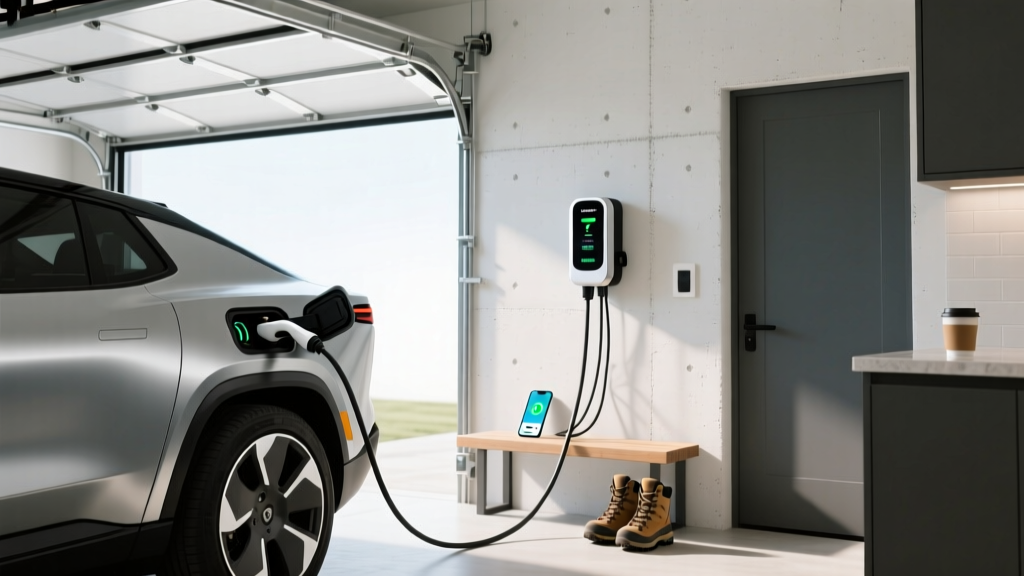
- Outlet vs. hardwired: The Rivian Wall Charger is hardwired (no plug), which eliminates the need for a NEMA 14-50 receptacle but means the unit stays with the house if you move. Hardwired installations also avoid GFCI breaker nuisance-tripping issues common with some 14-50 setups.
- Permit: Most jurisdictions require an electrical permit for a new 240V circuit. Your electrician typically pulls this, and a local inspector will verify the work.
| Item | Low End | High End | Notes |
|---|---|---|---|
| Rivian Wall Charger (equipment) | $650 | $750 | 11.5 kW, 25-ft cable, hardwired |
| Electrician labor (standard install) | $600 | $1,500 | Varies by run length, wall type, region |
| Electrical permit | $50 | $200 | Depends on municipality |
| Panel upgrade (if needed) | $1,500 | $3,500 | 100A → 200A service; not always required |
| Total (no panel upgrade) | $1,300 | $2,450 | Typical scenario for most homes |
| Total (with panel upgrade) | $2,800 | $5,950 | Older homes with insufficient service |
Pro tip: If your panel is near capacity, ask your electrician about a load-management device (such as the Emporia Smart Load Center or a CT-clamp-based charger with dynamic derating). These systems monitor your home's total draw and throttle the charger if other large loads kick on — potentially avoiding a costly panel upgrade.
Which Connector Does Rivian Use? NACS, CCS, and Adapter Reality
Rivian's connector strategy has shifted significantly over the past few years. Here's where things stand for the 2025–2026 model years:
| Model Year | Built-in Port | Tesla Supercharger Access | CCS Network Access |
|---|---|---|---|
| 2022–2024 R1T/R1S | CCS1 (originally); OTA + adapter update to NACS | Yes, via NACS adapter (provided by Rivian) | Yes, native CCS1 port |
| 2025+ R1T/R1S (Gen 2) | NACS (native) | Yes, direct plug-in | Requires CCS-to-NACS adapter (sold separately) |
| 2026 R2 (announced) | NACS (native) | Yes, direct plug-in | Requires CCS-to-NACS adapter |
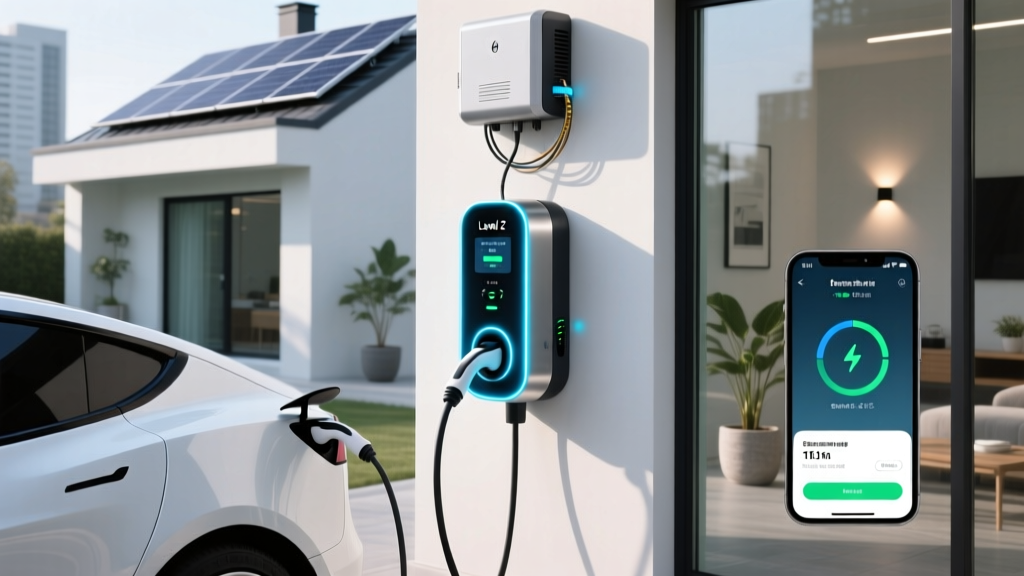
What this means for home charging: The Rivian Wall Charger ships with a NACS connector. If you own a 2022–2024 model with a CCS1 port, you'll use the NACS-to-CCS adapter that Rivian provides to connect to the Wall Charger. For 2025+ models, it's a direct plug. Third-party Level 2 chargers like the ChargePoint Home Flex or Emporia V2L-capable units ship with either NACS or CCS connectors depending on configuration — make sure you order the right one.
For public DC fast charging, your 2025+ Rivian will plug directly into Tesla Superchargers (now open to Rivian via the NACS standard). For Electrify America or other CCS-only stations, you'll need a CCS-to-NACS adapter — Rivian sells one, and aftermarket options from brands like Lectron are also available. Always verify adapter compatibility with your specific model year before purchasing.
Rivian Home Charger vs. Third-Party Alternatives
The Rivian Wall Charger is a solid, well-integrated unit, but it's not the only option. Here's how it compares to leading third-party Level 2 chargers that Rivian owners commonly consider:
| Charger | Max Power | Connector | Cable Length | Smart Features | Approx. Price |
|---|---|---|---|---|---|
| Rivian Wall Charger | 11.5 kW (48A) | NACS | 25 ft | Wi-Fi, Rivian app integration, scheduled charging, OTA updates | $650–$750 |
| ChargePoint Home Flex | 12 kW (50A, configurable) | NACS or CCS1 | 23 ft | Wi-Fi, app scheduling, Alexa, load sharing (2 units on 1 circuit) | $550–$650 |
| Emporia Level 2 EV Charger | 11.5 kW (48A) | NACS or J1772 (with adapter) | 24 ft | Wi-Fi, energy monitoring, solar integration, dynamic load management | $350–$400 |
| Tesla Wall Connector | 11.5 kW (48A) | NACS | 24 ft | Wi-Fi, OTA updates, power sharing (up to 6 units), load management | $425–$475 |
Our take: The Rivian Wall Charger earns its premium through seamless app integration — you can monitor charge status, schedule sessions, and precondition your R1T or R1S directly from the Rivian app. The 25-foot cable is among the longest available, helpful if your garage outlet isn't adjacent to where you park. However, the Tesla Wall Connector offers comparable hardware at a lower price and works perfectly with NACS-equipped Rivians. The Emporia charger stands out for budget-conscious buyers and those with solar panels, as its energy-monitoring features let you optimize charging around solar production.
If you own a pre-2025 Rivian with a CCS1 port and don't want to use an adapter every time you plug in at home, the ChargePoint Home Flex is available with a native CCS1 connector — no adapter needed for daily home use.
What Does Rivian Home Charging Cost Per Mile vs. Gas?
One of the strongest arguments for home charging is cost. Let's compare real numbers for a 2026 Rivian R1T Dual-Motor Large Pack (EPA combined efficiency: approximately 36 kWh/100 mi, or roughly 2.0 mi/kWh) against a comparable gas-powered full-size pickup averaging 19 MPG combined.
| Scenario | Rate | Cost Per Mile (R1T) | Cost Per Mile (Gas, 19 MPG) |
|---|---|---|---|
| Home (off-peak utility rate) | $0.12/kWh | $0.043 | $0.184 (at $3.50/gal) |
| Home (average US residential) | $0.17/kWh | $0.061 | $0.184 |
| Home (high-cost state, e.g. CA) | $0.30/kWh | $0.108 | $0.237 (at $4.50/gal CA avg) |
| Public Level 2 (network rate) | $0.35/kWh | $0.126 | $0.184 |
| DC Fast Charge (EA/Supercharger) | $0.48/kWh | $0.173 | $0.184 |
Key takeaway: At average US residential electricity rates (~$0.17/kWh per EIA data), charging a Rivian R1T at home costs roughly $0.06 per mile — about one-third the cost of fueling a comparable gas truck. Even at California's higher rates, home charging remains cheaper per mile than gas. Public DC fast charging approaches gas-equivalent cost, which is why maximizing home charging is the single most impactful ownership-economics decision you can make.
For a driver covering 12,000 miles per year, home charging at $0.17/kWh costs approximately $730 annually, compared to $2,210 for gas at $3.50/gallon and 19 MPG — a savings of roughly $1,480 per year.
Safety, Code, and Installation Best Practices
EV charging places a sustained high-amperage load on your home's electrical system — more like running an electric furnace for 8 hours than briefly using a microwave. Safety and code compliance are non-negotiable:
- Dedicated circuit: Your charger must have its own breaker — never share a circuit with other appliances. The NEC is explicit on this for continuous loads.
- Hardwired vs. receptacle: Hardwired installations (like the Rivian Wall Charger) avoid the arc-fault and GFCI nuisance-tripping issues that plague some NEMA 14-50 receptacle setups. If you choose a plug-in charger, use an industrial-grade 14-50 receptacle (Hubbell, Bryant) — not a budget residential outlet — and have your electrician torque all connections to spec.
- Outdoor rating: If your charger mounts outside, ensure it carries a NEMA 4 or IP65 rating. The Rivian Wall Charger is rated for indoor and outdoor use. Confirm the cable and connector are also rated for UV exposure and temperature extremes in your climate.
- GFCI protection: NEC 2020/2023 requires GFCI protection for outdoor receptacles used for EV charging. Hardwired chargers with built-in ground-fault protection (the Rivian Wall Charger includes this) may simplify compliance.
- Conduit and wire routing: Long runs from the panel to the charger may require larger wire gauge to prevent voltage drop. Your electrician will calculate this based on distance.
Always hire a licensed electrician familiar with EV charging installations. Ask for references or check if they're listed on installer networks like Qmerit or your utility's approved contractor list. Pull permits — unpermitted work can void home insurance coverage if an electrical fire occurs.
Optimizing Your Rivian Charging Routine
Once your hardware is installed, a few software-side practices will maximize battery longevity and minimize cost:
- Scheduled charging: Use the Rivian app to set a charge window during off-peak utility hours (often 10 PM – 6 AM). Many utilities offer time-of-use (TOU) plans with significantly lower rates overnight.
- Daily charge limit: For daily driving, set your charge limit to 80–85%. The R1T and R1S use NMC (nickel manganese cobalt) battery chemistry in the Large and Max packs, which degrades faster when held at 100% for extended periods. Reserve 100% charges for road trips.
- Preconditioning: Enable preconditioning in the Rivian app before a DC fast charge session. The battery management system will warm the pack to optimal temperature, enabling faster peak charge rates. This is especially important in cold weather, where an un-preconditioned pack may accept charge at a fraction of its peak kW rate.
- Cold-weather expectations: In sub-freezing temperatures, expect 15–30% range reduction depending on severity and driving style. Regenerative braking may also be limited until the battery warms up through driving or preconditioning.
Frequently Asked Questions
How much does it cost to install a Rivian home charger?
A typical Rivian Wall Charger installation on an existing 200A panel costs between $1,300 and $2,450, including the $650–$750 charger unit, electrician labor ($600–$1,500), and permit fees ($50–$200). If your home requires a panel upgrade from 100A to 200A service, add $1,500–$3,500. Get at least three quotes from licensed electricians, as labor rates and run complexity vary widely by region.
Can I charge my Rivian on a standard 120V outlet?
Yes, but slowly. A Level 1 connection (120V, 12A) adds roughly 3–5 miles of range per hour. For an R1T with a 122 kWh Large Pack, a full charge from empty would take over 80 hours. Level 1 is suitable only for emergency top-ups or very low-mileage drivers who travel under 20 miles per day. For practical daily use, Level 2 (240V) is strongly recommended.
Do I need the Rivian Wall Charger, or can I use a third-party charger?
You can use any Level 2 charger with the correct connector. The Rivian Wall Charger offers the best app integration and the longest cable (25 ft), but third-party options like the Tesla Wall Connector ($425), ChargePoint Home Flex ($550–$650), or Emporia ($350–$400) work perfectly and may save money. For 2025+ NACS-equipped Rivians, any NACS charger is compatible. For older CCS1 models, ensure the charger has a CCS1 connector or use Rivian's provided adapter.
Will the federal tax credit cover my home charger installation?
The residential clean energy credit (IRC §25D) previously covered 30% of home EV charger equipment and installation costs, up to $1,000. However, this provision has undergone legislative changes — check current IRS guidance or consult a tax professional to confirm eligibility for the current tax year. Some states and utilities also offer separate rebates for charger installation; check your local utility's EV program page.
How fast does a Rivian charge at home on Level 2?
On an 11.5 kW (48A) Level 2 connection, a Rivian R1T or R1S adds approximately 25–30 miles of range per hour. A full overnight session (10 hours) can add 250–300 miles — more than enough to replenish a full day of driving for most owners. Charging from 10% to 80% takes roughly 10–11 hours depending on pack size (Standard, Large, or Max).
Does my Rivian's battery warranty cover home charging degradation?
Rivian's battery warranty covers 8 years or 175,000 miles (whichever comes first) for retention below a specified capacity threshold — typically 70% of original capacity. Normal degradation from Level 2 home charging is expected and covered within these parameters. Using scheduled charging, limiting daily SoC to 80–85%, and avoiding frequent 100% charges will help preserve long-term battery health. Consult your owner's manual and Rivian's warranty documentation for exact terms.