The Short Answer: Charging a Tesla on ChargePoint in 2026
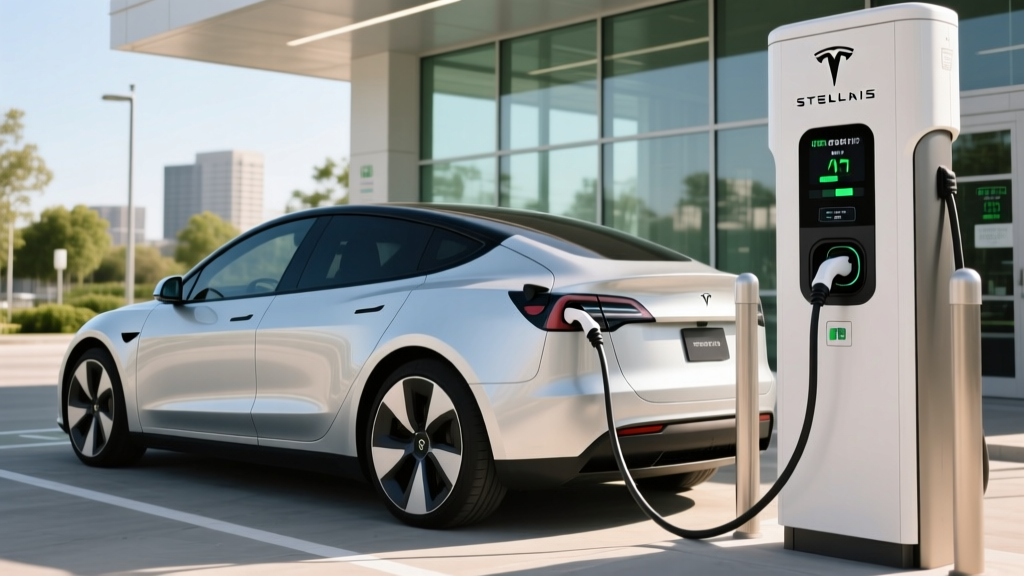
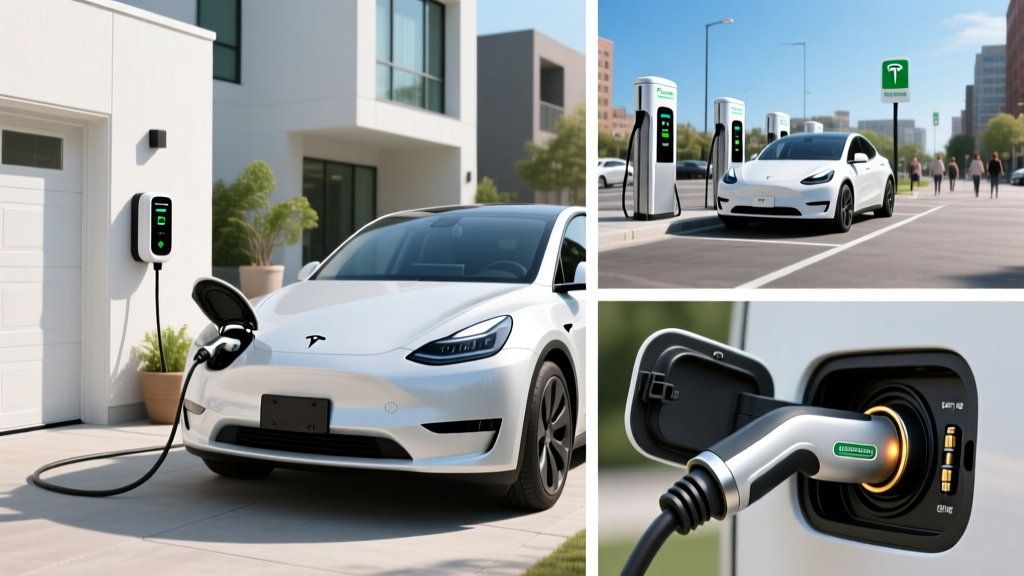
Every ChargePoint Level 2 station built before late 2024 ships with a J1772 connector — the universal North American plug for non-Tesla EVs. Teslas use the North American Charging Standard (NACS) port. To bridge the gap, you need one thing: a J1772-to-NACS adapter. Tesla sells an official adapter for roughly $50, and reputable third-party options (Lectron, TeslaTap) run $40–$130. Plug the adapter into your Tesla's charge port, connect the ChargePoint J1772 cable, and you're charging.
For ChargePoint's DC fast-charging stalls (branded as ChargePoint Express), most newer units now include native NACS cables alongside CCS1. If the station only has CCS1, you'll need a CCS-to-NACS adapter — Tesla sells one for about $250, though availability has fluctuated. Always check the station details in the ChargePoint app before you drive there.
Charging Levels Explained: Speeds, kW, and Miles Per Hour
Understanding charging speed starts with one critical distinction: kW (kilowatts) measures power — how fast energy flows into your car. kWh (kilowatt-hours) measures energy — the total capacity of your battery. Think of kW as the width of a hose and kWh as the size of the bucket. A wider hose (higher kW) fills the bucket faster.
| Level | Voltage | Power (kW) | Miles of Range Added Per Hour | Typical Use Case |
|---|---|---|---|---|
| Level 1 | 120V AC | 1.0–1.4 kW | 3–5 mi/hr | Emergency / overnight trickle |
| Level 2 (Home) | 240V AC | 7.2–11.5 kW | 25–44 mi/hr | Daily home charging |
| Level 2 (Public ChargePoint) | 208–240V AC | 6.6–19.2 kW | 22–70 mi/hr | Workplace, retail, apartments |
| DC Fast (ChargePoint Express) | 400–800V DC | 50–350 kW | 150–800+ mi/hr (peak) | Road trips, highway corridors |
A Tesla Model Y Long Range with an 82 kWh battery (roughly 75 kWh usable, NMC chemistry) charging at a 7.2 kW ChargePoint Level 2 stall will add about 28 miles of range per hour — enough to replenish a full day's driving in 2–3 hours. At a 50 kW DC fast charger, a 10–80% session takes roughly 55–65 minutes; at 150 kW, that drops to about 25–30 minutes. Note that DC fast charging follows a charge curve: the battery accepts peak power only at low states of charge, then tapers significantly above 60–70% SoC to protect cell health.
Step-by-Step: Using a ChargePoint Station With Your Tesla
Here's the practical workflow for public and workplace ChargePoint stations:
- Locate a station via the ChargePoint app or your Tesla's built-in navigation (which now indexes many non-Tesla networks). Filter for J1772 Level 2 or NACS/CCS DC fast.
- Check the connector in the app listing. If it's J1772 only, grab your adapter from the trunk.
- Attach the J1772-to-NACS adapter to your Tesla's charge port first, then plug the station's cable into the adapter.
- Authenticate using the ChargePoint app, an RFID card, or a credit card on the station's screen. Some workplace stations are free and require no authentication.
- Monitor the session in the ChargePoint app or your Tesla app. The car will also display charge rate in kW and estimated time to full on the touchscreen.
- Disconnect by stopping the session in the app, unplugging the cable, and removing the adapter. Return the adapter to your glovebox or frunk.
Pro tip: ChargePoint's Level 2 stations at workplaces and shopping centers are often priced at $0.10–$0.25/kWh or a flat hourly rate. Some are free. DC Express stations typically charge $0.30–$0.48/kWh depending on the region and time of day.
Home Charging Setup: Electrical Requirements and Installation Costs
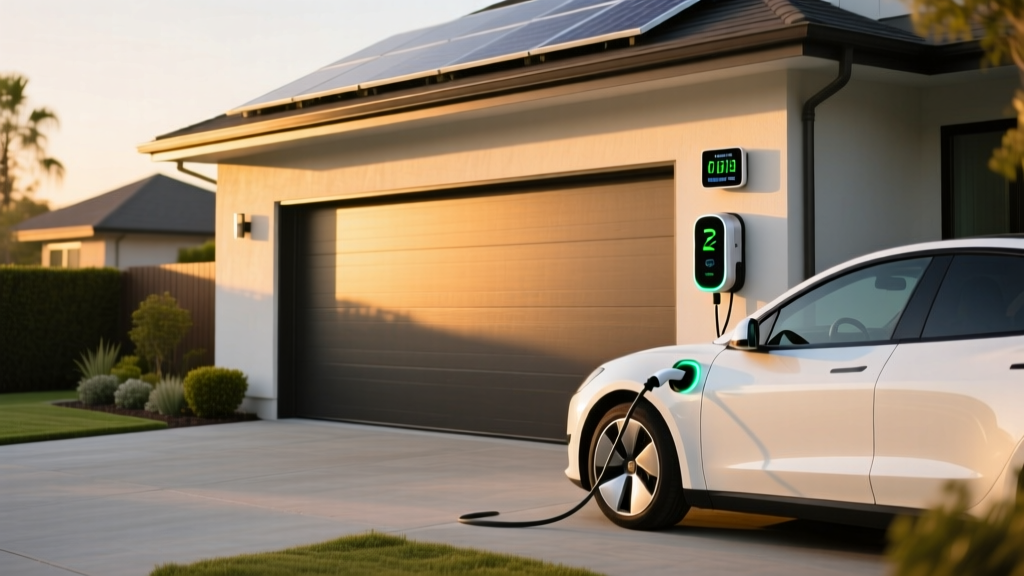
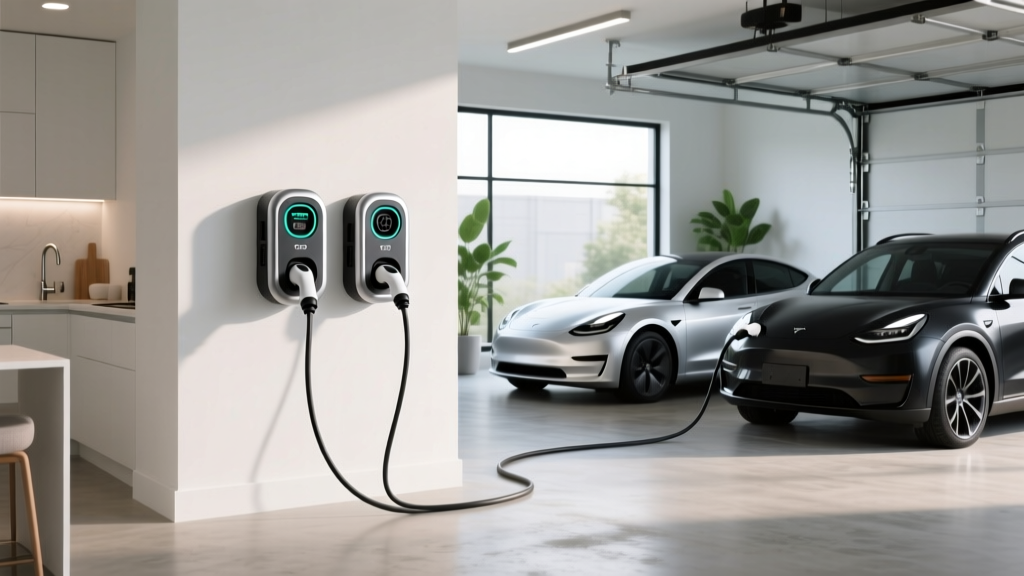
Most Tesla owners do the bulk of their charging at home on Level 2. ChargePoint offers the Home Flex, a well-regarded Level 2 unit that works with Teslas via the J1772 adapter (or directly with NACS on newer units shipping in 2025–2026). Here's what a home installation actually requires:
Electrical Requirements
A full-speed Level 2 home charger needs a 240V dedicated circuit. For a 48-amp charger (the most common high-power home unit), the National Electrical Code requires a circuit rated at 60 amps — because continuous loads can only use 80% of a breaker's capacity. That means 48A continuous draw on a 60A breaker.
- Minimum for basic Level 2: 240V / 20A circuit → 3.8 kW (about 14 mi/hr)
- Recommended for daily use: 240V / 40A circuit → 7.7 kW (about 30 mi/hr)
- Maximum for fast home charging: 240V / 60A circuit → 11.5 kW (about 44 mi/hr)
Installation Cost Breakdown
Costs vary dramatically based on your home's electrical panel capacity, the distance from the panel to the garage or driveway, and local permit fees.
| Component | Simple Install (Panel Nearby) | Complex Install (Long Run / Panel Upgrade) |
|---|---|---|
| Charger equipment (ChargePoint Home Flex or Tesla Wall Connector) | $500–$700 | $500–$700 |
| Electrician labor | $300–$600 | $800–$2,000 |
| Electrical permit | $50–$150 | $50–$200 |
| Panel upgrade (100A → 200A, if needed) | N/A | $1,500–$3,500 |
| Conduit, wiring, misc. materials | $50–$150 | $200–$500 |
| Total estimated range | $900–$1,600 | $3,050–$6,900 |
The panel-upgrade gotcha: Homes built before 1990 often have 100-amp service panels. Adding a 60A EV circuit to a panel already running electric dryers, ranges, and HVAC can exceed safe capacity. A licensed electrician will perform a load calculation per NEC Article 220 to determine if your panel can handle the additional draw. If it can't, a panel upgrade to 200A typically costs $1,500–$3,500. This is the single biggest variable in home charger installation — always get a professional assessment before budgeting.
Note: The federal Residential Clean Energy Credit (IRS §25D) covered 30% of home charger equipment and installation costs through 2025, up to $1,000. Check current-year IRS guidance for 2026 eligibility, as this credit has undergone legislative review.
Connector Compatibility: NACS, CCS1, and What Adapters You Need
The connector landscape shifted significantly in 2024–2025 when Ford, GM, Rivian, Volvo, and most major automakers adopted NACS for their EVs. By 2026, NACS is the dominant connector in North America, but thousands of legacy J1772 and CCS1 stations remain in service.
| Connector on Station | Tesla Native? | Adapter Needed | Adapter Cost | Common Networks |
|---|---|---|---|---|
| NACS (Tesla native) | Yes — plug directly | None | $0 | Tesla Supercharger, newer ChargePoint Express, EVgo |
| J1772 (Level 2) | No | J1772-to-NACS | $40–$130 | ChargePoint Level 2, Blink, most workplace/hotel |
| CCS1 (DC fast) | No | CCS-to-NACS (Tesla official or Setec) | $175–$250 | Electrify America, older ChargePoint Express, Ionity (EU) |
| CHAdeMO | No | CHAdeMO-to-Tesla (limited availability) | $300–$450 | Legacy Nissan Leaf stations, declining |
For ChargePoint specifically: the vast majority of ChargePoint's Level 2 network uses J1772, so the inexpensive J1772-to-NACS adapter is the one accessory every Tesla owner should keep in the car at all times. Tesla's official adapter is rated for up to 48 amps and is available on Tesla's online shop. Third-party options from Lectron and TeslaTap offer comparable performance at similar prices.
Charging Cost: Per-Mile Economics vs. Gasoline
One of the strongest arguments for EV ownership is the fuel cost advantage — but the savings depend heavily on where and when you charge.
| Scenario | Rate | Cost to Add 200 Miles (Model Y, 3.5 mi/kWh) | Cost Per Mile |
|---|---|---|---|
| Home charging (off-peak utility rate) | $0.09/kWh | $11.43 | $0.057 |
| Home charging (national avg. residential) | $0.17/kWh | $21.59 | $0.108 |
| ChargePoint Level 2 (public, typical) | $0.18/kWh | $22.86 | $0.114 |
| ChargePoint DC Express (fast) | $0.38/kWh | $48.25 | $0.241 |
| Tesla Supercharger (avg. 2026) | $0.32/kWh | $40.63 | $0.203 |
| Gasoline SUV (25 MPG, $3.40/gal) | $3.40/gallon | $27.20 | $0.136 |
The numbers are clear: home charging on off-peak rates delivers the lowest cost per mile of any option — roughly 5.7 cents, or less than half the cost of a comparable gas SUV. Public Level 2 ChargePoint stations are competitive with gas. DC fast charging, whether on ChargePoint Express or Tesla Superchargers, is the most expensive option and can actually exceed gasoline costs on a per-mile basis in high-cost states like California or Massachusetts.
The practical strategy: charge at home nightly for daily driving, and reserve DC fast charging for road trips. According to fueleconomy.gov, the 2026 Tesla Model Y Long Range achieves 119 MPGe combined, translating to roughly 3.5 miles per kWh — a figure that holds up well in real-world mixed driving, though expect 10–20% efficiency loss in sub-freezing temperatures or sustained 80+ mph highway driving.
Equipment Recommendations: Home Chargers for Tesla Owners
If you're setting up home charging and want compatibility with both your Tesla and any future non-Tesla EV, these are the top Level 2 units in 2026:
ChargePoint Home Flex
- Power output: Up to 12 kW (50A) on a 60A circuit; configurable down to 16A
- Connector: J1772 (use adapter for Tesla) — NACS version available late 2025
- Cable length: 18 ft or 23 ft options
- Smart features: Wi-Fi, scheduling, energy tracking via ChargePoint app, Alexa integration
- Price: ~$549–$649 (unit only)
- Best for: ChargePoint ecosystem users who want public + home app integration
Tesla Wall Connector
- Power output: Up to 11.5 kW (48A) on a 60A circuit
- Connector: Native NACS — no adapter needed for Tesla vehicles
- Cable length: 24 ft
- Smart features: Wi-Fi, over-the-air updates, Power-Share between two units, integrated Tesla app monitoring
- Price: ~$450 (unit only)
- Best for: Tesla-only households wanting seamless plug-and-charge
Emporia Level 2 EV Charger
- Power output: Up to 11.5 kW (48A)
- Connector: J1772 (adapter for Tesla)
- Cable length: 24 ft
- Smart features: Energy monitoring, solar integration, scheduling, load management
- Price: ~$399 (unit only) — best value in smart chargers
- Best for: Budget-conscious buyers with solar panels or energy-monitoring needs
Safety and Code Considerations for Home Installation
EV charging draws significant continuous current for hours at a time — this is not the same as plugging in a dryer for 45 minutes. The NEC treats EV charging as a continuous load, which triggers specific requirements:
- Dedicated circuit: Your EV charger must have its own dedicated breaker — no sharing with other appliances.
- GFCI protection: NEC 2020 and later require GFCI (Ground Fault Circuit Interrupter) protection for all EV charging outlets rated 60A or less. Hardwired units may have GFCI built in; receptacle-based installs need a GFCI breaker.
- Outdoor rating: If your charger is installed outside or in an unsealed garage, the unit must carry a NEMA 4 or NEMA 4X rating for weather resistance. The ChargePoint Home Flex and Tesla Wall Connector are both rated for outdoor use.
- Wire gauge: A 60A circuit requires 6 AWG copper wire (or 4 AWG aluminum). Your electrician will size this based on the run length and local code amendments.
- Permit and inspection: Virtually all jurisdictions require an electrical permit for a new 240V circuit. The work must pass inspection before energizing. Factor $50–$200 for the permit and 1–2 weeks for inspection scheduling.
Always hire a licensed electrician — specifically one experienced with EV charger installations. Ask for a load calculation in writing before committing to a circuit size.
Frequently Asked Questions
Can I use a ChargePoint station without an account?
Most ChargePoint stations accept credit card payment directly at the kiosk, so you don't need an account. However, creating a free ChargePoint account unlocks RFID card tap-to-start, session history, and the ability to set charging alerts when your car reaches a target SoC.
How fast will my Tesla charge on a ChargePoint Level 2 station?
Most public ChargePoint Level 2 stations deliver 6.6 kW or 7.2 kW, adding roughly 25–30 miles of range per hour to a Tesla Model Y. Some newer ChargePoint Flex stations at workplaces deliver up to 19.2 kW (80A), which can add up to 70 miles per hour — though your Tesla's onboard charger caps at 11.5 kW (48A), so the car will only accept what it can handle.
Do I need a CCS adapter for ChargePoint DC fast chargers?
It depends on the station. ChargePoint has been adding native NACS cables to new Express stations since 2025. For older CCS-only Express stations, you'll need a CCS-to-NACS adapter. Check the station listing in the ChargePoint app — it will show available connector types before you arrive.
Is it safe to use a third-party J1772 adapter with my Tesla?
Reputable third-party adapters from Lectron and TeslaTap are well-reviewed and meet SAE J1772 specifications. However, Tesla's official adapter is the safest choice since it's engineered and warranted specifically for Tesla vehicles. Avoid unbranded adapters from unknown sellers on marketplace sites — poorly made adapters can overheat at sustained high amperage.
What happens if my home's electrical panel can't support a Level 2 charger?
If your panel is at capacity, you have three options: (1) upgrade to a 200A panel ($1,500–$3,500), (2) install a lower-amperage circuit — even a 20A/240V circuit delivers 3.8 kW and about 14 miles per hour, enough for overnight replenishment of 100+ miles, or (3) use a smart load-management device like the Emporia Smart Panel or ChargePoint's built-in load sharing, which dynamically reduces charger draw when other appliances cycle on.