If you drive a Tesla and are researching home charging options, you've likely encountered Blink chargers — either as a public-network staple or as a residential Level 2 option. But pairing a Blink charger with a Tesla raises specific questions in 2026: Does Blink support the North American Charging Standard (NACS)? What adapter do you need? And how does the install cost compare to a Tesla Wall Connector?
This guide breaks down exactly what Tesla owners need to know about Blink home and public chargers, including connector compatibility, electrical requirements, real-world charging speeds, and total cost of ownership.
Understanding Charging Levels: What Blink Offers Tesla Owners
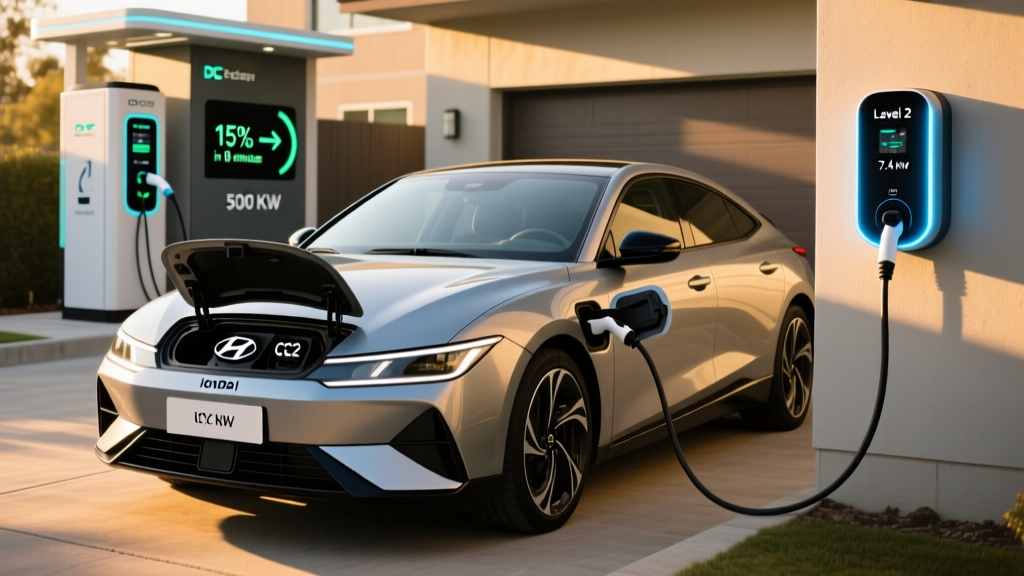
Before evaluating any charger, you need to understand the three charging tiers available to EV owners. Blink primarily operates in the Level 2 space for residential use, though their public network includes DC fast chargers as well.
| Level | Voltage | Max Power (kW) | Miles of Range Added Per Hour | Typical Use Case |
|---|---|---|---|---|
| Level 1 | 120V AC | 1.4–1.9 kW | 3–5 miles | Emergency / overnight trickle |
| Level 2 | 240V AC | 7.2–19.2 kW | 20–60 miles | Home daily charging, workplace |
| DC Fast | 400–800V DC | 50–350 kW | 150–1,000+ miles (equivalent) | Road trips, public stations |
A critical distinction: kW (kilowatts) measures power — the rate at which energy flows into your battery. kWh (kilowatt-hours) measures energy — the total capacity of your battery. A 75 kWh Tesla Model Y battery charged at 11.5 kW (a typical Level 2 rate) will take roughly 6.5 hours from 0–100%, minus tapering near full charge.
Blink's home lineup centers on the Blink HQ 200, a Level 2 charger delivering up to 19.2 kW (80A) on a hardwired connection, or 11.5 kW (48A) on a NEMA 14-50 plug. For Tesla owners, this matters because Teslas accept up to 11.5 kW (48A) on Level 2 for the Model 3/Y platform, and up to 17.3 kW (72A) for Model S/X.
Blink Charger Tesla Compatibility: NACS, J1772, and Adapters
As of 2026, Tesla vehicles ship with the NACS (North American Charging Standard) charge port — the proprietary connector Tesla opened to the industry in late 2022 and which has since been adopted by Ford, GM, Rivian, Volvo, and most major automakers.
Most Blink home chargers, including the HQ 200, originally shipped with a J1772 connector — the legacy North American Level 2 standard. Here's what that means for Tesla compatibility:
| Connector Type | Native to Tesla? | Adapter Needed? | Notes |
|---|---|---|---|
| NACS (Tesla) | Yes — all 2025+ models | None | Direct plug-in; Blink now offers NACS-terminated cables |
| J1772 | No | Tesla J1772 Adapter (included with vehicle) | Works seamlessly; adds ~$0 cost if you kept the adapter |
| CCS1 | No (DC fast only) | Tesla CCS Adapter (~$175 from Tesla) | Needed for non-Tesla DC fast chargers |
| CHAdeMO | No | Third-party adapter (~$300+) | Largely obsolete; avoid investing |
Bottom line: If you buy a Blink HQ 200 with a J1772 connector, you simply use the Tesla J1772 adapter that came with your vehicle. It works perfectly for Level 2 charging. If you prefer a native NACS plug, Blink began offering NACS-terminated cables on newer HQ 200 units in 2025 — confirm with your retailer before purchasing.
Home Installation: Electrical Requirements and Costs
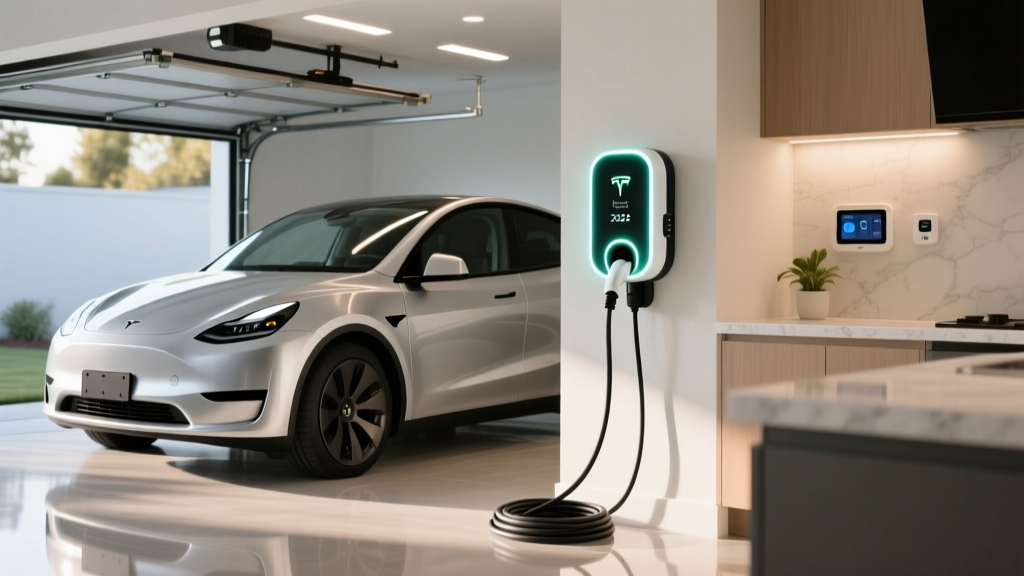
Installing a Blink HQ 200 at home involves more than mounting a box on your garage wall. Here's what the electrical reality looks like for a Tesla owner in 2026.
Electrical Specifications
- Hardwired (recommended): Requires a dedicated 240V circuit at 60A–100A, depending on desired output. The HQ 200 at full 19.2 kW needs a 100A breaker with appropriately gauged wire (typically 2 AWG copper).
- NEMA 14-50 plug: Requires a dedicated 240V/50A circuit. Delivers up to 11.5 kW (48A continuous draw). This is the simpler, more portable option and matches Tesla's onboard charger limit for Model 3/Y.
- Circuit rule: Per the National Electrical Code (NEC), continuous loads (like EV charging) can only use 80% of a circuit's rated capacity. A 50A breaker = 40A continuous; a 60A breaker = 48A continuous.
Panel Upgrade Considerations
This is the variable that catches many homeowners off guard. If your home has a 100A or 150A main electrical panel, adding a 50A–100A dedicated EV circuit may exceed your panel's capacity — especially if you already run electric HVAC, an electric dryer, and an electric oven.
A licensed electrician will perform a load calculation per NEC Article 220 to determine if your panel can handle the additional draw. If it can't, you'll need a panel upgrade to 200A (or even 400A for larger homes with multiple EVs).
| Component | Simple Install (Near Panel, No Upgrade) | Complex Install (Long Run or Panel Upgrade) |
|---|---|---|
| Blink HQ 200 Equipment | $550–$700 | $550–$700 |
| Electrician Labor (2–4 hrs basic / 6–12 hrs complex) | $400–$800 | $1,200–$3,000 |
| Electrical Materials (wire, conduit, breaker) | $100–$300 | $300–$800 |
| Permit & Inspection | $50–$200 | $50–$200 |
| Panel Upgrade (if needed) | $0 | $1,500–$4,000 |
| Total Estimated Cost | $1,100–$2,000 | $3,600–$8,700 |
According to data from the U.S. Department of Energy, most straightforward Level 2 home installations fall in the $1,000–$2,500 range, but panel upgrades can push costs well above $5,000.
Charging Speed Reality: How Fast Does Blink Charge a Tesla?
Let's put real numbers to common scenarios. Below are estimated 10–80% charging times for popular Tesla models using the Blink HQ 200 at various power configurations.
| Tesla Model | Battery (usable kWh) | Onboard Charger Max | At 48A / 11.5 kW (NEMA 14-50) | At 80A / 19.2 kW (Hardwired, S/X only) |
|---|---|---|---|---|
| Model 3 Long Range | 75 kWh | 11.5 kW (48A) | ~4 hrs 35 min | 4 hrs 35 min (car-limited) |
| Model Y Long Range | 75 kWh | 11.5 kW (48A) | ~4 hrs 35 min | 4 hrs 35 min (car-limited) |
| Model S (2025+) | 95 kWh | 17.3 kW (72A) | ~6 hrs 10 min | ~3 hrs 40 min |
| Model X (2025+) | 95 kWh | 17.3 kW (72A) | ~6 hrs 10 min | ~3 hrs 40 min |
For most Tesla Model 3 and Y owners, a NEMA 14-50 installation at 48A is the practical sweet spot — it matches the car's onboard charger ceiling, costs less to install, and easily replenishes a daily commute overnight. The 80A hardwired configuration primarily benefits Model S/X owners with larger batteries and higher-acceptance onboard chargers.
Real-world note: These times assume ideal conditions. In extreme cold (below 20°F / -7°C), your Tesla will divert some incoming power to battery preconditioning before accepting a full charge rate. Expect 10–20% longer charge sessions in deep winter.
Blink HQ 200 vs. Tesla Wall Connector: Equipment Comparison
The natural question for any Tesla owner: why choose Blink over Tesla's own Wall Connector? Here's how the two stack up head to head.
| Feature | Blink HQ 200 | Tesla Wall Connector (Gen 4) |
|---|---|---|
| Max Power Output | 19.2 kW (80A hardwired) | 11.5 kW (48A hardwired) |
| Connector | J1772 or NACS (configurable) | NACS native |
| Cable Length | 18 ft or 23 ft options | 24 ft |
| Wi-Fi / App | Blink app; scheduling, energy tracking | Tesla app; basic monitoring |
| Load Sharing (2 units on 1 circuit) | Yes (Blink networked models) | Yes (Power Sharing) |
| Non-Tesla EV Charging | Yes (with J1772 connector) | Yes (Gen 4 supports J1772 adapter) |
| Outdoor Rating | NEMA 4 | NEMA 4 |
| Approx. Equipment Price | $550–$700 | $450–$500 |
| Federal Tax Credit Eligible (§30D alt fuel) | Yes, up to $1,000 (30% of equipment + install) | Yes, same |
The Blink HQ 200's main advantage is raw power headroom (19.2 kW vs. 11.5 kW) — useful if you own a Model S/X or plan to charge a future EV with a higher-acceptance onboard charger. The Tesla Wall Connector wins on price and native NACS simplicity for Model 3/Y owners who will never exceed 48A anyway.
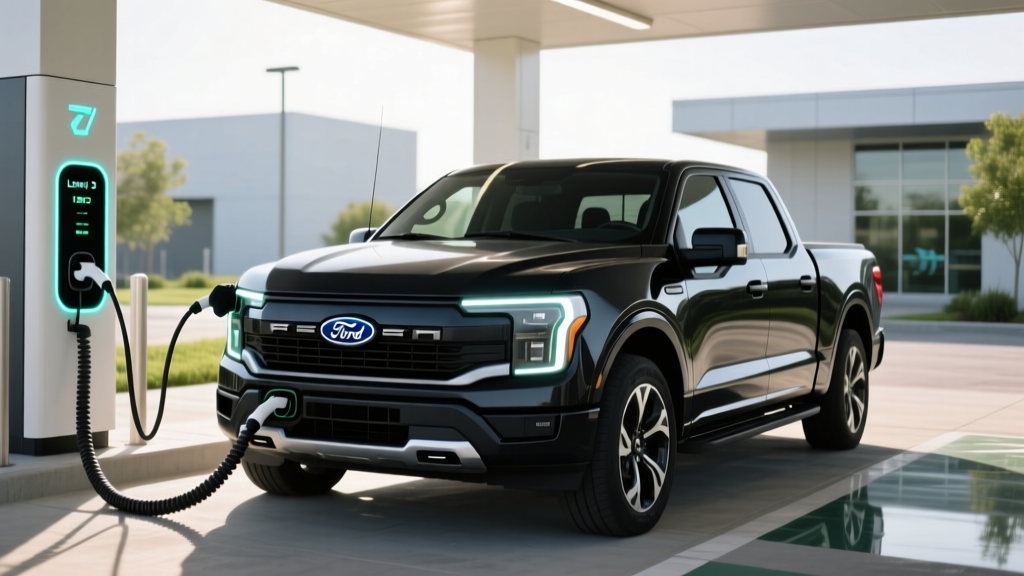
If you have a multi-EV household with a non-Tesla vehicle (a Ford F-150 Lightning or Hyundai Ioniq 5, for example), the Blink's J1772 option makes it a universal charger without adapters for non-Tesla cars — a practical advantage.
Cost to Charge: Blink at Home vs. Public vs. Gas
One of the strongest arguments for home Level 2 charging is cost. Let's compare what Tesla owners actually pay per mile across scenarios.
| Scenario | Rate | Cost per kWh | Cost per Mile (Model Y, 3.5 mi/kWh) |
|---|---|---|---|
| Home (national avg. residential) | Off-peak / standard | $0.16/kWh | $0.046 |
| Home (time-of-use off-peak) | Night rate | $0.09/kWh | $0.026 |
| Blink Public Level 2 | Network rate | $0.39–$0.59/kWh | $0.11–$0.17 |
| Tesla Supercharger (DC fast) | Varies by location/time | $0.28–$0.48/kWh | $0.08–$0.14 |
| Gas vehicle (28 MPG combined, $3.40/gal) | — | — | $0.12 |
At home on a time-of-use plan, charging a Tesla Model Y with a Blink HQ 200 costs roughly $0.03 per mile — about one-quarter the cost of a comparable gas vehicle. Even Blink's public Level 2 network pricing, while higher than home rates, remains competitive with gasoline on a per-mile basis in most states.
Per fueleconomy.gov, the 2026 Tesla Model Y Long Range achieves approximately 3.5 miles per kWh (122 MPGe combined). Use that figure to calculate your own local costs by multiplying your utility's $/kWh rate by 0.286 (the kWh consumed per mile).
Blink Public Network: What Tesla Owners Should Know
Blink operates one of the largest public Level 2 charging networks in the U.S., with over 40,000 ports across all 50 states. For Tesla owners, the public Blink network is accessible using the included J1772 adapter.
However, a practical reality: Blink's public Level 2 stations typically deliver 7.2 kW (30A) — significantly less than the HQ 200's home capability. That translates to roughly 20–25 miles of range per hour for a Model Y. Useful for topping off while shopping or at work, but not a replacement for home charging.
Blink also operates a growing network of DC fast chargers (60–360 kW). Tesla owners will need a Tesla CCS adapter (~$175 from Tesla's shop) to use non-Tesla DC fast chargers including Blink's, since Blink DC units use CCS1 connectors. Tesla's Supercharger network remains the most seamless DC fast-charging experience for Tesla vehicles, but the CCS adapter unlocks redundancy for road trips through areas with sparse Supercharger coverage.
Federal Tax Credit for Home Charger Installation
The Alternative Fuel Vehicle Refueling Property Credit (IRS §30C, sometimes confused with the §30D vehicle credit) offers up to 30% of the cost of home EV charging equipment and installation, capped at $1,000. As of 2026, this credit applies to both the charger hardware and electrician labor.
Key eligibility rules from the IRS:
- Equipment must be installed at your primary residence
- The credit covers both equipment and installation costs
- Income caps and census-tract eligibility requirements apply (the property must be in a qualifying census tract)
- You must file IRS Form 8911 with your tax return
For a $1,800 Blink HQ 200 installation (equipment + electrician), the 30% credit would yield $540 back — provided your location and income qualify. Consult a tax professional before assuming eligibility.
Frequently Asked Questions
Can I use a Blink charger with my Tesla without any adapter?
Only if the Blink unit has a NACS connector. Most Blink HQ 200 units ship with J1772, which requires the Tesla J1772 adapter (included with every Tesla). The adapter is small, reliable, and adds no meaningful resistance or charging loss.
Will a Blink HQ 200 charge my Tesla faster than a Tesla Wall Connector?
For Model 3 and Model Y: no. Both vehicles cap Level 2 intake at 11.5 kW (48A), so the Blink HQ 200's extra headroom (19.2 kW) goes unused. For Model S and Model X with 72A onboard chargers, the hardwired Blink HQ 200 at 80A can charge meaningfully faster than the Tesla Wall Connector's 48A ceiling.
How much does it cost to install a Blink charger at home for my Tesla?
A straightforward installation near your electrical panel with no panel upgrade typically runs $1,100–$2,000 all-in (equipment + electrician + permit). If your home needs a panel upgrade or a long conduit run, expect $3,600–$8,700. Always get a quote from a licensed electrician who performs a load calculation first.
Is Blink's public charging network reliable for Tesla road trips?
Blink's network is best suited for destination charging (topping off at shopping centers, hotels, or workplaces). For road-trip DC fast charging, Tesla's Supercharger network remains the gold standard for reliability and plug-and-charge simplicity. Use Blink DC fast chargers as backup with your CCS adapter.
What electrical panel size do I need for a Blink HQ 200?
A 200A main panel comfortably supports a 50A–60A dedicated EV circuit in most homes. If you have a 100A or 150A panel, you'll likely need an upgrade to 200A before adding a high-amperage charger — a $1,500–$4,000 job depending on your utility and local requirements.
Does the Blink app work well with Tesla vehicles?
The Blink app controls the charger, not the car. You can schedule charging sessions, monitor energy delivered, and track costs through the Blink app. Your Tesla app continues to handle vehicle-side monitoring (battery level, preconditioning, cabin climate). The two systems operate independently without conflict.