If you search "hack Tesla" expecting to jailbreak the car's firmware or install unauthorized software, you'll be disappointed—and likely void your warranty. But if you're looking for the real hacks—hidden settings, range-extending tricks, charging optimizations, and software features most owners never discover—you've come to the right place. After thousands of miles across the Tesla fleet, here are the legitimate, legal, and genuinely useful ways to get more from your Model 3, Model Y, Model S, or Model X in 2026.
What "Hacking" Your Tesla Actually Means
Let's be clear about what we're covering and what we're not. Tesla's software ecosystem is closed and proprietary. Attempting to modify firmware, bypass subscription features (like FSD Supervised or Acceleration Boost), or tamper with the CAN bus will void your warranty, potentially brick critical vehicle systems, and may violate federal law under the Computer Fraud and Abuse Act. Tesla actively monitors for unauthorized software modifications via over-the-air telemetry.
What can you hack? Plenty. Tesla buries dozens of settings behind submenus, Easter eggs, and undocumented behaviors. Combined with real-world knowledge of battery chemistry, thermal management, and charging curves, there's a massive gap between what a new Tesla owner gets out of the car and what an informed owner extracts. That gap is what this guide closes.
Range Hacks: Getting Beyond the EPA Sticker
The single most searched Tesla topic is real-world range. Here's the data you need, followed by the hacks that actually move the needle.
| Model | EPA Range | Real-World Highway (70 mph) | Cold Weather (20°F) |
|---|---|---|---|
| Model 3 RWD | 272 mi | ~230-245 mi | ~190-210 mi |
| Model 3 Long Range AWD | 363 mi | ~300-320 mi | ~250-270 mi |
| Model Y Long Range AWD | 320 mi | ~270-290 mi | ~220-240 mi |
| Model S Long Range | 402 mi | ~340-360 mi | ~280-310 mi |
| Model X Long Range | 335 mi | ~280-300 mi | ~230-255 mi |
Sources: fueleconomy.gov, real-world owner testing. Highway figures assume 70 mph, moderate climate. Cold-weather figures assume 20°F with cabin heating.
Range Hack #1: Chill Mode Is Not a Gimmick
Enabling Chill Mode (Controls > Pedals & Steering) softens throttle response, which reduces energy spikes during acceleration. On mixed driving, this alone can improve efficiency by 5-8%. It's particularly effective in stop-and-go traffic where aggressive acceleration wastes the most energy. The car still accelerates briskly—it just smooths the power delivery.
Range Hack #2: Tire Pressure Is Your Biggest Free Gain
Tesla recommends 42 PSI cold for most Model 3/Y variants (check your door jamb sticker). Running 2-3 PSI below spec increases rolling resistance measurably. Check pressures monthly, always when tires are cold (before driving or after sitting 3+ hours). In our testing, correcting under-inflated tires recovered 3-5% range—worth 10-18 miles on a Long Range Model Y.
Range Hack #3: Precondition the Battery Before Driving
If your Tesla is plugged in, set a scheduled departure time in the charging menu. The car will precondition the battery to optimal temperature using grid power, not battery energy. This is especially critical in cold weather, where a cold battery has higher internal resistance and reduced regen capability. A preconditioned battery in 30°F weather can recover 15-20 miles of range versus a cold-soaked start.
Range Hack #4: Use Seat Heaters Instead of Cabin Heat
The cabin heater (even with a heat pump on newer models) draws 2-5 kW depending on ambient temperature. Seat heaters and the heated steering wheel draw roughly 100-200W combined. On short trips in cold weather, running seat/steering wheel heat with cabin temperature set lower (65°F instead of 72°F) can cut heating energy by 40-60%.
Range Hack #5: Aero Wheels Actually Work
Tesla's aero wheel covers (standard on many trims, available as accessories) reduce drag coefficient measurably. Independent testing by Teslarati and owner communities consistently shows 3-5% efficiency improvement at highway speeds with aero covers installed versus the same wheels without. That's a free 10-15 miles on a 300-mile drive.
Charging Hacks: Faster, Cheaper, Smarter
Understanding Tesla's charging behavior is where the biggest practical gains live. Here are the numbers and the hacks.
| Charge Type | Power (kW) | Miles Added/Hour | 10-80% Time | Notes |
|---|---|---|---|---|
| Level 1 (120V, 12A) | ~1.4 kW | ~3-4 mi/hr | N/A (days) | Emergency/trickle only |
| Level 2 (240V, 48A) | ~11.5 kW | ~30-44 mi/hr | ~8-10 hours | Home Wall Connector |
| Level 2 (240V, 32A) | ~7.7 kW | ~20-30 mi/hr | ~12-14 hours | Mobile Connector, NEMA 14-50 |
| DC Fast (V3 Supercharger) | Peak 250 kW | ~1,000 mi/hr (peak) | ~25-30 min | Model 3/Y LR |
| DC Fast (V4 Supercharger) | Peak 350 kW | ~1,300 mi/hr (peak) | ~15-20 min | Cybertruck, newer architectures |
Charging Hack #1: Precondition for Supercharging (The Most Important Hack)
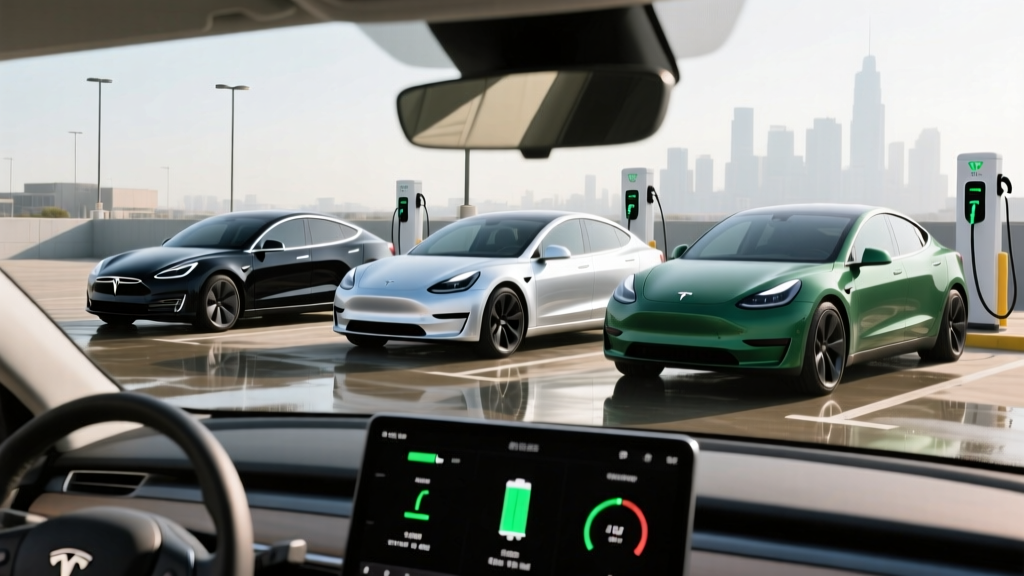
This is the single most impactful charging hack. When you navigate to a Supercharger using the car's built-in navigation, the vehicle automatically begins preconditioning the battery—warming it to approximately 95-104°F (35-40°C) for optimal charge acceptance. Without preconditioning, a cold battery at a Supercharger may peak at 50-90 kW instead of the rated 250 kW. Always navigate to the Supercharger through the car's nav, even if you know the route. This alone can cut your 10-80% charging time by 10-15 minutes.
Charging Hack #2: Understand the Charge Curve (Stop at 80%)
Tesla's DC fast-charge rate is not linear. A Model 3 Long Range on a V3 Supercharger follows roughly this curve:
- 10-30% SoC: ~200-250 kW (peak)
- 30-50% SoC: ~150-200 kW
- 50-70% SoC: ~100-150 kW
- 70-80% SoC: ~70-100 kW
- 80-90% SoC: ~40-60 kW (taper)
- 90-100% SoC: ~15-30 kW (trickle)
Charging from 80% to 100% at a Supercharger can take as long as 10% to 80%. For road trips, the optimal strategy is: arrive at each Supercharger at 10-15% SoC, charge to 70-80%, and move on. You'll reach your destination faster than if you waited for a full charge at any single stop.
Charging Hack #3: Scheduled Charging for Cheap Electricity
If your utility offers time-of-use (TOU) rates, set Scheduled Charging in the car (Controls > Charging) to start during off-peak hours—typically 10 PM to 6 AM. Plug in when you get home, but the car won't draw power until the scheduled time. Combine this with off-peak rates (often $0.08-0.12/kWh vs. $0.25-0.35/kWh peak) to cut home charging costs by 50-65%.
Charging Hack #4: Amp Adjustment for Older Wiring
If your home's electrical panel is near capacity, you can manually reduce the charge amperage in the car's charging screen. Dropping from 48A to 32A or 24A reduces circuit load and may avoid a costly panel upgrade ($1,500-$3,000). You'll charge slower, but overnight that rarely matters—a 32A charge still adds ~200 miles in 8 hours on a Model 3.
Software & Settings Hacks Most Owners Miss
Hidden Menu: The "About" Easter Eggs
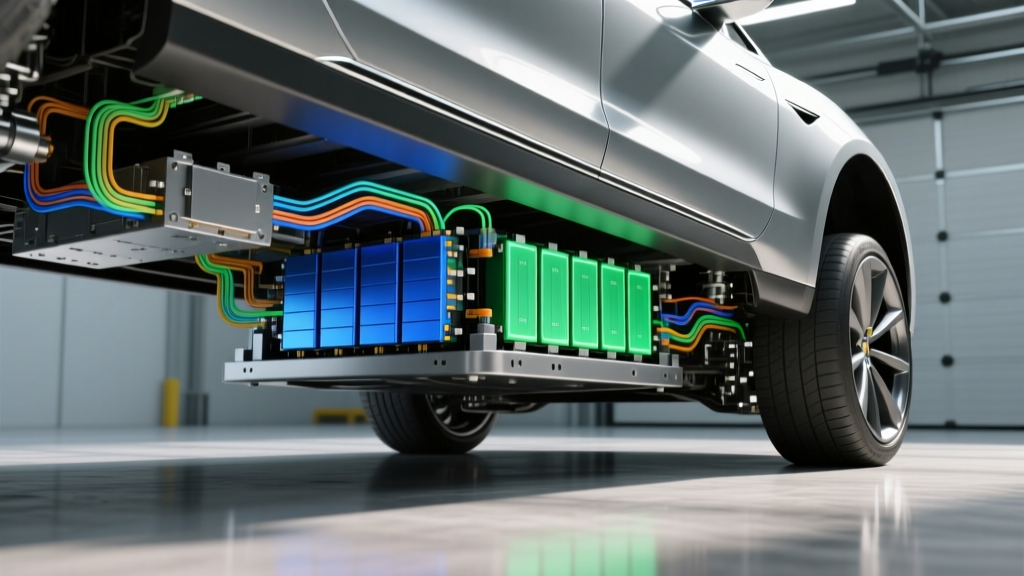
Tap and hold the model name on the About screen (Controls > Software > About) for 3-5 seconds. Depending on your software version, this reveals additional build information, including the specific battery pack part number and cell chemistry. This is how you confirm whether your Model 3 RWD has an LFP (lithium iron phosphate) or NMC (nickel manganese cobalt) pack—critical information that affects how you should charge and care for it.
LFP vs NMC: The Charging Hack That Matters Most
| Attribute | LFP (LiFePO4) | NMC/NCA |
|---|---|---|
| Found In | Model 3 RWD, Model Y RWD (Standard Range) | Model 3/Y Long Range, Model S/X, Performance trims |
| Recommended Daily Charge | 100% (charge to full regularly) | 80% (for daily use) |
| Energy Density | Lower (heavier pack for same range) | Higher |
| Cycle Life | 3,000-5,000+ cycles | 1,500-2,500 cycles |
| Cold Weather Performance | Weaker (more range loss in cold) | Better |
| Degradation Profile | Very flat, then sudden end-of-life | Gradual, linear decline |
| Calibration Need | Charge to 100% weekly for BMS accuracy | No routine 100% needed |
This is arguably the most important "hack" in this guide: if you have an LFP battery, charge to 100% at least once a week. The battery management system (BMS) on LFP packs has difficulty estimating state of charge at partial levels due to the flat voltage curve of LFP chemistry. Without regular 100% charges, the displayed range estimate can drift significantly, leading to phantom range loss anxiety. Tesla officially recommends this in the owner's manual for LFP vehicles.
Speed Limit Chime Workaround
Navigate to Controls > Autopilot > Speed Limit Warning and set it to "Display" instead of "Chime." This keeps the visual speed limit indicator on screen without the audible alert that many owners find intrusive, especially on roads where the GPS-mapped speed limit data is incorrect (a common occurrence on recently changed roads).
Homelink Auto-Open/Close
If you have Homelink (garage door integration), enable "Auto-Open" and "Auto-Close" in the Homelink settings. The car will automatically trigger your garage door when approaching within ~150 feet and close it when you drive away. This eliminates fumbling for the garage remote entirely. Requires Homelink hardware (standard on S/X, optional on 3/Y).
Profile-Based Automation
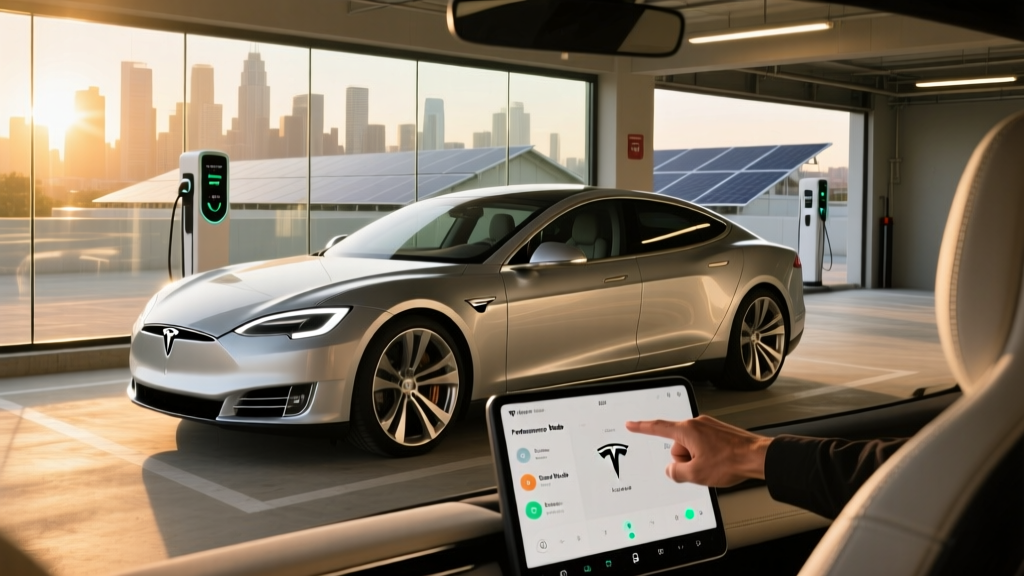
Tesla's driver profiles can automatically adjust mirrors, steering wheel height, seat position, climate settings, and even driving mode (Chill/Sport) based on which key fob or phone key is detected. Set up separate profiles for each driver in your household. The car identifies the approaching key and pre-configures everything before you sit down.
Autopilot & FSD: What It Actually Does (and Doesn't Do)
Tesla Autopilot and Full Self-Driving (Supervised) are SAE Level 2 driver-assistance systems. The driver must remain engaged, hands on or near the wheel, eyes on the road, and ready to take over at any moment. These are not self-driving systems. Only Level 4 services like Waymo operate without a human driver. Never sleep, read, or disengage from driving while Autopilot or FSD is active.
Autopilot Hack: Smoother Lane Changes
In Autopilot settings, set Lane Change to "Require Confirmation" rather than "Auto." While the auto lane-change feature (signaling and executing lane changes with turn signal activation) seems convenient, the system's timing often feels rushed to other drivers. Requiring confirmation lets you activate the turn signal and then confirm the maneuver when you judge the gap is safe. The result is smoother, more predictable driving that passengers and surrounding drivers find more comfortable.
FSD Supervised: Setting Realistic Expectations
As of early 2026, Tesla's FSD (Supervised) handles most surface streets and highway scenarios but still requires intervention for construction zones, complex unprotected left turns, unusual road markings, and inclement weather. Owners report intervention rates of approximately once every 50-150 miles depending on route complexity and geography. It's a significant convenience aid that reduces fatigue on long drives, but it is not autonomous driving. Budget-conscious buyers should weigh the $8,000 purchase price (or $99/month subscription) against their actual driving patterns before committing.
Performance Hacks: Squeezing Out More
Acceleration Boost (Software Purchase)
For select Long Range models, Tesla offers an over-the-air Acceleration Boost for approximately $2,000. This shaves roughly 0.5 seconds off the 0-60 mph time (e.g., Model 3 LR from 4.2s to 3.7s). It's a software unlock of already-available hardware—no physical modifications. Consider it only if you value performance; it doesn't affect range or daily usability.
Slip Start for Low-Traction Surfaces
If you're stuck in snow, mud, or sand, enable Slip Start (Controls > Service > Slip Start). This allows the wheels to spin slightly before traction control intervenes, which can help "rock" the car out of soft surfaces. Turn it off immediately once free to restore normal traction control.
Track Mode (Performance/M3P/MYP Models Only)
Track Mode, available on Performance trims, allows granular control over stability assist, regenerative braking strength, and torque distribution between front and rear motors. On a closed course, adjusting these settings lets experienced drivers tailor handling characteristics. It also enables enhanced cooling for sustained high-power driving. Never use Track Mode on public roads—it reduces stability intervention thresholds.
Tax Credits, Pricing, and Ownership Cost Hacks
| Model | Base MSRP | §30D Credit Eligibility | Effective Price (with credit) |
|---|---|---|---|
| Model 3 RWD | $38,990 | Up to $7,500 (if sourcing + income requirements met) | ~$31,490 |
| Model 3 Long Range AWD | $42,490 | Up to $7,500 | ~$34,990 |
| Model Y Long Range AWD | $44,990 | Up to $7,500 | ~$37,490 |
| Model S Long Range | $79,990 | Not eligible (exceeds $55,000 sedan MSRP cap) | $79,990 |
| Model X Long Range | $79,990 | Up to $7,500 (SUV cap is $80,000) | ~$72,490 |
- MSRP Caps: Sedans ≤ $55,000; SUVs/trucks/vans ≤ $80,000
- Buyer Income Caps (MAGI): $150K single / $225K head of household / $300K joint
- Battery Sourcing: Critical minerals and battery components must meet escalating domestic/free-trade-partner percentages (check IRS §30D guidance for current-year thresholds)
- Point-of-Sale Transfer: Eligible buyers can transfer the credit to the dealer at purchase for an immediate price reduction, rather than waiting for tax filing
- Final Assembly: Vehicle must undergo final assembly in North America (all US-market Teslas qualify)
Note: Battery sourcing requirements have tightened annually since 2023. Verify current-year eligibility on the IRS website or with a tax professional before relying on the credit in your purchase decision. Rules are subject to legislative change.
Ownership Cost Hack: Insurance Shopping
Tesla offers its own insurance product in most states, priced based on real-time driving behavior (Safety Score). For drivers with high Safety Scores (90+), Tesla Insurance is often 15-30% cheaper than traditional carriers for Tesla vehicles. However, always compare quotes—some traditional insurers (notably USAA, State Farm, and Geico) have become more competitive on Tesla rates. Get at least three quotes before committing.
Ownership Cost Hack: Referral and Loyalty Programs
Tesla periodically runs referral programs offering credits toward Supercharging, accessories, or future purchases. Check Tesla's website or your Tesla app for active programs. Existing owners who refer new buyers can sometimes earn credits worth $500-$1,000 in Supercharging.
Warranty & Longevity: What's Covered
| Coverage | Model 3/Y | Model S/X |
|---|---|---|
| Basic Vehicle | 4 years / 50,000 miles | 4 years / 50,000 miles |
| Battery & Drive Unit | 8 years / 100,000 mi (RWD) 8 years / 120,000 mi (LR/Perf) | 8 years / 150,000 miles |
| Battery Capacity Retention | ≥70% during warranty period | ≥70% during warranty period |
Longevity Hack: Charge Habits for Maximum Battery Life
For NMC/NCA packs (Long Range, Performance), the longevity-optimal charge routine is:
- Daily charge limit: 80%
- Only charge to 100% when you'll drive immediately (road trips, long day trips)
- Avoid leaving the car at 100% SoC for extended periods (more than a few hours)
- Avoid letting the car sit below 10% SoC for days
- Minimize DC fast charging when Level 2 is available (occasional Supercharging is fine; daily Supercharging accelerates degradation slightly)
For LFP packs, the rules are simpler: charge to 100% at least weekly for BMS calibration, and don't worry as much about high SoC storage—LFP chemistry is more tolerant of full charges.
Longevity Hack: Cabin Overheat Protection
Enable Cabin Overheat Protection (Controls > Safety) to keep the interior below 105°F when parked in hot weather. While this uses a small amount of energy, it reduces thermal stress on the battery pack (which sits beneath the cabin floor and absorbs heat from the interior). In extreme heat (Arizona, Texas summers), this modestly helps long-term battery health.
Pros, Cons, and the Verdict
- Best-in-class Supercharger network (17,000+ stalls in North America)
- Over-the-air updates add features continuously
- Low running cost: ~$0.04-0.08/mile on home charging
- Strong resale value relative to most EVs
- Minimal maintenance (no oil, filters, spark plugs)
- Excellent safety ratings (NHTSA 5-star across all models)
- Panel gaps and build quality inconsistency (improving but still noted)
- No Apple CarPlay or Android Auto
- FSD Supervised is expensive and still Level 2 (not autonomous)
- Repair costs can be high; limited independent shop expertise
- Insurance costs above average for the segment
- Lack of physical buttons frustrates some drivers (especially Model 3/Y minimalist interior)
Frequently Asked Questions
Can I hack my Tesla to get free FSD or unlock paid features?
No. Tesla's software is cryptographically signed and monitored via OTA telemetry. Attempts to bypass paid features or modify firmware will be detected, can void your warranty, and may result in the vehicle being remotely disabled or blacklisted from Supercharger access. There is no legitimate "jailbreak" for Tesla vehicles.
What's the best Tesla model for maximizing range?
The Model S Long Range offers the highest EPA range at 402 miles, followed by the Model 3 Long Range AWD at 363 miles. For value, the Model 3 LR delivers the best range-per-dollar. If you need cargo space, the Model Y Long Range offers 320 miles with 76 cu ft of cargo volume (rear seats folded).
Does Tesla battery degradation really happen?
Yes, but slowly. Tesla's 2025 Impact Report showed the average Model 3/Y battery retains approximately 85% of original capacity after 150,000 miles. Degradation follows a curve: roughly 5% loss in the first 25,000 miles, then approximately 1% per 25,000 miles thereafter. An out-of-warranty battery replacement currently costs $12,000-$16,000 depending on the model.
Is it better to buy or lease a Tesla in 2026?
If you qualify for the §30D tax credit and plan to keep the car 4+ years, buying typically wins on total cost. Leasing makes sense if you want to avoid depreciation risk, prefer lower monthly payments, or want to upgrade frequently. Note: the §30D credit on a lease goes to the leasing company (Tesla), which may or may not pass it through as a lease incentive—verify the lease terms carefully.
How do I check my Tesla's battery health?
Tesla doesn't expose a direct State of Health (SoH) percentage in the UI. The best proxy: charge to 100% (or calculate projected 100% from a lower charge) and compare the displayed range to the original EPA rating. A 363-mile Model 3 LR showing 330 miles at 100% has approximately 91% SoH. Third-party tools like TeslaFi or Tessie (subscription services) can log and track this over time with more precision.
Does using Superchargers damage the battery?
Occasional Supercharging has negligible impact on battery health. Tesla's thermal management system actively cools the pack during DC fast charging. However, daily Supercharging over years shows slightly higher degradation versus primarily Level 2 charging—roughly 1-3% additional capacity loss over 100,000 miles. For daily charging, Level 2 at home is optimal; Superchargers are best reserved for road trips and occasional use.