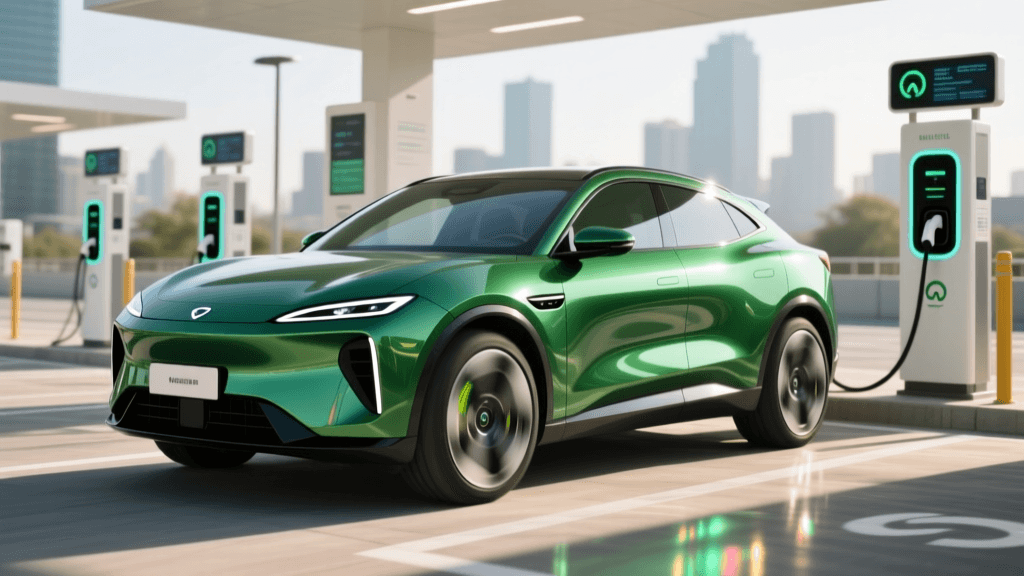
The Reality of 'Free' Retail EV Charging
Pulling into a Target, Walmart, or regional shopping mall with a low battery and seeing a row of 'Free EV Charging' signs feels like a massive win. However, as any seasoned electric vehicle owner knows, retail charging stations are notorious for a unique set of operational quirks. Unlike dedicated highway fast-charging plazas, retail chargers are often treated as secondary amenities by the host property, leading to higher rates of downtime, physical damage, and user confusion.
According to the U.S. Department of Energy, public charging infrastructure is expanding rapidly, but destination charging at retail locations remains a complex patchwork of network providers, subsidy programs, and property management rules. When a 'free' charger fails to initiate, you need a systematic troubleshooting approach to avoid wasting your shopping trip staring at a blank screen. This guide will walk you through diagnosing and resolving the most common problems at free retail EV charging stations nationwide.
Troubleshooting Unresponsive Touchscreens and Card Readers
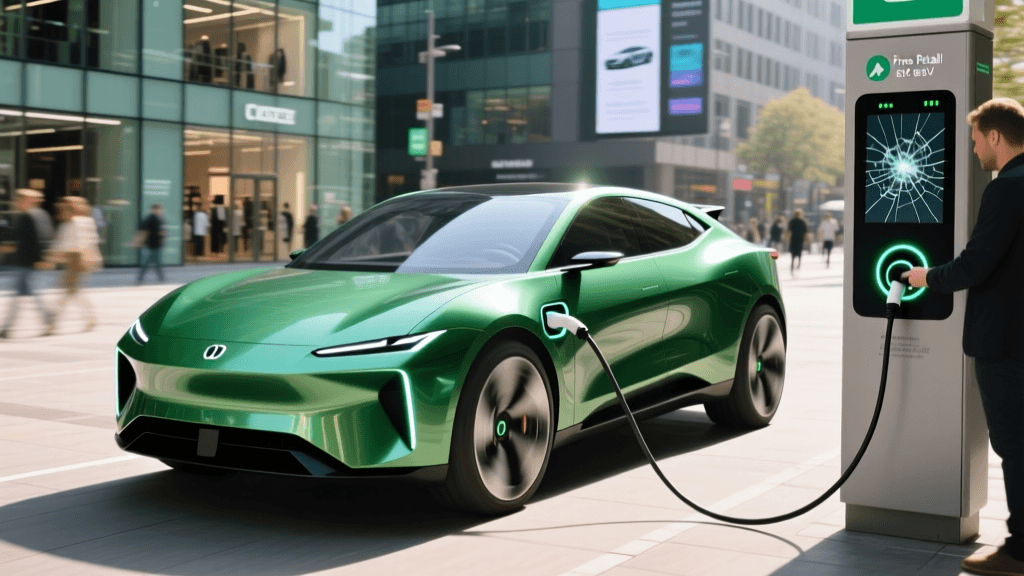
The most frequent issue at retail Level 2 and DC Fast Charging (DCFC) stations is an unresponsive touchscreen or RFID card reader. Retail environments mean high turnover, exposure to shopping carts, and varying weather conditions, all of which degrade external hardware.
Step 1: Inspect the Physical Connector
Before blaming the software, check the hardware. For Level 2 J1772 connectors, inspect the latch mechanism. Shopping cart impacts frequently snap the plastic release tab. If the latch is broken, the vehicle's proximity pilot circuit will not register a secure connection, and the station will refuse to send power. For CCS connectors, check the lower DC pins for debris, melted plastic, or bent pins. If the connector is physically compromised, move to the next stall immediately.
Step 2: Bypass the Screen via Mobile App
If the touchscreen is black or frozen, do not abandon the station yet. Most retail chargers are networked (typically ChargePoint, EVgo, or Blink). Open the respective network app on your smartphone, locate the specific station ID (usually printed on a sticker on the side of the pedestal), and initiate the session from your phone. The app sends a cellular signal directly to the charger's internal modem, completely bypassing the broken local touchscreen.
Step 3: The RFID Tap Zone Trick
If the app fails and you have a network RFID card, the reader might be miscalibrated. Instead of tapping the card directly on the glass or plastic icon, slowly hover the card across the entire bezel of the screen. The NFC antenna inside the pedestal is sometimes misaligned during manufacturing or repairs, and the 'sweet spot' may be several inches away from the printed reader icon.
Bypassing Network Authentication Errors
Many retail locations advertise 'free' charging, but the chargers themselves are not technically free; the retailer simply subsidizes the cost. This subsidy requires authentication to track the session and apply the zero-cost tariff. This is where many drivers get stuck.
The 'Zero Dollar' Authorization Hold
Even if the charging is 100% free, networks like EVgo and Electrify America often require a valid credit card on file to initiate the session. The system places a temporary authorization hold (usually $1 to $50) to verify the account is active. If your card is expired, or if your bank's fraud protection blocks the hold, the charger will throw an 'Authentication Failed' error, even if you will never be charged a dime. Fix: Always keep an updated backup payment method in your charging network apps before heading to a retail destination.
Expired Retail Subsidies
Retailers frequently sign 12-to-24-month contracts with networks like ChargePoint to offer free charging to customers. When these contracts expire, the chargers revert to standard paid rates, but the property manager rarely updates the physical 'Free Charging' signage in the parking lot. Always verify the current pricing on the network app or PlugShare before plugging in. If the app shows a per-kWh rate, the 'free' era has likely ended, and you must decide if the convenience is worth the cost.
Handling ICEing and Physical Blockades
Internal Combustion Engine (ICE) vehicles parking in EV spots—or 'ICEing'—is a persistent issue at busy retail locations, especially during holiday shopping seasons. Furthermore, you may encounter 'EV-ICEing,' where a plugged-in EV has finished charging but remains parked, blocking access.
De-escalation and Store Management
Never leave a confrontational note or engage in aggressive behavior, as this rarely solves the immediate problem and can escalate dangerously. Instead, take a photo of the blocking vehicle's license plate and head into the store. Go directly to the customer service desk or store manager. Politely inform them that their designated EV amenity is blocked, preventing customers from utilizing the store's advertised services. Many large retailers, such as Target and Whole Foods, have internal protocols to page the vehicle owner or issue parking warnings.
Leveraging Crowd-Sourced Data
Before you even pull into the retail parking lot, check the PlugShare or ChargePoint app for recent user check-ins. If the last three user photos show a gasoline truck parked in front of the chargers, you will save yourself immense frustration by rerouting to a reliable paid hub nearby. The Alternative Fuels Data Center notes that destination charging relies heavily on user-reported data to maintain real-time reliability metrics.
Navigating Time Limits and Hidden Idle Fees
'Free' charging at retail locations almost always comes with a strict time limit, typically ranging from 1 to 4 hours. The goal of the retailer is to encourage foot traffic inside the store, not to provide free overnight or all-day parking.
Troubleshooting Unexpected Idle Fees
If you receive a notification that you are being charged massive idle fees despite the 'free' signage, check the network's specific terms. Networks like Tesla Superchargers and EVgo impose idle fees if your vehicle remains plugged in after reaching a full charge or the session limit, regardless of whether the energy itself was subsidized by the retailer. Fix: Set an in-vehicle charge limit to 80% or 90%. Most networks do not trigger idle fees if the vehicle is actively pulling power, even at a slow trickle. By setting your limit just below 100%, you ensure the car continues to draw a tiny amount of current for battery thermal management, keeping the session 'active' and avoiding idle penalties while you finish your shopping.
Retailer-Specific Charging Matrix
Different national retailers partner with different networks, each with its own troubleshooting quirks. Use this matrix to understand what you are walking into:
| Retailer | Primary Network | Typical Output | Free Policy Nuances & Troubleshooting |
|---|---|---|---|
| Target | Tesla / ChargePoint | Level 2 / DCFC | First 2 hours are usually free, then paid. ChargePoint app required to start Level 2 sessions. |
| Walmart | Electrify America / EVgo | DCFC (50kW - 350kW) | Rarely free anymore. Requires EA or EVgo app. High downtime; always have a backup plan. |
| Kohl's | ChargePoint | Level 2 (7.2kW) | Often free for the duration of store hours. Screens frequently freeze; use RFID card or app. |
| Whole Foods | Tesla / ChargePoint | Level 2 | Strict 2-hour limits enforced by parking patrols. Unplug and move vehicle promptly to avoid towing. |
| Simon Malls | Blink / ChargePoint | Level 2 | Blink network is common but prone to cellular dropouts. Have a Blink RFID card as a backup to the app. |
Proactive Problem-Solving for Road Trips
When relying on free retail chargers during a cross-country road trip, the stakes are higher. A failed charger at a local mall is an inconvenience; a failed charger in a rural retail parking lot can leave you stranded. To mitigate this, adopt the 'Rule of Three': never rely on a single retail location as your only charging option in an unfamiliar area. Always identify one paid DCFC plaza and one alternative Level 2 location (like a hotel or public library) within a 5-mile radius of your target retail store.
Furthermore, carry a physical J1772 adapter and a portable Level 1/Level 2 EVSE in your trunk. If the retail chargers are completely dead, but you can find a standard 120V or 240V outlet near the store's garden center or loading dock (with explicit manager permission), you can negotiate a few miles of emergency range to reach a reliable highway charger.
Conclusion
Free retail EV charging is a fantastic perk that bridges the gap between daily errands and battery maintenance, but it requires a proactive, troubleshooting mindset. By understanding how to bypass broken touchscreens with mobile apps, anticipating authentication holds, and respecting the hidden time limits of retail subsidies, you can turn a potentially frustrating parking lot experience into a seamless charging session. Always verify station status via crowd-sourced apps before you arrive, and remember that in the world of public EV infrastructure, having a backup plan is just as important as having a full battery.