If you own a Tesla Model 3, Model Y, Model S, or Model X, you've probably seen the gaming menu on the center touchscreen and wondered: can you play Steam games in a Tesla while charging? The short answer is no — Tesla's in-car gaming platform does not run Steam or any PC storefront. But the longer answer is more interesting. Tesla's built-in games, the reality of charging downtime, and a few workarounds mean your 20- to 40-minute DC fast-charging stop doesn't have to be boring. Here's what actually works in 2026, how long you'll be sitting there, and what the real numbers look like for home and public charging.
How Tesla's In-Car Gaming Actually Works
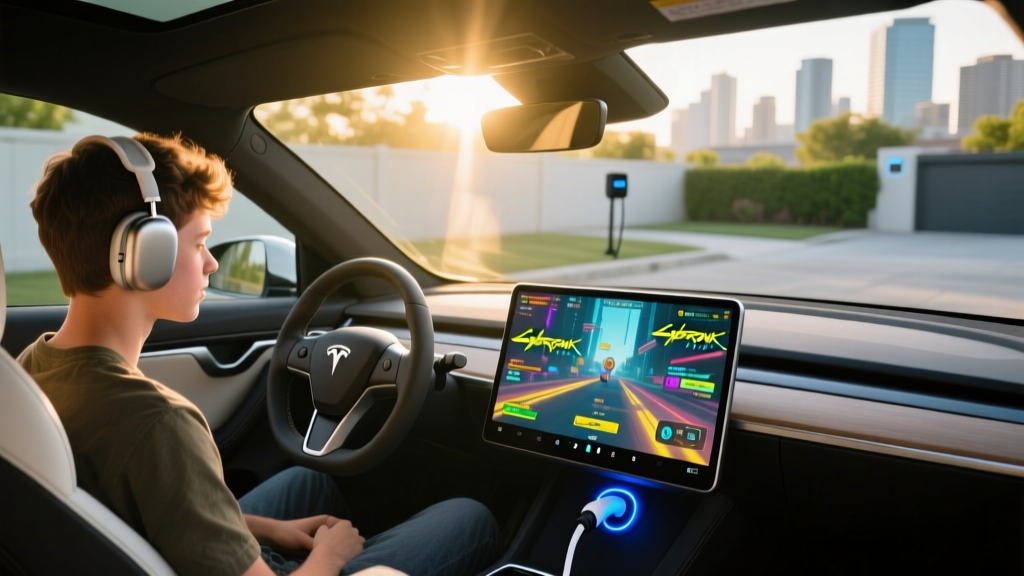
Tesla's infotainment system runs a custom Linux-based OS. The gaming library — accessible via the Toybox menu when the car is in Park — includes titles like Cyberpunk 2077 (on Model S/X with the Ryzen-based MCU), Stardew Valley, Cuphead, Beach Buggy Racing, and various casual and arcade games. These are curated and installed by Tesla, not pulled from Steam, Epic, or any third-party PC launcher.
The hardware matters here. Vehicles equipped with Tesla's current AMD Ryzen infotainment processor (standard on all Model S and Model X since 2022 refresh, and on Model 3 Highland and Model Y Juniper from 2024 onward) can run graphically intensive games at playable frame rates. Older Model 3 and Model Y vehicles with the Intel Atom MCU are limited to lighter casual titles.
Why no Steam? Steam requires a full x86 or ARM desktop OS environment with SteamOS or Windows. Tesla's embedded system doesn't support this, and Tesla has shown no indication of licensing or integrating a PC gaming storefront. The in-car games are a closed ecosystem, similar to how a smart TV has its own app store rather than running your PC's game library.
Charging Downtime: How Long Are You Actually Sitting There?
Understanding how long a charging stop takes is what makes the gaming question practical. Here's the reality by charging level, with specific numbers for common Tesla battery packs.
| Level | Power (kW) | Voltage / Amperage | Miles of Range per Hour | Typical Use Case |
|---|---|---|---|---|
| Level 1 (120V) | 1.0–1.4 kW | 120V / 12A | 3–5 mi/hr | Emergency / overnight trickle |
| Level 2 (240V) | 7.2–11.5 kW | 240V / 32–48A | 25–44 mi/hr | Home daily charging, workplace |
| DC Fast (Supercharger) | 150–325 kW (peak) | 400–800V DC | 500–1,200+ mi/hr (peak) | Road trips, public fast-charging |
A few real-world examples for 10–80% charging:
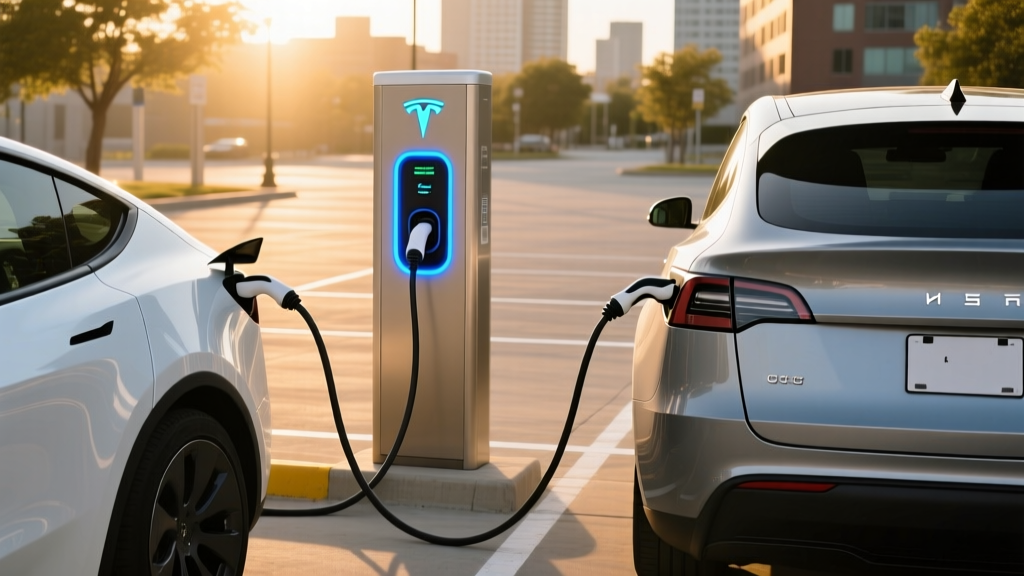
- Tesla Model 3 Long Range (82 kWh usable, NMC): At a V4 Supercharger (up to 250 kW peak), 10–80% takes roughly 25–30 minutes. Expect the charge curve to taper significantly above 60% — you won't sustain peak kW for the entire session.
- Tesla Model Y Long Range (75 kWh usable, NMC): Similar architecture; 10–80% in approximately 24–28 minutes at a 250 kW station.
- Tesla Model S (100 kWh usable, NMC): Larger battery means longer sessions — 10–80% takes roughly 32–38 minutes at 250 kW, though the Model S can accept slightly higher sustained rates due to its pack configuration.
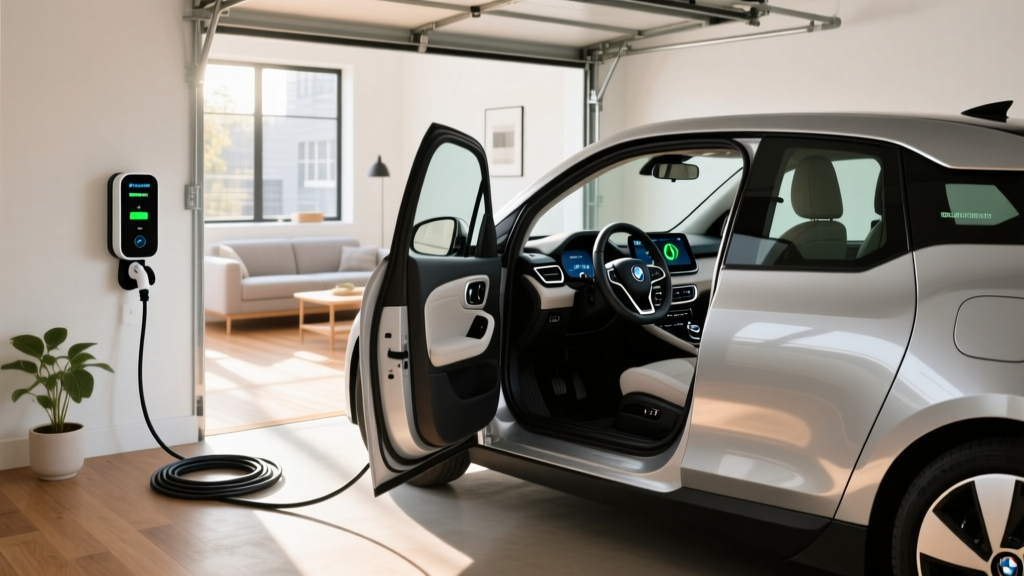
- Level 2 at home (11.5 kW / 48A): A fully depleted Model 3 Long Range takes about 8–9 hours from 0–100%. Most owners charge from 20–80% overnight, which takes roughly 4–5 hours — well within a sleep cycle.
Home Charger Installation: What It Actually Costs
Most Tesla owners charge at home, and for good reason — it's cheaper and more convenient than any public option. But installation costs vary wildly depending on your electrical panel.
Electrical Requirements
A full-speed Level 2 home charger for a Tesla requires a 240V circuit. The Tesla Wall Connector supports up to 48 amps, which requires a 60-amp dedicated breaker (electrical code requires circuits to be rated at 125% of continuous load). If you opt for a 40-amp circuit, you'll get up to 32 amps of charging — still sufficient for overnight needs for most drivers.
Your home's electrical panel is the variable that determines cost. A modern 200-amp panel with spare breaker slots can usually accommodate a Level 2 circuit without issue. Older homes with 100-amp or 150-amp panels may need a panel upgrade — a significant added expense.
| Component | Cost Range | Notes |
|---|---|---|
| Tesla Wall Connector (hardware) | $420–$475 | 24 ft cable, Wi-Fi enabled, NACS plug native |
| Third-party Level 2 charger | $350–$700 | ChargePoint Home Flex, Emporia, Wallbox Pulsar Plus |
| Electrician labor (standard install) | $500–$1,500 | Assumes panel has capacity, run under 50 ft |
| Permit and inspection | $50–$300 | Varies by municipality; required for code compliance |
| Panel upgrade (if needed) | $1,500–$4,000+ | 100A → 200A service; older homes most at risk |
| Total (no panel upgrade) | $970–$2,275 | Typical scenario for modern homes |
| Total (with panel upgrade) | $2,470–$6,275+ | Older homes, high-load panels |
Safety and Code Considerations
- Dedicated circuit: Your Level 2 charger must be on its own dedicated breaker — not shared with other appliances. This is a National Electrical Code (NEC) requirement for continuous loads.
- GFCI protection: The 2020 NEC update requires GFCI protection for EV charging outlets in garages. A hardwired Wall Connector (rather than a NEMA 14-50 outlet) can simplify compliance in some jurisdictions, as the unit itself may satisfy the requirement.
- Outdoor rating: If your charger is mounted outside, ensure the unit is rated for outdoor use (the Tesla Wall Connector is NEMA 4 rated — suitable for rain and dust). The connector holster should shield the plug from direct weather exposure.
- Wire gauge: A 60-amp circuit requires 6 AWG copper wire for runs up to about 50 feet; longer runs may need 4 AWG to prevent voltage drop. Your electrician will calculate this based on your specific layout.
Connector Compatibility: NACS, CCS, and Adapters
As of 2026, the North American Charging Standard (NACS) — originally Tesla's proprietary connector — has become the dominant standard. Nearly every major automaker has adopted NACS for new vehicles starting with 2025–2026 model years. But millions of CCS1-equipped EVs are still on the road, and adapter needs depend on your specific vehicle.
| Connector | Native Brands | Adapter Needed For |
|---|---|---|
| NACS (Tesla) | Tesla (all models), Ford (2025+), GM (2025+), Rivian (2025+), Hyundai/Kia (2026+), Volvo/Polestar (2025+) | CCS1 vehicles at Tesla Superchargers |
| CCS1 | Legacy VW ID.4 (pre-2026), BMW iX (pre-2026), older Hyundai Ioniq 5, Kia EV6 | NACS adapter for Supercharger access; widely available from Tesla and third parties |
| CHAdeMO | Nissan Leaf (discontinued), Mitsubishi Outlander PHEV (older) | Declining network support; CCS or NACS adapter required for most fast-charging |
Tesla owners: Your vehicle has a native NACS port. You can use Tesla Superchargers directly and access CCS networks (like Electrify America) using the Tesla CCS Adapter (~$175–$250). This adapter is compact and lives in your glovebox.
Non-Tesla EV owners: If your vehicle has a CCS port, Tesla sells a NACS-to-CCS adapter that grants access to the Supercharger network. Verify your vehicle's compatibility on Tesla's website before purchasing — not all CCS vehicles are approved for Supercharger use due to communication protocol differences.
Cost to Charge: Per kWh and Per Mile vs. Gas
Charging cost is where EVs win decisively — but the savings depend on where and when you plug in.
| Scenario | Cost per kWh | Cost per Mile (Model 3 LR, 3.5 mi/kWh) | Equivalent Gas Car (30 MPG, $3.40/gal) |
|---|---|---|---|
| Home, off-peak utility rate | $0.08–$0.14 | $0.023–$0.040 | $0.113 |
| Home, standard residential rate | $0.14–$0.20 | $0.040–$0.057 | $0.113 |
| Public Level 2 (ChargePoint, EVgo L2) | $0.20–$0.35 | $0.057–$0.100 | $0.113 |
| DC Fast (Tesla Supercharger) | $0.25–$0.40 | $0.071–$0.114 | $0.113 |
| DC Fast (Electrify America, peak) | $0.35–$0.55 | $0.100–$0.157 | $0.113 |
At home on off-peak rates, a Tesla Model 3 Long Range owner pays roughly $0.03 per mile — about one-quarter the cost of a 30 MPG gas car at $3.40/gallon. Even at Tesla Supercharger rates, the cost per mile is comparable to or slightly below gas. The economics only flip if you exclusively use expensive third-party DC fast chargers at peak rates.
Time-of-use (TOU) rates matter enormously. Many utilities offer EV-specific plans with off-peak rates between 10 PM and 6 AM. Scheduling your Tesla to charge during these windows (easily done in the car's charge settings or the Tesla app) can cut your home charging cost in half compared to standard residential rates. Check with your utility — some offer dedicated EV metering that separates your car charging from household usage for billing purposes.
Equipment Recommendations: Level 2 Chargers for Home
If you're setting up home charging, here are the top options in 2026 — each with specific power output, connector type, and features.
Tesla Wall Connector
Power: Up to 11.5 kW (48A)
Connector: NACS (native Tesla)
Cable: 24 ft
Smart features: Wi-Fi, OTA updates, load sharing with multiple units, access control
Price: ~$420–$475
Best for: Tesla-only households; cleanest integration with Tesla app and vehicle scheduling.
ChargePoint Home Flex
Power: Up to 12 kW (50A, configurable down to 16A)
Connector: NACS or J1772 (configurable; NACS version available 2025+)
Cable: 24 ft
Smart features: Wi-Fi, ChargePoint app scheduling, Alexa integration, flexible amperage
Price: ~$550–$650
Best for: Multi-EV households or those wanting amperage flexibility for older panels.
Emporia Vue Level 2 Charger
Power: Up to 11.5 kW (48A)
Connector: NACS or J1772
Cable: 24 ft
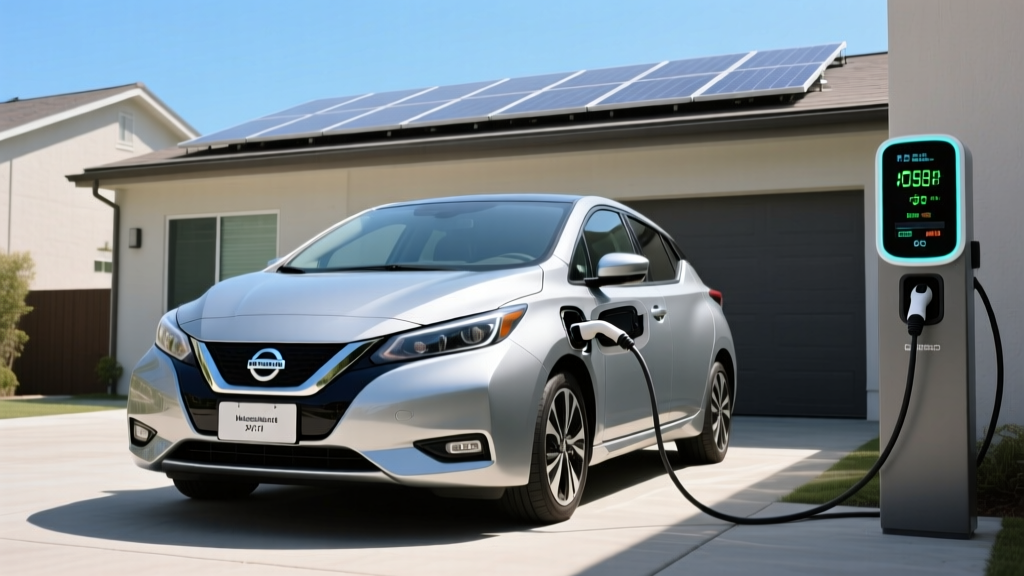
Smart features: Energy monitoring, integration with Emporia home energy panel, solar-aware charging
Price: ~$400–$500
Best for: Solar-equipped homes wanting to charge from excess production.
Wallbox Pulsar Plus
Power: Up to 11.5 kW (48A)
Connector: NACS or J1772
Cable: 25 ft
Smart features: Bluetooth + Wi-Fi, Power Sharing for two units on one circuit, compact form factor
Price: ~$450–$600
Best for: Tight garage spaces; dual-EV charging on a single 60A circuit.
All of these chargers require a hardwired connection or a NEMA 14-50 outlet installation by a licensed electrician. Hardwired installations are generally preferred for reliability and code compliance — outlets can loosen over time with the repeated plug/unplug cycles of EV charging.
Frequently Asked Questions
Can I install a Steam Deck or laptop mount in my Tesla for gaming?
Yes, but it's entirely aftermarket. Several third-party mounts clamp to the steering column or seat rail to hold a Steam Deck, Nintendo Switch, or tablet. Since the car must be in Park for any gaming, this is safe and legal. The car's USB-C ports can charge most handhelds during the session. Just be aware that Tesla's built-in games are designed for the touchscreen and steering wheel controls — external devices won't integrate with the car's display or audio without a Bluetooth headphone connection.
How much does it cost to install a home EV charger?
A typical Level 2 installation in a home with adequate panel capacity costs $970–$2,275 including the charger hardware, electrician labor, and permit. Homes needing a panel upgrade (common in pre-1990 construction with 100A service) should budget $2,470–$6,275+. Get at least two quotes from licensed electricians — prices vary significantly by region and by the complexity of the wire run from your panel to the garage or driveway.
How fast will each charging level add range to my Tesla?
Level 1 (120V) adds roughly 3–5 miles per hour — useful only for overnight top-offs or emergencies. Level 2 (240V, 48A) adds approximately 35–44 miles per hour, enough to fully recharge overnight. DC fast charging at a Tesla Supercharger (150–250 kW) can add 150–200 miles in 15–20 minutes, though the rate tapers significantly above 60% State of Charge.
Which connector does my Tesla use, and do I need an adapter?
All Tesla vehicles use the NACS connector natively. This works at all Tesla Superchargers and an expanding number of third-party networks adopting NACS. If you want to use CCS-based chargers (such as Electrify America), you'll need the Tesla CCS Adapter, available from Tesla for approximately $175–$250. Non-Tesla EVs with CCS ports can access Superchargers using a NACS-to-CCS adapter, subject to Tesla's approved vehicle list.
Does preconditioning really matter for charging speed?
Yes — significantly. Tesla's battery thermal management system needs to warm the pack to roughly 95–105°F (35–40°C) for optimal DC fast-charging speed. When you navigate to a Supercharger in the car's built-in navigation, the system automatically begins preconditioning. In cold weather (below 40°F), skipping preconditioning can increase your 10–80% charge time by 30–50%. If you use a third-party app like A Better Routeplanner to find chargers, manually initiate preconditioning by entering the Supercharger as a destination in the car's nav before you arrive.
Is the §30D tax credit available for home charger installation?
The federal Alternative Fuel Vehicle Refueling Property Credit (IRS Form 8911) covers up to 30% of home EV charger installation costs, capped at $1,000. However, eligibility is restricted to installations in census tracts classified as low-income or non-urban. Check the IRS guidance or consult a tax professional to determine if your address qualifies. This credit is separate from the §30D new EV purchase credit.
What's the real-world range of a Tesla Model 3 Long Range on a road trip?
The EPA rates the 2026 Model 3 Long Range at approximately 341 miles. On a highway road trip at 70–75 MPH in moderate temperatures, expect 270–300 miles of usable range before needing to charge. In cold weather (below 30°F), that drops to roughly 230–260 miles due to cabin heating demands and reduced battery efficiency. Plan Supercharger stops every 200–250 miles for a comfortable margin — you'll charge from roughly 10–20% to 70–80%, which takes 20–25 minutes at a V3 or V4 Supercharger.