The Rivian R2 is one of the most anticipated compact electric SUVs heading into its first full model year, and understanding how its charging system works — from the physical port to home wiring requirements — is essential before you take delivery. This guide covers the Rivian R2 charging port configuration, every charging level available to owners, home installation costs and electrical requirements, and what you can expect to pay per mile compared to a gas vehicle.
Rivian R2 Charging Port: NACS Standard and What It Means
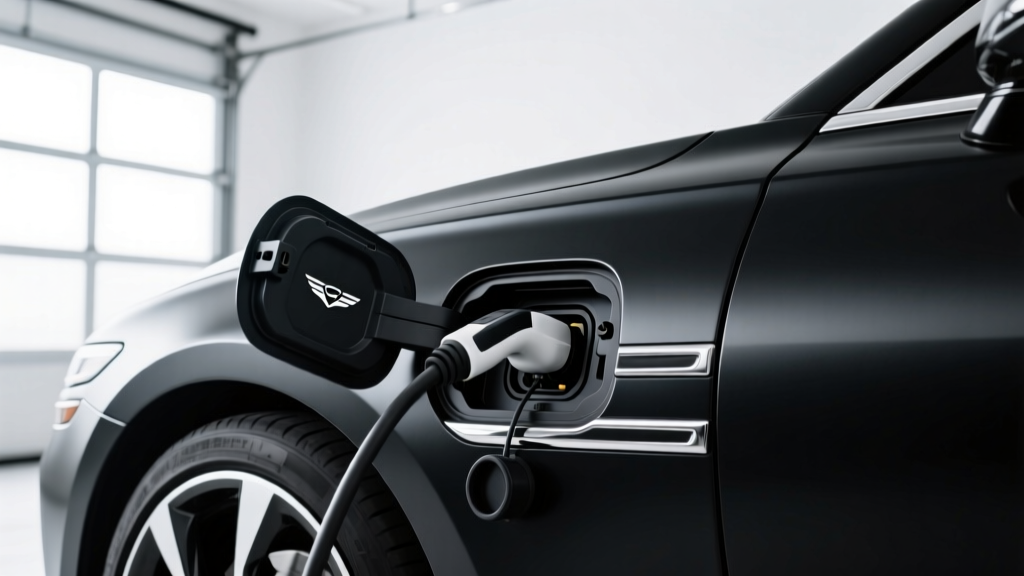
For the production R2, Rivian has adopted the North American Charging Standard (NACS) — the connector originally developed by Tesla and now widely adopted across the industry. This means the R2's charge port natively plugs into Tesla Superchargers, Rivian's own Adventure Network (which has been transitioning to NACS), and an expanding list of third-party stations offering NACS connectors.
The physical charge port is located on the driver-side rear quarter panel, consistent with Rivian's design language. The port door is power-operated and integrates with the vehicle's infotainment system for preconditioning and charge scheduling.
| Network / Connector | Native Compatibility | Adapter Required? |
|---|---|---|
| Tesla Supercharger (NACS) | Yes — native | No |
| Rivian Adventure Network (NACS) | Yes — native | No |
| Electrify America (CCS1) | No | Yes — NACS-to-CCS adapter |
| EVgo / ChargePoint (CCS1) | No | Yes — NACS-to-CCS adapter |
| CHAdeMO stations | No | Not recommended / limited adapters |
| Home Level 2 (J1772) | No | Yes — J1772-to-NACS adapter (often included) |
If you plan to use legacy CCS1 stations (still common at Electrify America and many ChargePoint locations), you'll need a NACS-to-CCS1 adapter. Rivian has indicated that an adapter will be available through its accessories store. Third-party adapters from brands like Lectron and A2Z are also entering the market. Always verify that any adapter is rated for the full DC fast-charge current your vehicle can accept.
Charging Levels Explained: Speeds, kW, and Miles Per Hour
Before we break down home installation, here's a primer on the three charging levels available to R2 owners. Remember: kW (kilowatts) measures the rate of power delivery — how fast energy flows into the battery. kWh (kilowatt-hours) measures the total energy stored — the size of the "tank." You fill kWh at a rate measured in kW.
| Level | Voltage / Amps | Power (kW) | Miles of Range Added Per Hour | Typical Use Case |
|---|---|---|---|---|
| Level 1 | 120V / 12A | ~1.4 kW | ~3–5 miles/hr | Emergency / trickle top-up |
| Level 2 (Home) | 240V / 32–48A | 7.7–11.5 kW | ~25–40 miles/hr | Daily home charging |
| DC Fast Charging | 400–800V DC | Up to ~200+ kW (peak) | ~500–800 miles/hr (at peak) | Road trips, quick top-ups |
Level 1 is what you get from a standard household outlet. At ~1.4 kW, it adds roughly 3–5 miles of range per hour. It's fine for overnight top-ups if you drive fewer than 40 miles a day, but wholly inadequate as a primary charging strategy for a vehicle with an estimated 75–90 kWh battery pack.
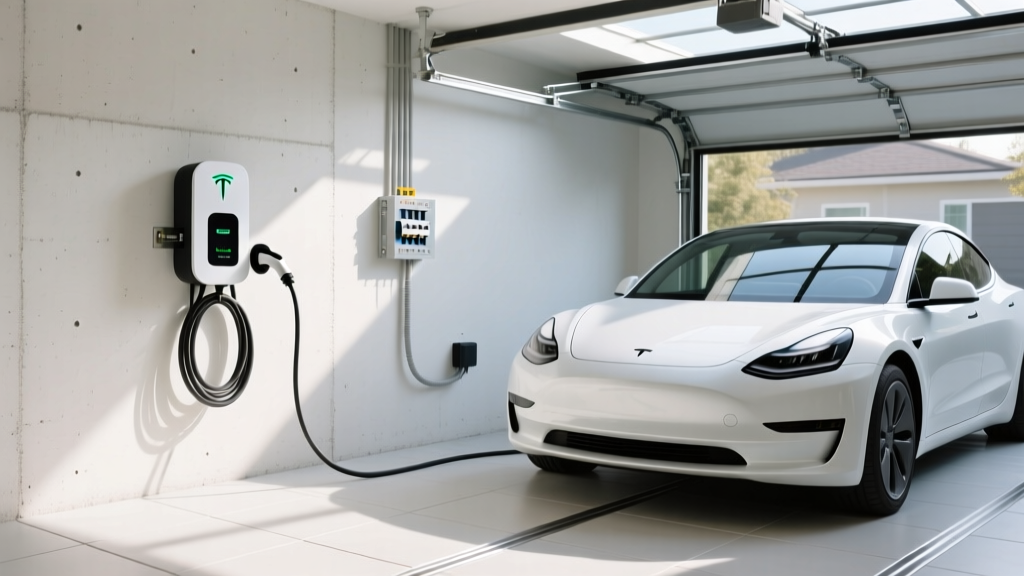
Level 2 is the home-charging sweet spot. At 240V and 48 amps, a quality Level 2 station delivers up to 11.5 kW — enough to fully recharge the R2 overnight (roughly 8–10 hours from near-empty to full). Most R2 owners will install a Level 2 wall connector in their garage or driveway.
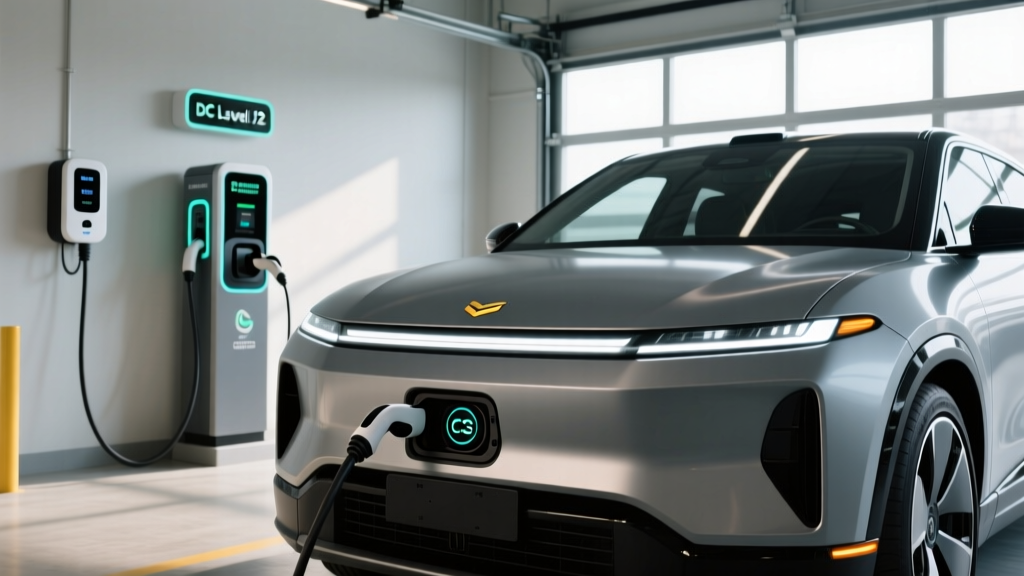
DC Fast Charging bypasses the vehicle's onboard charger and feeds high-voltage DC directly to the battery. Rivian has not yet published final peak DC charge rates for all R2 trims, but based on the R1 platform and industry benchmarks, expect peak rates in the 175–225 kW range on compatible NACS stations. Real-world 10–80% charge times should land around 22–30 minutes under ideal conditions (battery preconditioned, moderate ambient temperature, uncrowded station).
Important reality check: DC fast charging follows a curve, not a flat rate. You'll see peak kW between roughly 10–50% state of charge, then the rate tapers significantly above 80%. Charging from 80–100% on DC fast charge can take as long as the 10–80% portion. For battery longevity, limit routine DC fast charging to 80% and save 100% fills for Level 2 overnight sessions.
Home Charger Installation: Electrical Requirements and Costs
Installing a Level 2 home charger for your Rivian R2 involves more than mounting a box on the wall. Here's what your electrical system needs to support.
Electrical Requirements
- Voltage: 240V (same as a dryer or oven circuit)
- Amperage: A 48-amp charger requires a 60-amp dedicated circuit (NEC code requires circuits to be rated at 125% of continuous load). A 32-amp charger needs a 40-amp circuit.
- Wire gauge: Typically 6 AWG copper for a 60A circuit; 8 AWG for a 40A circuit. Longer runs may require upsizing.
- Panel capacity: Your main service panel must have enough spare capacity (measured in amps) to add a 60A breaker. Most modern 200A panels can accommodate this; older 100A panels often cannot.
Do You Need a Panel Upgrade?
If your home has a 100-amp main panel or if your panel is already near capacity (running electric HVAC, dryer, oven, and water heater), adding a 60A EV circuit may require a panel upgrade to 200A — or the installation of a smart load-management device like the Emporia Vue or a charger with built-in load sharing. Panel upgrades typically cost $1,500–$3,500 and are the single biggest variable in home charging installation.
| Component | Typical Cost Range | Notes |
|---|---|---|
| Level 2 Charger (Equipment) | $350–$700 | Varies by brand, power output, smart features |
| Electrician Labor | $500–$2,000 | Depends on run length, conduit, wall type |
| Electrical Permit | $50–$250 | Required in most jurisdictions; varies by locality |
| Panel Upgrade (if needed) | $1,500–$3,500 | Only if existing panel lacks capacity |
| Total (no panel upgrade) | $900–$2,950 | Most homes with 200A service |
| Total (with panel upgrade) | $2,400–$6,450 | Older homes with 100A service |
Get at least three quotes from licensed electricians. Ask specifically about the circuit run length, whether conduit is needed, and if your panel has physical breaker slots available — not just amp capacity. Some utility companies offer rebates of $250–$500 for Level 2 installations; check with your local provider.
Recommended Home Chargers for the Rivian R2
Since the R2 uses NACS, your best options are native NACS chargers or J1772 chargers used with an adapter. Here are top picks based on power output, reliability, and smart features:
Tesla Wall Connector (NACS)
- Power Output: Up to 11.5 kW (48A on 240V/60A circuit)
- Connector: Native NACS — no adapter needed for R2
- Cable Length: 24 feet
- Smart Features: Wi-Fi, OTA updates, power sharing between two units, access control
- Price: ~$475
- Verdict: Best value for NACS-native vehicles. No app required for basic use; integrates seamlessly.
ChargePoint Home Flex (J1772 + NACS adapter)
- Power Output: Up to 12 kW (50A on 240V/60A circuit)
- Connector: J1772 (NACS adapter required for R2)
- Cable Length: 23 feet
- Smart Features: Wi-Fi, ChargePoint app scheduling, Alexa integration, detailed energy reporting
- Price: ~$699
- Verdict: Excellent app and energy tracking. Slightly higher power ceiling, but adapter dependency is a drawback.
Emporia Level 2 EV Charger (J1772 / NACS variant)
- Power Output: Up to 11.5 kW (48A)
- Connector: Available in NACS or J1772
- Cable Length: 24 feet
- Smart Features: Wi-Fi, Emporia app, solar integration, load management with Emporia Vue panel monitor
- Price: ~$399
- Verdict: Best budget smart charger. Solar-aware scheduling is ideal for homes with rooftop panels.
Public Charging with the R2: Networks, Speeds, and Adapters
With a native NACS port, the R2 gains access to the largest fast-charging network in North America: Tesla Superchargers. As of 2026, the Supercharger network exceeds 6,000 stalls in the U.S., many now open to non-Tesla NACS vehicles. Rivian owners can also use the Rivian Adventure Network, strategically placed near national parks and outdoor destinations, which has been transitioning to NACS connectors.
For stations still using CCS1 (Electrify America, many ChargePoint and EVgo locations), your NACS-to-CCS adapter becomes essential. Keep one in the frunk at all times if you travel outside Supercharger-dense corridors.
DC fast-charge speed expectations for the R2:
- On a 250 kW Tesla Supercharger V3/V4: Expect peak rates around 175–225 kW (vehicle-limited), tapering after ~50% SoC. 10–80% in approximately 22–28 minutes with a preconditioned battery.
- On a 350 kW Electrify America station (with adapter): Similar peak rates, assuming the adapter supports full current. Some early adapters may cap at 150 kW — verify before purchasing.
- Cold weather impact: In sub-40°F conditions without preconditioning, expect 10–80% times to stretch to 35–45 minutes. Always use the vehicle's navigation to route to a charger — this triggers automatic battery preconditioning.
Cost to Charge the Rivian R2: Home vs. Public vs. Gas
One of the strongest ownership arguments for the R2 is fuel-cost savings. Here's how the numbers break down based on a 90 kWh usable battery (estimated for the larger pack option) and current energy pricing.
| Scenario | Price per kWh | Cost for Full Charge (90 kWh) | Estimated Range (mi) | Cost Per Mile |
|---|---|---|---|---|
| Home — Off-Peak Utility Rate | $0.09/kWh | $8.10 | ~270 | $0.030 |
| Home — Average U.S. Residential | $0.16/kWh | $14.40 | ~270 | $0.053 |
| Public Level 2 (ChargePoint, etc.) | $0.25–$0.39/kWh | $22.50–$35.10 | ~270 | $0.083–$0.130 |
| DC Fast (Tesla Supercharger avg.) | $0.28–$0.36/kWh | $25.20–$32.40 | ~270 | $0.093–$0.120 |
| Gas Vehicle (25 MPG, $3.50/gal) | — | $37.80 (equiv.) | ~270 | $0.140 |
At the national average residential electricity rate of roughly $0.16/kWh per the EIA, home charging the R2 costs about 5 cents per mile — less than half the per-mile cost of a comparable gas SUV getting 25 MPG at $3.50/gallon. Even at public DC fast-charger pricing, the R2 undercuts gasoline on a per-mile basis in most scenarios.
Pro tip: If your utility offers time-of-use (TOU) rates, schedule charging for off-peak hours (typically 10 PM – 6 AM). Some utilities offer EV-specific plans with rates as low as $0.06–$0.09/kWh overnight, bringing your cost per mile down to roughly 2–3 cents.
Safety, Electrical Code, and Best Practices
EV charging involves sustained high-current draw — far longer than any other household appliance. This makes code compliance and safety non-negotiable.
- Dedicated circuit: Your Level 2 charger must be on its own dedicated breaker — never shared with other appliances.
- GFCI protection: NEC 2020 and later require GFCI protection for outdoor receptacles. For hardwired chargers (recommended), GFCI requirements vary by jurisdiction — your electrician will know local code.
- Outdoor rating: If installing outside, ensure the charger carries a NEMA 4 or IP65 rating for weather resistance. The Tesla Wall Connector and ChargePoint Home Flex both meet outdoor standards.
- Hardwired vs. plug: Hardwired installations (no plug) are generally preferred for 48A+ chargers. A NEMA 14-50 receptacle is acceptable for 32–40A units but must be installed with proper torque specifications and a GFCI breaker in many jurisdictions. Loose 14-50 receptacles are a known fire risk — insist on an industrial-grade receptacle if going the plug route.
- Permit and inspection: Always pull a permit. An unpermitted installation can void homeowner's insurance claims and complicate home sales.
Frequently Asked Questions
How much does it cost to install a home EV charger for the Rivian R2?
Expect $900–$2,950 for a standard installation on a 200A panel (equipment + electrician + permit). If your home needs a panel upgrade from 100A to 200A, add $1,500–$3,500, bringing the total to $2,400–$6,450. Get multiple quotes and check for utility rebates.
How fast will each charging level add range to the R2?
Level 1 (120V): ~3–5 miles per hour. Level 2 (240V, 48A): ~25–40 miles per hour, enough for a full overnight charge. DC fast charging: at peak rates of 175–225 kW, expect roughly 500–800 miles of range added per hour — translating to a 10–80% charge in about 22–28 minutes under ideal conditions.
Which charger connector is compatible with the Rivian R2?
The R2 uses a native NACS charge port, meaning it plugs directly into Tesla Superchargers and Rivian Adventure Network stations without an adapter. For CCS1 stations (Electrify America, some ChargePoint/EVgo), you'll need a NACS-to-CCS1 adapter. For J1772 home chargers, a J1772-to-NACS adapter is required.
How much does charging the R2 cost per mile compared to gas?
At the U.S. average residential electricity rate (~$0.16/kWh), home charging costs approximately $0.05/mile. A comparable gas SUV at 25 MPG and $3.50/gallon costs about $0.14/mile. That's roughly a 65% per-mile savings with home charging. Public DC fast charging narrows the gap but still typically undercuts gas.
What electrical upgrades might I need for a home Level 2 charger?
You'll need a 240V dedicated circuit — typically 60 amps for a 48-amp charger. If your electrical panel is a 100A service or is already near capacity, you may need a panel upgrade to 200A ($1,500–$3,500). Alternatively, smart load-management devices can allow EV charging without a panel upgrade by dynamically reducing charger power when other high-draw appliances are running.
Can I use a Tesla Supercharger with the Rivian R2?
Yes. Because the R2 has a native NACS port, it can use Tesla Superchargers that are open to non-Tesla vehicles. Check the Tesla app or in-vehicle navigation for station availability. Most V3 (250 kW) and V4 Superchargers are compatible.
The Rivian R2's NACS charging port positions it well for the current and future charging landscape. With native Supercharger access, competitive DC fast-charge speeds, and low home-charging costs, the R2 is designed for buyers who want a practical, adventure-capable EV without the connector confusion that plagued earlier generations. Plan your home Level 2 installation before delivery day — and keep a CCS adapter in the car for the stations that haven't switched yet.