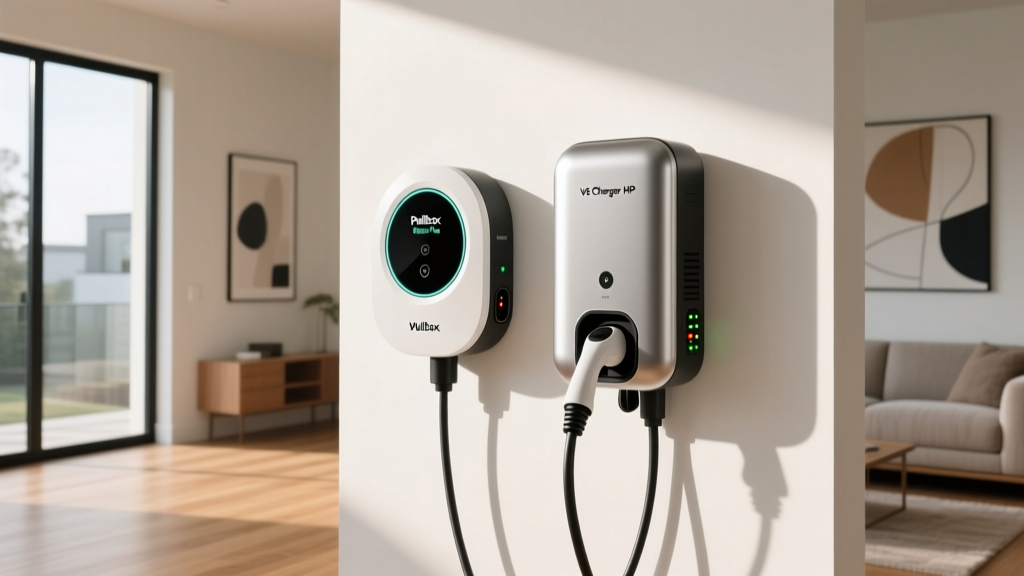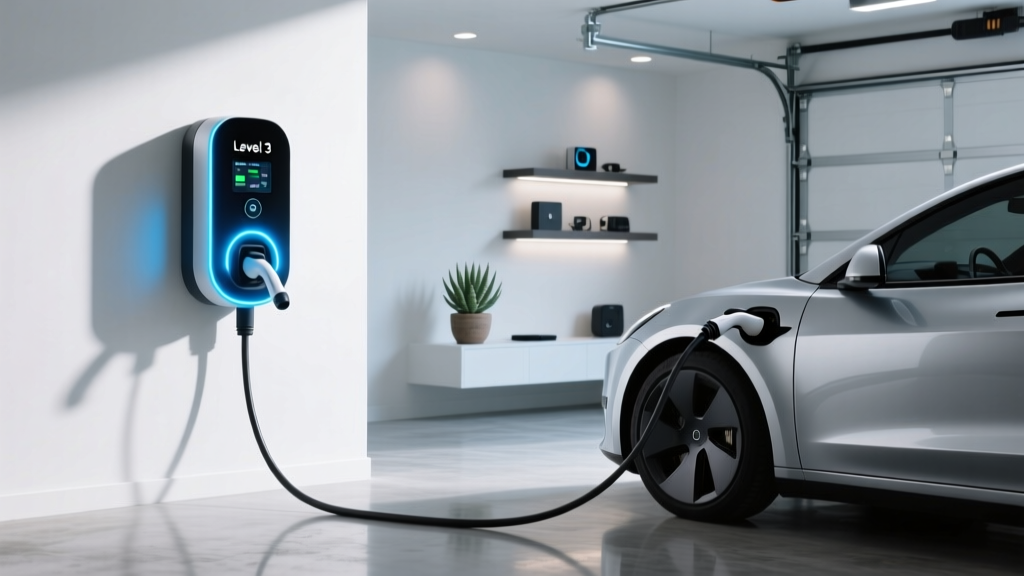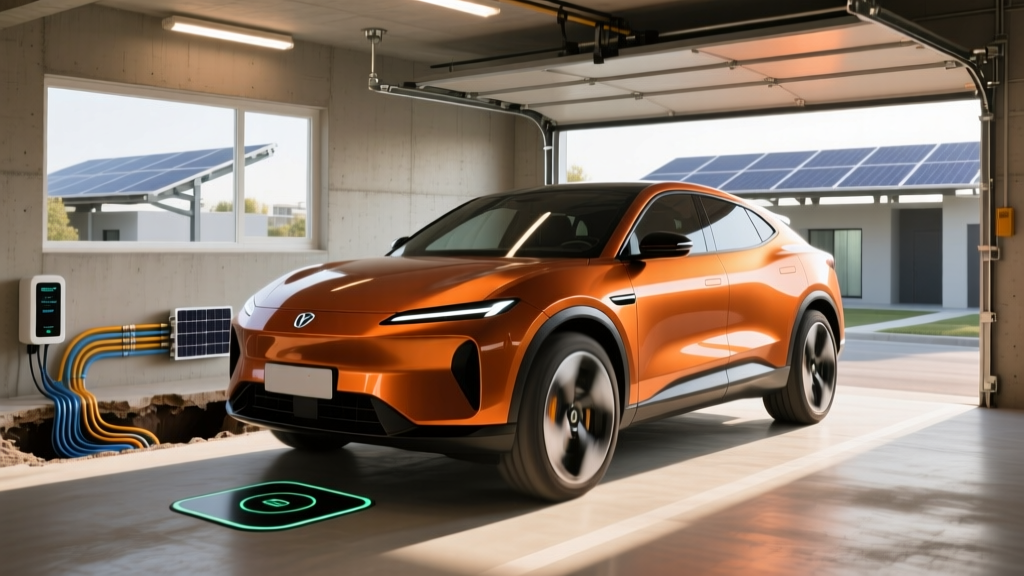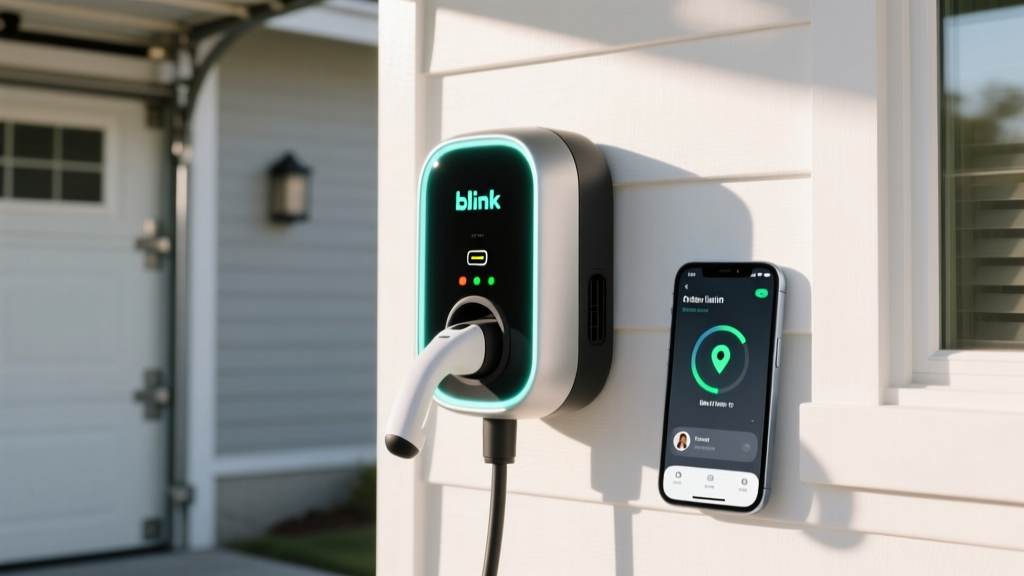
If you've pulled into a parking garage or retail lot and spotted a Blink charging station, you've encountered one of the largest Level 2 and DC fast-charging networks in North America. With over 50,000 ports deployed across the U.S. as of early 2026, Blink is hard to avoid — but its ecosystem of hardware, app workflows, and pricing tiers can confuse first-time users. This guide walks you through exactly how to use a Blink EV charger, whether you're plugging into a public station, installing a Blink IQ 200 at home, or weighing Blink against competing networks.
Understanding Blink's Charger Lineup: Level 2 vs. DC Fast
Blink manufactures and operates two main categories of chargers. Before you plug in, it's essential to understand the difference between kW (kilowatts — the rate of power delivery, like water pressure from a hose) and kWh (kilowatt-hours — the total energy stored in your battery, like gallons in a tank). A charger rated at 80 kW delivers energy 80 times faster than a 1 kW outlet, but your battery capacity is still measured in kWh.
| Charging Level | Blink Hardware | Power Output | Miles of Range Added Per Hour | Typical Use Case |
|---|---|---|---|---|
| Level 1 (120V) | Blink portable cord | 1.2–1.4 kW | 3–5 mi/hr | Overnight emergency trickle |
| Level 2 (240V) | Blink IQ 200 (home/commercial) | Up to 19.2 kW (80A) | 50–70 mi/hr | Daily home & destination charging |
| DC Fast Charging | Blink IQ 350 (public) | Up to 350 kW | ~150–250 mi in 15 min (varies) | Road trips, highway corridors |
For context, a 77 kWh battery (like the one in the Ford Mustang Mach-E Extended Range) charging from 10% to 80% on a Blink IQ 200 at 11.5 kW takes roughly 4.5 hours. On a Blink IQ 350 DC fast charger, that same 10–80% session could take 18–25 minutes, depending on your vehicle's peak charge acceptance rate and battery temperature.
Step-by-Step: How to Use a Public Blink Charger
Using a public Blink station involves three stages: locating a charger, authenticating, and initiating the session. Here's the workflow for both Level 2 and DC fast units.
1. Download the Blink App and Create an Account
Available on iOS and Android, the Blink app lets you locate stations, view real-time availability, track session history, and manage payment methods. You can also use an RFID membership card (orderable through the app) for tap-to-start functionality at stations with card readers.
2. Locate and Navigate to a Station
The app displays each station's connector type, power output, current availability, and pricing. Blink stations use either a J1772 connector (for Level 2) or a CCS1 or CHAdeMO connector (for DC fast charging). Tesla owners with NACS ports will need a J1772-to-NACS adapter for Level 2 Blink stations or a CCS-to-NACS adapter for DC fast units — Blink began rolling out native NACS connectors on select new IQ 350 installations in late 2025.
3. Authenticate and Start Charging
At the station, you can initiate a session via:
- Blink app: Scan the QR code on the charger or select the station from the map
- RFID card: Tap your Blink membership card on the reader
- Credit card: Most Blink IQ 200 and IQ 350 units accept contactless credit/debit payment directly at the terminal
- Plug & Charge (select vehicles): Some newer Blink DC fast chargers support ISO 15118 Plug & Charge, which auto-authenticates when you connect — currently supported by vehicles like the Ford F-150 Lightning and select GM Ultium-platform models
4. Monitor Your Session
The charger's LCD screen displays current kW draw, energy delivered (kWh), session cost, and estimated time remaining. The app mirrors this data in real time. You can set a stop condition (e.g., stop at 80% SoC or after $15) and receive a push notification when the session ends.
Installing a Blink IQ 200 Home Charger: Electrical Requirements and Costs
The Blink IQ 200 is Blink's flagship residential and commercial Level 2 charger, available in hardwired and NEMA 14-50 plug-in configurations. The hardwired version supports up to 80 amps (19.2 kW on a 240V circuit), while the plug-in NEMA 14-50 version is limited to 40 amps (9.6 kW).
Electrical Requirements
| Configuration | Voltage | Amperage | Circuit Breaker Required | Wire Gauge |
|---|---|---|---|---|
| Hardwired (max output) | 240V | 80A | 100A breaker | 3 AWG copper |
| Hardwired (standard) | 240V | 48A | 60A breaker | 6 AWG copper |
| NEMA 14-50 plug-in | 240V | 40A | 50A breaker | 6 AWG copper |
National Electrical Code (NEC) Rule: EV chargers are considered continuous loads, meaning the circuit breaker must be rated at 125% of the charger's maximum draw. A 48A charger requires a 60A breaker; an 80A charger requires a 100A breaker.
Panel Upgrade Considerations
Most modern homes have a 200A main electrical panel. If your panel is already near capacity (running electric HVAC, a stove, dryer, and water heater), adding a 60A or 100A EV circuit may require a panel upgrade to 300–400A, or the installation of an automatic energy management device like the Blink IQ 200 with load management or a third-party panel monitor (e.g., Emporia VUE or Span smart panel) that dynamically throttles charger amperage to prevent overload.
Installation Cost Breakdown
| Component | Simple Install (near panel, plug-in) | Standard Install (hardwired, 30–50 ft run) | Complex Install (panel upgrade + long run) |
|---|---|---|---|
| Blink IQ 200 unit | $599–$699 | $599–$699 | $599–$699 |
| Electrician labor | $300–$500 | $800–$1,500 | $1,500–$3,000 |
| Materials (wire, conduit, breaker) | $50–$150 | $200–$500 | $400–$800 |
| Permit and inspection | $50–$150 | $100–$300 | $150–$400 |
| Panel upgrade (if needed) | $0 | $0 | $1,800–$5,000 |
| Total Estimated Range | $999–$1,499 | $1,699–$2,999 | $4,449–$9,899 |
Permits and Safety Code
Nearly all jurisdictions require an electrical permit for a new 240V EV charger circuit. Your electrician will pull the permit, and a local inspector will verify proper wire gauge, breaker sizing, GFCI protection (required for outdoor receptacles per NEC 2020 and later), and weatherproof enclosure ratings (NEMA 4 for outdoor installations). The Blink IQ 200 is rated for both indoor and outdoor use with a NEMA 4 enclosure.
Connector Compatibility: Will Blink Work With Your EV?
Connector compatibility depends on your vehicle's charge port. Here's how Blink's connectors map to major EV brands as of 2026:
| Vehicle Brand | Level 2 (J1772) | DC Fast (CCS1) | DC Fast (CHAdeMO) | DC Fast (NACS) | Adapter Needed? |
|---|---|---|---|---|---|
| Tesla (2025+ NACS port) | J1772-to-NACS adapter | CCS-to-NACS adapter or native NACS station | Not compatible | Native (select new Blink stations) | Yes (most stations) |
| Tesla (pre-2025, CCS adapter included) | J1772-to-NACS adapter | Native (using Tesla CCS adapter) | Not compatible | Native (select stations) | Yes (Level 2) |
| Ford, GM, Rivian, Hyundai, Kia (NACS-equipped 2025+) | J1772-to-NACS adapter | CCS-to-NACS or native NACS | Not compatible | Native (select stations) | Yes (most stations) |
| Ford, GM, Hyundai, Kia, VW (pre-2025 CCS1) | Native J1772 | Native CCS1 | Not compatible | N/A | No |
| Nissan Leaf (CHAdeMO) | Native J1772 | N/A | Native CHAdeMO (aging stations) | N/A | No |
Key takeaway for Tesla and NACS-transition drivers: Blink's Level 2 network uses J1772 connectors. If your vehicle has a NACS port (all Tesla vehicles, plus Ford, GM, Rivian, Hyundai, and Kia models from 2025 onward), you'll need a J1772-to-NACS adapter for Level 2 Blink stations. For DC fast charging, most Blink IQ 350 stations currently have CCS1 connectors, though Blink has committed to adding NACS cables to new installations. Carry a CCS-to-NACS adapter for maximum compatibility.
Charging Cost: Blink Pricing vs. Home Electricity vs. Gas
Blink's public charging rates vary by station owner and location. As of 2026, typical Blink public pricing falls in these ranges:
| Charging Scenario | Rate | Cost per kWh | Cost per Mile (at 3 mi/kWh efficiency) |
|---|---|---|---|
| Home charging (off-peak utility rate) | ~$0.10–$0.15/kWh | $0.12 avg | $0.04/mile |
| Home charging (standard rate) | ~$0.13–$0.20/kWh | $0.16 avg | $0.05/mile |
| Blink Level 2 public | $0.39–$0.69/kWh | $0.49 avg | $0.16/mile |
| Blink DC Fast public | $0.49–$0.79/kWh | $0.59 avg | $0.20/mile |
| Gasoline vehicle (27 MPG avg, $3.30/gal) | $3.30/gallon | N/A | $0.12/mile |
The home-charging advantage is enormous. At off-peak residential rates, driving an EV costs roughly $0.04/mile — about one-third the per-mile cost of a 27 MPG gas car at $3.30/gallon. Public Blink charging at Level 2 or DC fast rates, however, can exceed the cost of gasoline per mile. This is why home charging is the economic backbone of EV ownership.
Blink also offers a Blink Membership ($1.99/month) that provides a small per-kWh discount at participating stations and eliminates idle fees for the first 10 minutes after a session completes. For frequent Blink users, the membership pays for itself within 2–3 sessions.
Equipment Recommendations: Blink Chargers and Alternatives
Whether you're committed to the Blink ecosystem or comparing options, here's how the IQ 200 stacks up against leading Level 2 home chargers:
Blink IQ 200
- Power: Up to 19.2 kW (80A) hardwired / 9.6 kW (40A) plug-in
- Connector: J1772 (25-ft cable)
- Smart features: Wi-Fi, app scheduling, energy monitoring, load management, RFID
- Price: $599–$699
- Warranty: 3 years
- Best for: Blink network users wanting app ecosystem integration and high-amperage hardwired option
ChargePoint Home Flex
- Power: Up to 12 kW (50A) NEMA 14-50 / up to 19.2 kW (80A) hardwired
- Connector: J1772 (23-ft cable)
- Smart features: Wi-Fi, app scheduling, Alexa integration, flexible amperage dial
- Price: $549–$699
- Warranty: 3 years
- Best for: Versatility — adjustable amperage lets you match your circuit without buying a different unit
Tesla Wall Connector
- Power: Up to 11.5 kW (48A) hardwired
- Connector: NACS native (24-ft cable) — no adapter needed for Tesla or NACS-equipped vehicles
- Smart features: Wi-Fi, OTA updates, power sharing between two units
- Price: $420
- Warranty: 4 years
- Best for: Tesla and NACS-vehicle households wanting native plug without adapter hassle
Emporia Level 2 Charger
- Power: Up to 11.5 kW (48A) hardwired / 9.6 kW (40A) plug-in
- Connector: J1772 (24-ft cable)
- Smart features: Wi-Fi, detailed energy tracking, solar integration, time-of-use scheduling
- Price: $399
- Warranty: 3 years
- Best for: Budget-conscious buyers and solar-panel owners wanting granular energy data
Federal Tax Credits and Incentives for Home Charger Installation
The IRS Residential Clean Energy Credit (Section 25D) covers 30% of the cost of home EV charging equipment and installation, up to a $1,000 annual cap. This applies to the Blink IQ 200 hardware and your electrician's labor, materials, and permit fees.
For example, if your total Blink IQ 200 installation costs $2,200 (unit + electrician + permit), you'd claim 30% = $660 as a federal tax credit, reducing your effective cost to $1,540.
- Eligibility: Must be installed at your primary or secondary U.S. residence
- Cap: $1,000 maximum credit per year for EV charging equipment
- Claim: IRS Form 8911 (Alternative Fuel Vehicle Refueling Property Credit)
- Note: Commercial installations follow different rules under §30C — consult a tax professional for business-use scenarios
Some states and utilities offer additional rebates. California's utility programs, for example, may provide $250–$1,000 in additional charger rebates, and states like Colorado and New York have their own incentive layers. Check your local utility and the AFDC state law database for current programs.
Safety, Maintenance, and Best Practices
EV chargers are remarkably reliable, but a few practices ensure longevity and safety:
- Dedicated circuit: Your Blink IQ 200 must be on its own dedicated breaker — never share a circuit with other appliances
- GFCI protection: Required for all outdoor 240V receptacles (NEMA 14-50); hardwired installations may also require GFCI breakers depending on local code
- Outdoor rating: The IQ 200 carries a NEMA 4 rating (splash-resistant), suitable for outdoor mounting. Avoid pressure-washing directly at the connector seam
- Cable management: Use a wall-mounted cable holster to prevent the cord from lying on the ground where it can be driven over or exposed to standing water
- Firmware updates: Keep Wi-Fi enabled so Blink can push OTA firmware updates — these improve charging algorithms and security
- Annual inspection: Check the connector pins for corrosion or debris, and verify the cable jacket has no cracks or abrasion
Frequently Asked Questions
How much does it cost to install a Blink home EV charger?
A Blink IQ 200 home installation typically costs between $1,000 and $3,000 for a straightforward setup (unit + electrician + permit). If your home needs a panel upgrade, costs can reach $5,000–$10,000. The federal tax credit covers 30% of equipment and installation up to $1,000.
How fast will each Blink charging level add range?
Level 1 (120V portable cord) adds 3–5 miles per hour. Blink Level 2 (IQ 200 at 48A/11.5 kW) adds roughly 35–45 miles per hour. At the full 80A/19.2 kW hardwired output, expect 55–70 miles per hour depending on your vehicle's efficiency. DC fast charging on a Blink IQ 350 can add 150–250 miles in a 15–20 minute session, subject to your battery's charge curve.
Which connector does my EV need for Blink chargers?
Blink Level 2 stations use J1772 connectors. If you drive a Tesla or any 2025+ vehicle with a NACS port, you'll need a J1772-to-NACS adapter. For Blink DC fast stations, most use CCS1 connectors — Tesla and NACS vehicles need a CCS-to-NACS adapter. Nissan Leaf owners use the CHAdeMO connector at older Blink DC stations.
How much does Blink charging cost per mile compared to gas?
At home on off-peak electricity (~$0.12/kWh), EV driving costs about $0.04/mile — roughly one-third the cost of a 27 MPG gas car at $3.30/gallon ($0.12/mile). Public Blink Level 2 charging ($0.39–$0.69/kWh) works out to $0.13–$0.23/mile, which can exceed gasoline costs. Home charging is where the real savings live.
What electrical upgrades might I need for a Blink IQ 200?
You'll need a dedicated 240V circuit — either a NEMA 14-50 outlet (50A breaker) for the plug-in version or a hardwired connection on a 60A or 100A breaker. If your home's main panel is already near capacity (common in homes with 100A or 150A service), you may need a panel upgrade to 200A or 400A, which adds $1,800–$7,000. A licensed electrician can perform a load calculation to determine if an upgrade is necessary.
Can I use a Blink charger without the app?
Yes. Most public Blink stations accept contactless credit card payments directly at the terminal, and RFID membership cards work as a tap-to-start alternative. However, the app provides the best experience for locating available chargers, monitoring session progress, and setting charge limits.