If you have spent any time in EV owner forums, you have likely seen the term charger jailbreak tossed around. It sounds rebellious—maybe even sketchy—but for most EV owners, the phrase simply describes the process of unlocking the full charging potential of hardware that manufacturers or utilities have artificially limited. Whether that means reconfiguring a software-locked 32A home charger to deliver its rated 48A, bypassing a utility demand-response throttle, or simply pairing the right hardware with the right circuit, a charger jailbreak is really about getting the electrons you paid for.
This guide breaks down what a charger jailbreak actually entails, what is safe and legal versus what will void your warranty or trip your breaker, and exactly what hardware, electrical work, and connectors you need to charge faster at home in 2026.
What Does "Charger Jailbreak" Actually Mean?
In the EV community, "jailbreaking" a charger typically refers to one of three scenarios:
- Software-limited hardware: Some chargers ship with firmware that caps output below the unit's physical capability. For example, a charger with a 48A-rated contactor may be software-limited to 32A for utility demand-response programs or to qualify for a specific rebate tier. Enthusiasts sometimes find configuration menus or firmware flashes that remove this cap.
- Utility demand-response lockouts: Programs like utility smart-charging initiatives (e.g., OhmConnect-linked or utility-managed charging) can remotely throttle your charger during peak hours. Some owners disconnect the Wi-Fi module or use a non-networked charger to opt out.
- DIP switch or amperage reconfiguration: Many Level 2 chargers have internal DIP switches or software settings that let you set the maximum amperage to match your circuit. A "jailbreak" in this context is simply setting the charger to its true maximum rather than the conservative default.
Charging Levels Explained: kW, Speeds, and Real-World Range
Before modifying any charger, you need a clear understanding of the three charging levels and what each delivers. The critical distinction: kW (kilowatts) measures power—the rate of energy flow—while kWh (kilowatt-hours) measures energy, the total amount stored in your battery.
| Level | Voltage | Max Power (kW) | Miles of Range Added per Hour | Typical Use |
|---|---|---|---|---|
| Level 1 | 120V AC | 1.4–1.9 kW | 3–5 mi/hr | Overnight trickle; PHEVs; emergency |
| Level 2 | 240V AC | 3.3–19.2 kW | 12–75 mi/hr | Home daily charging; workplace; public AC |
| DC Fast (Level 3) | 200–800V DC | 50–350+ kW | 150–1,200+ mi/hr | Road trips; highway corridors |
Most "charger jailbreak" discussions center on Level 2. Bumping a charger from 32A (7.7 kW) to 48A (11.5 kW) on a 240V circuit increases your range recovery by roughly 50%—the difference between adding 28 miles per hour and 42 miles per hour. For a 75 kWh battery (like the Tesla Model Y Long Range), that means a 10–80% session drops from about 7 hours to roughly 4.7 hours.
Charging Time Examples for Common Battery Sizes
| Battery Size | Example Vehicles | 10–80% at 7.7 kW (32A) | 10–80% at 11.5 kW (48A) | 10–80% at 19.2 kW (80A) |
|---|---|---|---|---|
| 58 kWh usable | VW ID.4 Standard | ~5.3 hrs | ~3.5 hrs | ~2.1 hrs |
| 75 kWh usable | Tesla Model Y LR, Ford Mustang Mach-E ER | ~6.8 hrs | ~4.6 hrs | ~2.7 hrs |
| 98 kWh usable | Ford F-150 Lightning ER, Rivian R1S Max | ~8.9 hrs | ~6.0 hrs | ~3.6 hrs |
Note: Most EVs have an onboard charger (OBC) limit. The Ford Mustang Mach-E, for instance, caps AC charging at 10.5 kW (roughly 44A), so even an 80A charger will not push more than that. Always check your vehicle's OBC specification before investing in high-amperage EVSE.
Which Connector Does Your EV Need?
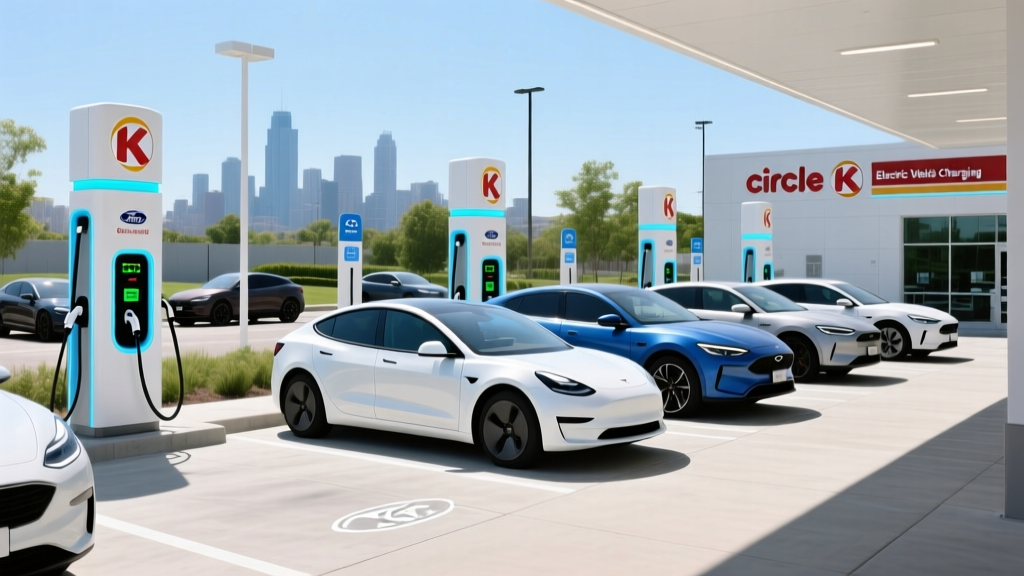
The connector landscape in 2026 has largely consolidated around NACS, but millions of CCS1 and some CHAdeMO vehicles remain on the road. Here is the current compatibility map:
| Connector | Brands Using It (Native) | Home Level 2 Plug Type | Adapter Needed? |
|---|---|---|---|
| NACS (Tesla standard, now SAE J3400) | Tesla, Ford, GM, Rivian, Hyundai/Kia (2025+), Volvo, Polestar | NACS | None for native vehicles; CCS-to-NACS adapters available for legacy CCS cars |
| CCS1 | VW, BMW (pre-2025), older Hyundai/Kia, Stellantis | J1772 (AC) / CCS1 (DC) | J1772-to-NACS adapter if using Tesla Wall Connector |
| CHAdeMO | Nissan Leaf (legacy); largely discontinued on new models | J1772 (AC) / CHAdeMO (DC) | Limited adapter options; best to use CHAdeMO-native public stations |
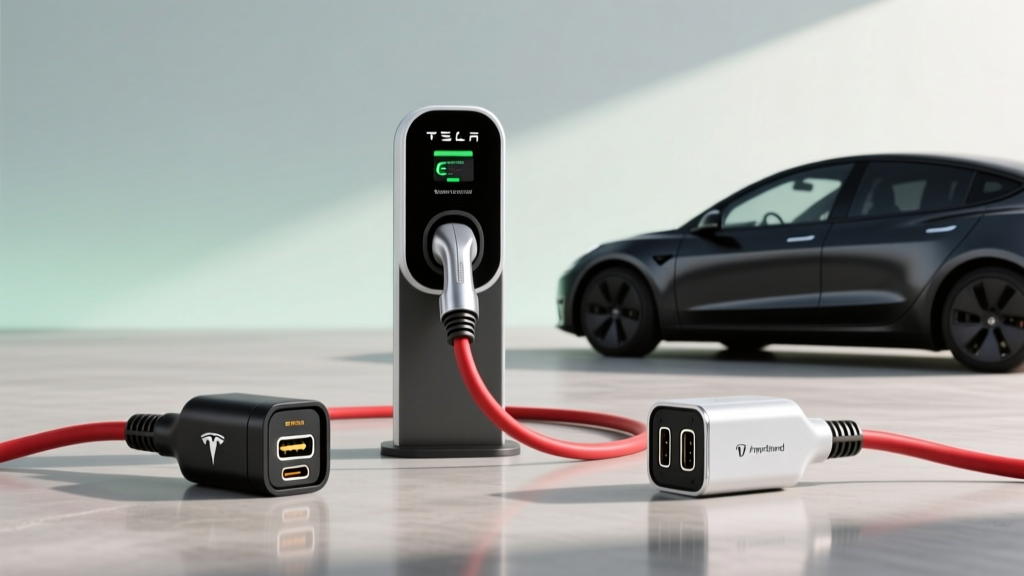
For home Level 2 charging, all EVs use either a J1772 plug (the universal AC standard) or NACS (Tesla's connector, now adopted industry-wide). If you own a CCS1-equipped vehicle and want to use a Tesla Wall Connector, a J1772-to-NACS adapter (approximately $100–$150 from Lectron or Tesla's official adapter) handles the conversion cleanly.
How Much Does It Cost to Install a Home EV Charger?
This is the single biggest variable in any charger jailbreak plan. Upgrading from a 120V outlet to a dedicated 240V circuit—and potentially upgrading your electrical panel—can range from straightforward to expensive depending on your home's age and panel capacity.
| Component | Simple Install (Panel Adjacent) | Moderate Install (50–80 ft run) | Complex Install (Panel Upgrade + Long Run) |
|---|---|---|---|
| Level 2 EVSE (charger unit) | $350–$700 | $350–$700 | $350–$700 |
| Electrical permit | $50–$150 | $50–$150 | $50–$200 |
| Electrician labor (licensed) | $300–$600 | $600–$1,400 | $1,500–$3,000 |
| Panel upgrade (100A → 200A) | Not needed | Not needed | $1,500–$3,500 |
| Conduit, wiring, breaker | $100–$250 | $200–$500 | $400–$800 |
| Total estimated cost | $800–$1,700 | $1,200–$2,750 | $3,800–$8,200 |
When Do You Need a Panel Upgrade?
Homes built before 1990 often have 100-amp service panels. Adding a 60A breaker (to support 48A continuous charging) to a panel already near capacity is a non-starter without an upgrade. Here is a quick check:
- Locate your main breaker—it should say 100A, 150A, or 200A.
- Add up the amperage of your largest simultaneous loads: HVAC (30–50A), electric dryer (30A), electric oven (40–50A), water heater (30A).
- If those loads plus your desired EV circuit exceed 80% of your main breaker rating, you need a panel upgrade or a load-management device (like the Emporia Load Management Controller, ~$150) that dynamically throttles EV charging when other appliances draw heavily.
Per the National Electrical Code (NEC Article 625), EV charging circuits require a dedicated breaker. A licensed electrician will pull a permit, run the appropriate gauge wire (6 AWG copper for 60A, 4 AWG aluminum for longer runs), install a NEMA 14-60 receptacle or hardwire the unit, and schedule an inspection. Hardwired installs are generally preferred—they eliminate the receptacle as a failure point and allow the full 48A continuous draw without the NEC's 80% derating rule for plug-in connections (a NEMA 14-60 outlet on a 60A breaker is technically limited to 48A continuous, which is fine, but some jurisdictions require 50A breakers for 14-60 receptacles, limiting you to 40A continuous).
What Electrical Upgrades Might You Need?
Beyond the panel itself, consider these common upgrade paths:
- Dedicated circuit: EV chargers must have their own breaker. Sharing a circuit with a dryer or HVAC is a code violation and a safety risk.
- GFCI protection: NEC 2020 and later require GFCI protection for outdoor receptacles and, in many jurisdictions, for indoor EV outlets as well. Hardwired EVSEs with built-in ground-fault protection typically satisfy this without a separate GFCI breaker (which can cause nuisance tripping with some EVSEs).
- Outdoor rating: If your charger mounts outside, it must carry a NEMA 4 or IP65 rating. All chargers recommended below meet this standard.
- Wi-Fi and smart features: Smart chargers enable scheduling (to hit off-peak utility rates), remote monitoring, and integration with solar inverters. If you are pursuing a "jailbreak" to escape utility throttling, a non-networked ("dumb") charger eliminates the remote-control pathway entirely.
Cost to Charge: $/kWh Scenarios and Cost Per Mile vs Gas
The economics of EV charging depend heavily on where and when you plug in. Here are realistic 2026 scenarios:
| Scenario | $/kWh | Cost to Add 200 Miles (75 kWh battery, ~3.5 mi/kWh) | Cost Per Mile |
|---|---|---|---|
| Home off-peak (utility TOU rate) | $0.08–$0.12 | $4.57–$6.86 | $0.023–$0.034 |
| Home standard residential rate | $0.14–$0.18 | $8.00–$10.29 | $0.040–$0.051 |
| Public Level 2 (ChargePoint, EVgo) | $0.25–$0.39 | $14.29–$22.29 | $0.071–$0.111 |
| DC Fast Charging (Electrify America, Tesla Supercharger) | $0.32–$0.52 | $18.29–$29.71 | $0.091–$0.149 |
| Gasoline equivalent (25 MPG avg, $3.40/gal) | — | $27.20 | $0.136 |
According to fueleconomy.gov, the average EV achieves 3–4 miles per kWh. At home off-peak rates, that translates to roughly 2–3 cents per mile—about one-fifth the cost of gasoline. Even public DC fast charging is often cheaper per mile than gas, though the gap narrows significantly.
This is where a charger jailbreak pays dividends: by maximizing your home Level 2 speed, you minimize reliance on expensive public DC fast chargers. A full overnight charge at $0.10/kWh costs $7.50 for a 75 kWh battery—enough for 250+ real-world miles in most mid-size EVs.
Equipment Recommendations: Top Level 2 Chargers for 2026
Here are four chargers that EV owners commonly discuss in jailbreak and optimization contexts, chosen for their power output, reliability, and configurability:
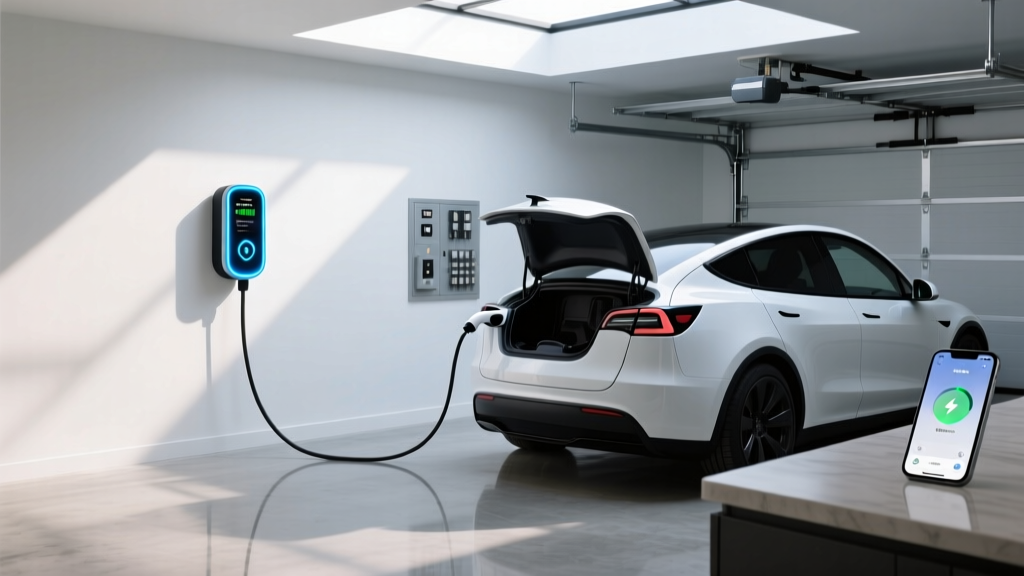
Tesla Wall Connector (Gen 4)
- Max output: 48A (11.5 kW at 240V)
- Connector: NACS native; J1772 adapter included
- Cable length: 24 ft
- Smart features: Wi-Fi, OTA updates, Power Sharing (link up to 6 units on one circuit), access control
- Price: ~$475
- Jailbreak note: Power Sharing feature allows dynamic load balancing; DIP switch configurable for 16A–48A
Emporia Vue Level 2 EV Charger
- Max output: 48A (11.5 kW at 240V)
- Connector: J1772 (NACS adapter available)
- Cable length: 24 ft
- Smart features: Wi-Fi, solar integration, TOU scheduling, energy monitoring via Emporia app
- Price: ~$399
- Jailbreak note: Fully configurable amperage in 1A increments via app; no utility remote-lock capability when Wi-Fi disabled
Grizzl-E Smart (United Chargers)
- Max output: 40A (9.6 kW at 240V)
- Connector: J1772 or NACS (select at purchase)
- Cable length: 24 ft
- Smart features: OCPP-compatible, works with multiple energy-management platforms, built-in load balancing
- Price: ~$449
- Jailbreak note: Open OCPP protocol means no proprietary lock-in; DIP switches allow 16/24/32/40A settings
ChargePoint Home Flex
- Max output: 50A (12 kW at 240V)
- Connector: J1772 (NACS adapter sold separately)
- Cable length: 23 ft
- Smart features: Wi-Fi, Alexa integration, detailed energy reports, schedule & reminder features
- Price: ~$599
- Jailbreak note: Configurable from 16A–50A in app; requires 60A circuit for full 50A output
Is a Charger Jailbreak Safe and Legal?
The short answer: reconfiguring your charger's amperage to match its rated capacity and your circuit's capacity is perfectly safe and legal—provided you follow NEC rules. What crosses into risky territory:
- Exceeding circuit capacity: Setting a charger to 48A on a 50A breaker (which only supports 40A continuous) is a code violation and a fire risk.
- Bypassing GFCI or ground-fault protection: Never disable safety devices to prevent nuisance tripping. If your GFCI trips repeatedly, the issue is likely a ground fault that needs diagnosis, not circumvention.
- Using uncertified firmware: Flashing unofficial firmware onto a UL-listed charger voids the listing. If an electrical fire results, your homeowner's insurance may deny the claim.
- Ignoring utility interconnection agreements: If you enrolled in a utility demand-response program for a rebate, disconnecting the smart module to avoid throttling may violate your agreement and trigger clawback of the incentive.
The safest "jailbreak" is the most boring one: buy a charger rated for the amperage you want, have a licensed electrician install it on a properly sized dedicated circuit, pull a permit, pass inspection, and configure the amperage in the manufacturer's official app. No hacks required.
Frequently Asked Questions
How much does it cost to install a home EV charger?
A straightforward Level 2 installation on an existing 200A panel typically costs $800–$1,700 (equipment + electrician + permit). If your panel needs an upgrade from 100A to 200A, expect $3,800–$8,200 total. Always get at least two quotes from licensed electricians.
How fast will each charging level add range?
Level 1 (120V) adds 3–5 miles per hour. Level 2 at 32A (7.7 kW) adds roughly 28 miles per hour. Level 2 at 48A (11.5 kW) adds roughly 42 miles per hour. DC fast charging at 150+ kW can add 150–400+ miles in 20–30 minutes, depending on the vehicle's charge curve and battery temperature.
Which connector/charger is compatible with my EV?
For 2025–2026 models: Tesla, Ford, GM, Rivian, Hyundai, Kia, and Volvo use NACS natively. Most pre-2025 non-Tesla EVs use CCS1 (J1772 for AC, CCS1 for DC). The Nissan Leaf uses CHAdeMO for DC. For home Level 2, any J1772 or NACS charger works with the appropriate adapter. Check your vehicle's charge port before purchasing equipment.
How much does charging cost per mile vs gas?
At home off-peak rates ($0.08–$0.12/kWh), EV charging costs roughly $0.02–$0.03 per mile. Gasoline at $3.40/gallon in a 25 MPG vehicle costs about $0.14 per mile. Even public DC fast charging at $0.35–$0.52/kWh ($0.09–$0.15/mile) is often competitive with gas.
What electrical upgrades might I need?
The most common upgrades are: a dedicated 60A breaker and 6 AWG wire run for a 48A charger, a panel upgrade from 100A to 200A service in older homes, GFCI protection (now required by NEC for many EV installations), and a load-management controller if your panel lacks headroom for a full-size EV circuit alongside existing appliances.
Will a charger jailbreak void my warranty?
Configuring amperage within the manufacturer's official settings (via app or DIP switches) does not void the charger warranty. Flashing third-party firmware or physically modifying internal components will void UL certification and the manufacturer warranty. Always stay within documented configuration options.